EasyManua.ls Logo

Pro'sKit MT-7071 - User Manual

Pro'sKit MT-7071
84 pages
Print Icon
To Next Page IconTo Next Page
Loading...
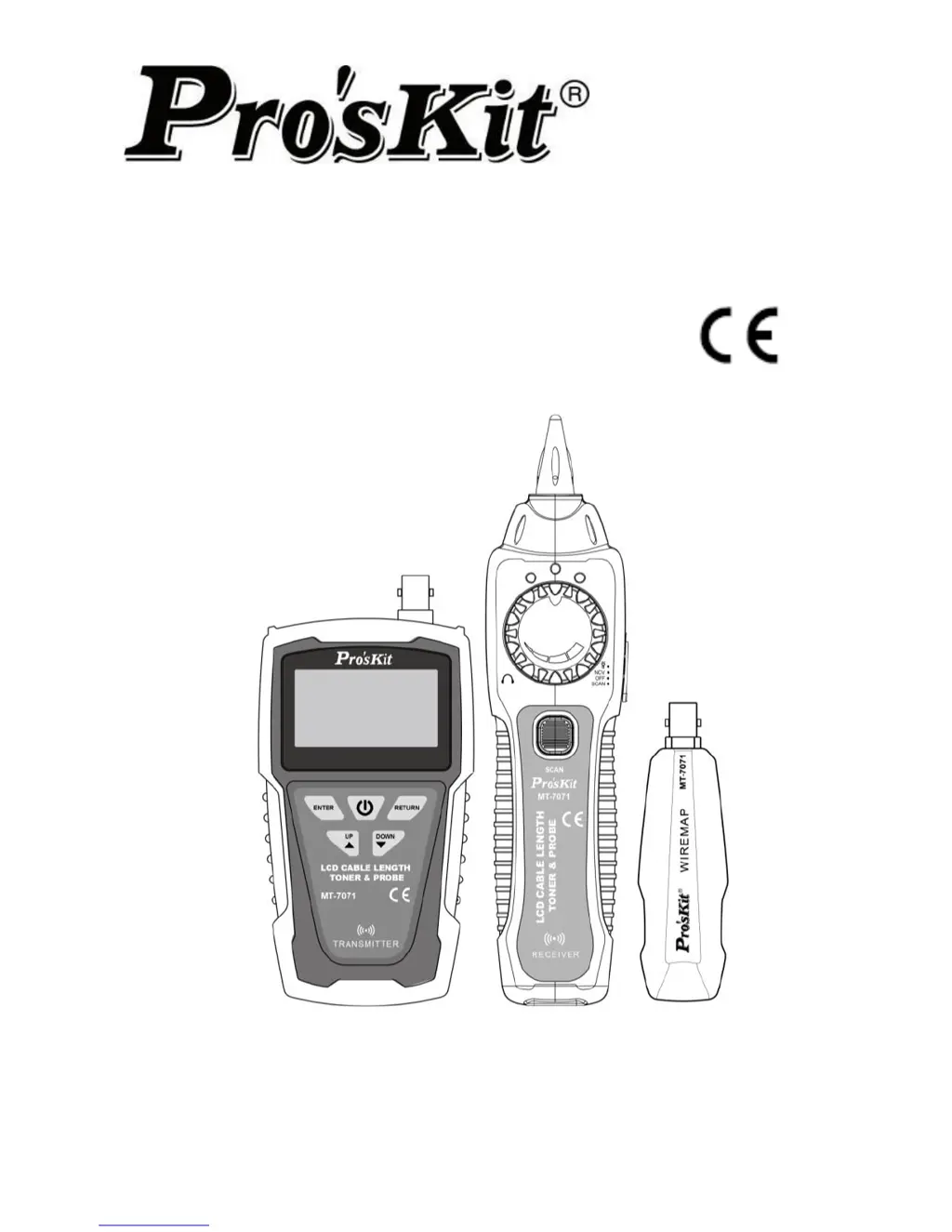
LCD Cable Length Toner & Probe Kit
MT-7071 /MT-7071K
Users Manual
1
st
Edition,
© 2017 Copyright by Prokit’s Industries Co., Ltd.

Table of Contents

Questions and Answers

  • M
    mwilsonAug 2, 2025
    Why is the Pro'sKit MT-7071 Measuring Instruments transmitter signal not detected by the receiver?
    • S
      smithamandaAug 3, 2025
      If the Pro'sKit Measuring Instruments receiver isn't detecting the transmitter signal, there are several potential causes. First, check the battery levels in both the transmitter and receiver. If the voltage is below 7.0V, replace the batteries. Second, ensure the receiver switch is set to 'SCAN' or 'LED,' as the 'SCAN' function won't operate in the 'NCV' position. If neither of these steps resolves the issue, the device may be damaged, and you should return it to the place of purchase for maintenance.
  • A
    Andrew AndersonAug 13, 2025
    What to do if Pro'sKit Measuring Instruments cable mapping result is incorrect?
    • N
      Nathaniel MillerAug 13, 2025
      If you're getting an incorrect cable mapping result with your Pro'sKit Measuring Instruments, it could be due to a couple of reasons. First, ensure that you have properly connected the networking or telephone cables. Reconnect the cables securely to the RJ45 or RJ11 jacks individually. If the issue persists, the LCD display may be broken, and you should return the product to the place of purchase for maintenance.
  • T
    timothy17Aug 23, 2025
    Why is there no signal from the Pro'sKit MT-7071 transmitter during live telecommunication device testing?
    • M
      Michael MillerAug 23, 2025
      If you are not receiving a signal from the transmitter when testing a live telecommunication device with your Pro'sKit Measuring Instruments, it might be due to conflicting signals. The signal from the telephone office may be interfering with the signal from the transmitter. To resolve this, please turn off the telephone exchange device.

Summary

Packaging and Specifications

Transmitter Specifications

Details display, connectors, cable types, test modes, and measurement technology.

Receiver Specifications

Details frequency, connectors, function selection, and battery type for the receiver.

Remote Unit Specifications

Details the remote unit's dimensions and quantity supported.

Safety Information

Critical Safety Warnings

Warns against testing live wires and using damaged equipment.

Product Operation

Cable Mapping

Explains how to perform cable mapping and important cautions.

Length Measurement and Calibration

Length Measurement Guidelines

Provides cautions and requirements for accurate cable length measurement.

Length Calibration Procedure

Step-by-step guide for calibrating the length measurement function.

Locating and Isolating Cables

Live Network Device Testing

Shielded Cable and Continuity Test

NCV (Non-Contact Voltage) Test

Battery Life and Replacement

Battery Replacement Guide

Details how to check battery status and replace the battery.

Maintenance and Troubleshooting

Troubleshooting Common Issues

Provides solutions for common problems like no signal or incorrect mapping.

Pro'sKit MT-7071 Specifications

General IconGeneral
ModelMT-7071
CategoryMeasuring Instruments
Length MeasurementYes
Wire MapYes
Tone GeneratorYes
Tone Frequency1kHz
Power Source9V Battery
DisplayLCD
Digits4
Continuity TestYes
Dimensions180 x 80 x 40mm
Cable Test TypesOpen, Short, Cross, Split
Length Measurement UnitsMeters, Feet
ConnectorsRJ45
Cable Types TestedUTP, STP, Coaxial
Diode TestNo

Related product manuals