LIVE TELECOMMUNICATION EQUIPMENT AND ROUTER TEST
Caution!
The feature can only be used for testing cable continuity and opens,
cannot be used for cross over and short.
When test on live networking equipments or routers, due to some brands
of HUB have the different circuit design, only can display 1、2、3、6 short。
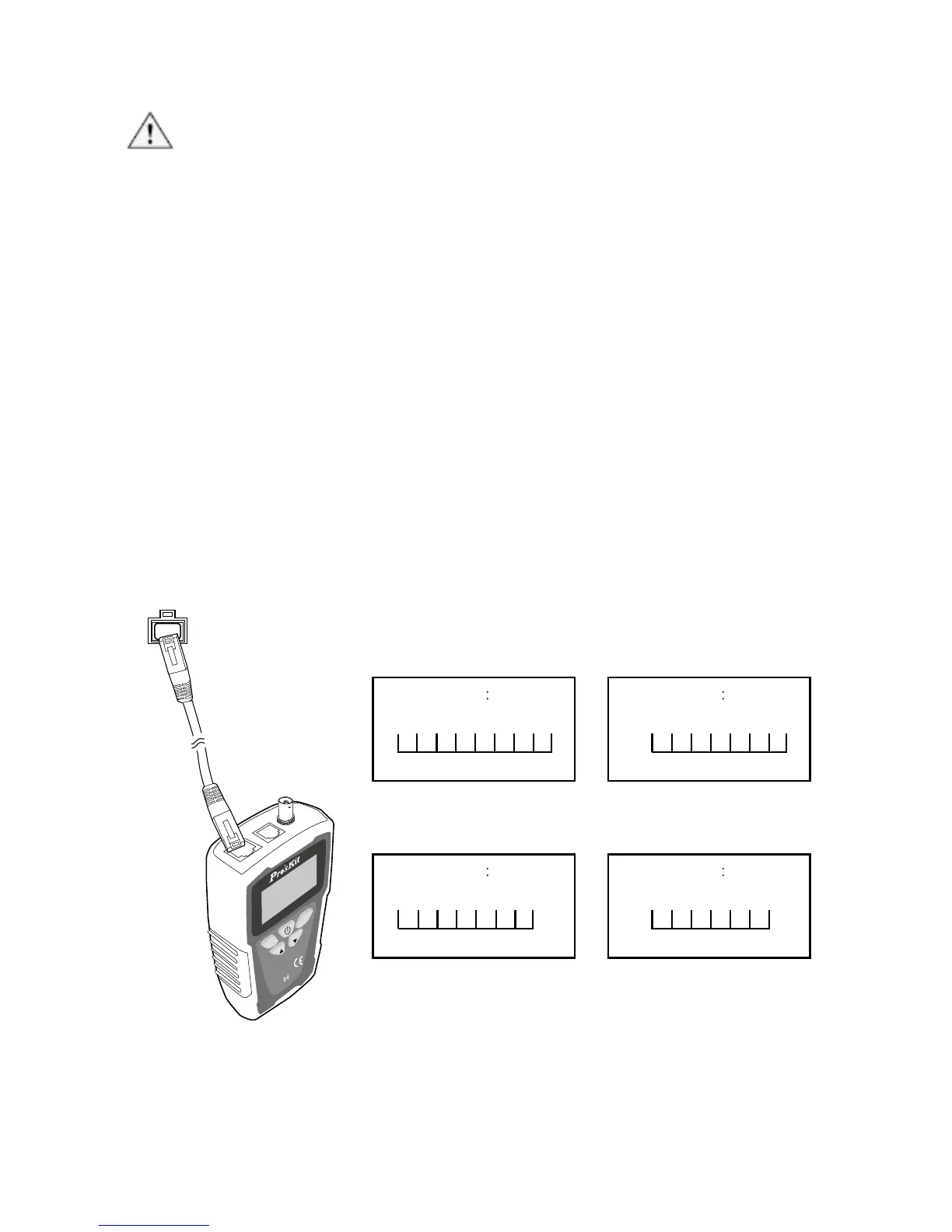
1. According to Figure 10, connect MT-7071 transmitter and working router
by RJ45 (8P/8C).
2. Select cable type, please refer to page30「Operating process chart
B.(Type:)」
3. Perform cable mapping, please refer topage30「Operating process chart
C.(Cable Mapping)」
4. The test result will be shown as figure 10.
5. If test result shows “Short mapping” with wires 1~8 and G that indicates
wires 1~8 and G are continuity. If test result shows no wire is continuity
that means wire is fault.



 To Next Page