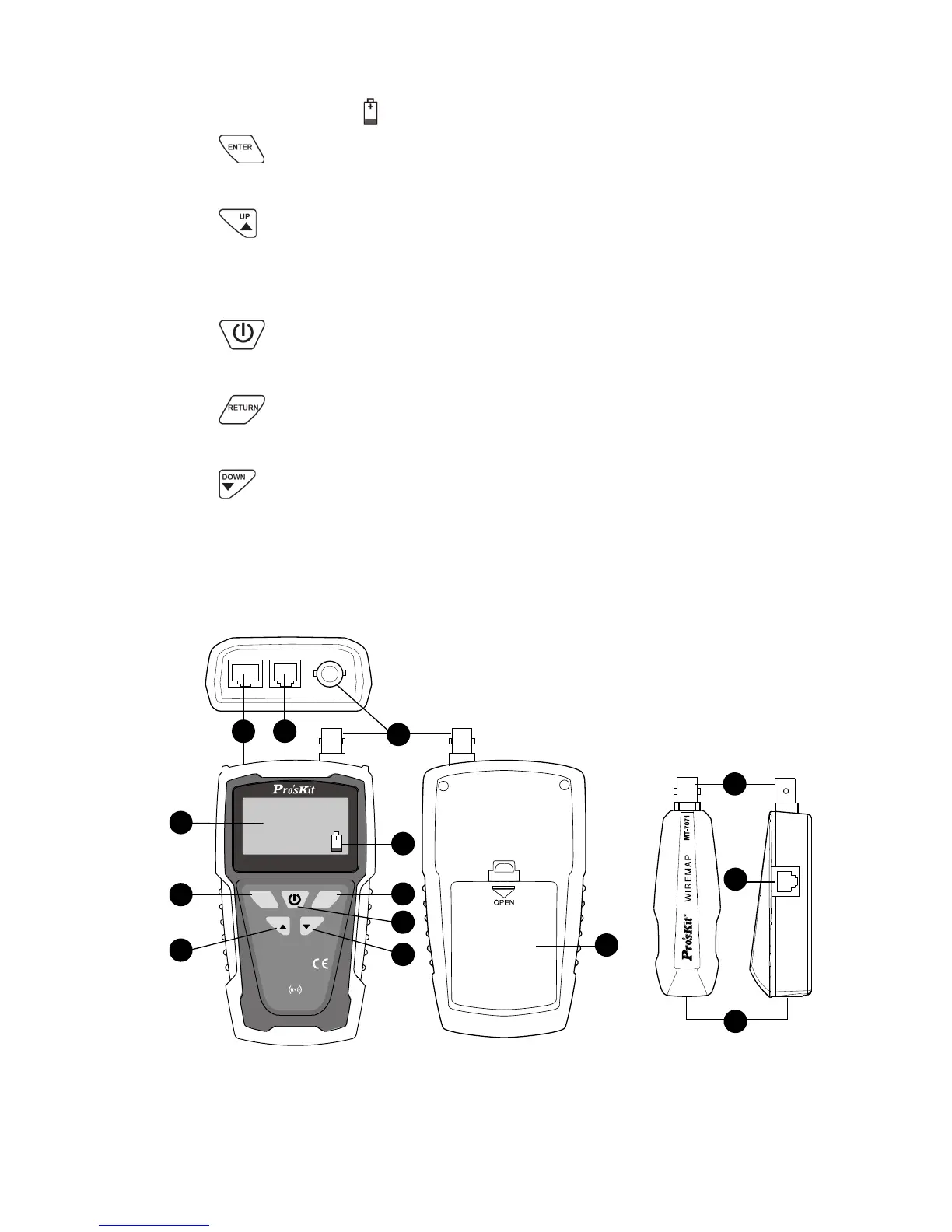
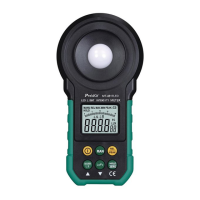
5. Battery low indicator: When the battery is lower than DC 7.0V, LCD
will show flash 「 」icon. Please replace battery.
6. 「 」Function enter push button:Press this button to enter the
function.
7. 「 」Function up push button:Press this button to move up arrow
cursor on LCD to choose function or increase 0.1 meters / feet / yards of
calibration parameters.
8. 「 」Power ON/OFF push button:Press this button to power on,
push again for power off.
9. 「 」Function return push button:Press this button to return to
previous menu.
10. 「 」Function down push button:Press this button to move down
arrow cursor on LCD to choose function or reduce 0.1 meters / feet /
yards of calibration parameters.
11. Battery cover.



 To Next Page