from the first one. Note: This process can be repeated as
required.
Cancel/Clear
When measuring, press
to cancel the last action or
clear measured data.
Historical data
Press
to view historical data, the last 20 measured
data points will be displayed in reverse order. Press
to view the next value. Press
to view the previous
value. Press
to quit historical data viewing.
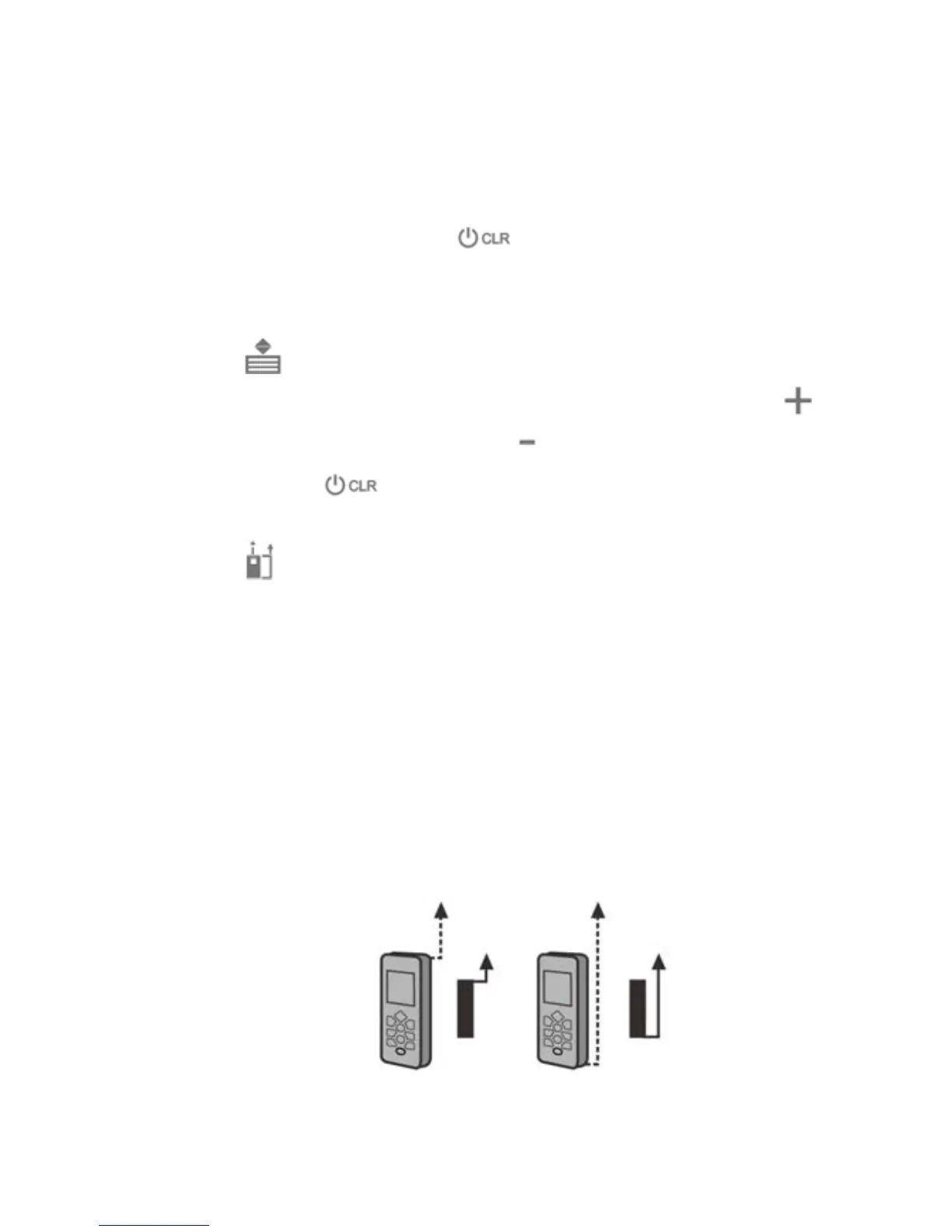
Set up Reference Point
Press
to switch reference point between the top,
bottom and end-piece of the instrument. There is a beep
warning tone when reference pint is changed. The
default reference setting is from the bottom of the
instrument. The reference point will be set to default
every time when it’s powered off, I.E. the measuring
reference point is from the bottom of the instrument every
time when it’s powered on.
8



 To Next Page