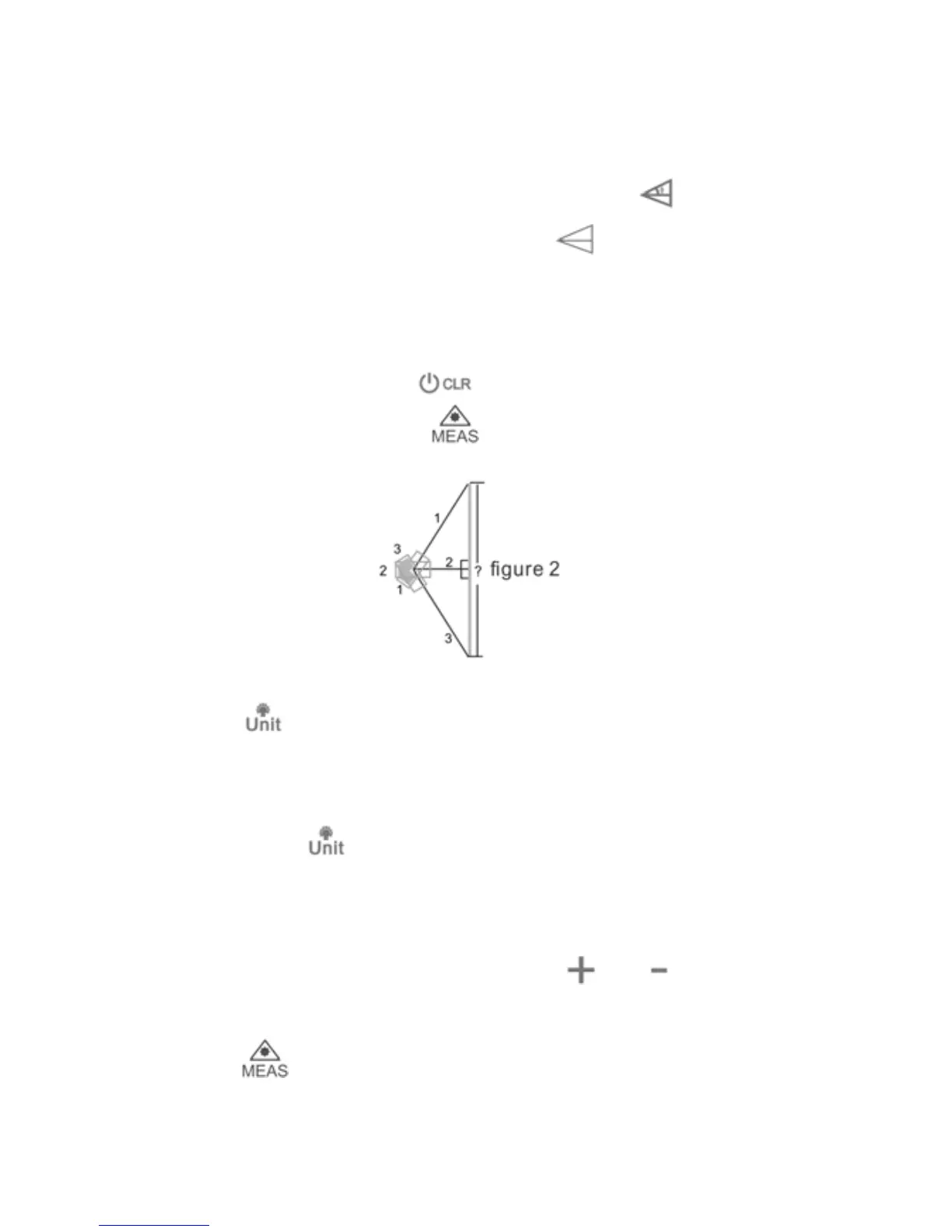
Pythagorean Three Points
The results of length, width and area are displayed in the
display in order. Refer to figure 2. Press
four times to
activate the function, the symbol
appears in the
function field on the display. Take No. 1, No. 2 and No. 3
length, the result is calculated and displayed on the
summary line. Press
to delete any measured
length and then press to re-measure.
Ba
cklight
Press to turn on and off backlight, to read data on
display clearly in darkness.
Unit Change
Long press
to change distance unit between m, ft, in
and ft+in.
Addition/Subtraction
Take a measurement, then press
or ,
addition/subtraction symbol will appear on display, then
press
button to take the second measurement, the
second value will be automatically added to/subtracted
7



 To Next Page