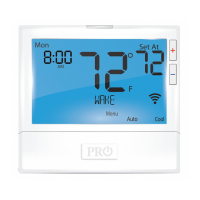
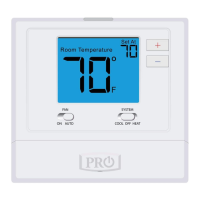
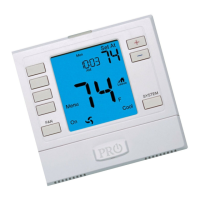
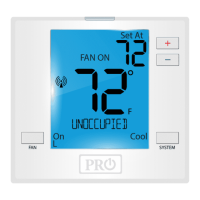
Thermostat Quick Reference
Important:
Battery Door Information
When the battery icon appears replace your AA
batteries immediately. Failure to do so may result in your
heating & cooling system becoming inoperable.
Freezing or overheating can occur.
Caution:
LOW
Thermostat Quick Reference
Simple operating instructions are
found on the back of the battery door.
Replace with
2 AA Alkaline
batteries. High
quality Alkaline
batteries are
recommended.
The low battery icon is displayed when the AA battery power
is low. Whenever the thermostat detects low battery voltage
from the AA batteries, the low battery icon will begin ashing
on the screen for 21 days (if the batteries are not changed).
If the batteries are not changed 22 days after the thermostat
detects low battery voltage, the thermostat screen will only
show the ashing battery icon until buttons are pressed. If
the batteries are not changed 43 days after the thermostat
detects low battery voltage, the thermostat screen will only
show the ashing battery icon until buttons are pressed and
the setpoints will oset to 85°F/29°C in cooling and 55°F/13°C
in heating. At this stage, set point changes can be made
temporarily, but the setpoints will change back to defaulted
values after a 4-hour period. The thermostat will continue to
perform this low battery ashing, temperature oset
condition until the internal voltage threshold is reached.
When the thermostat internal voltage threshold is reached, all
relays will be opened and the thermostat will become
inoperable until new batteries are installed.


 To Next Page
 Loading...