1110
Caution:
• Always wash and dry the treatment area before applying
the electrodes.
• Do not turn the device on when the electrodes are not applied
to the treatment area. Never adjust, reposition or remove the
electrodes while the device is still on.
•Always use this device with 4 cm self-adhesive electrodes,
or larger.
5. Turn the device on
Carefully read the contraindications and safety
information in this manual before using for the
first time.
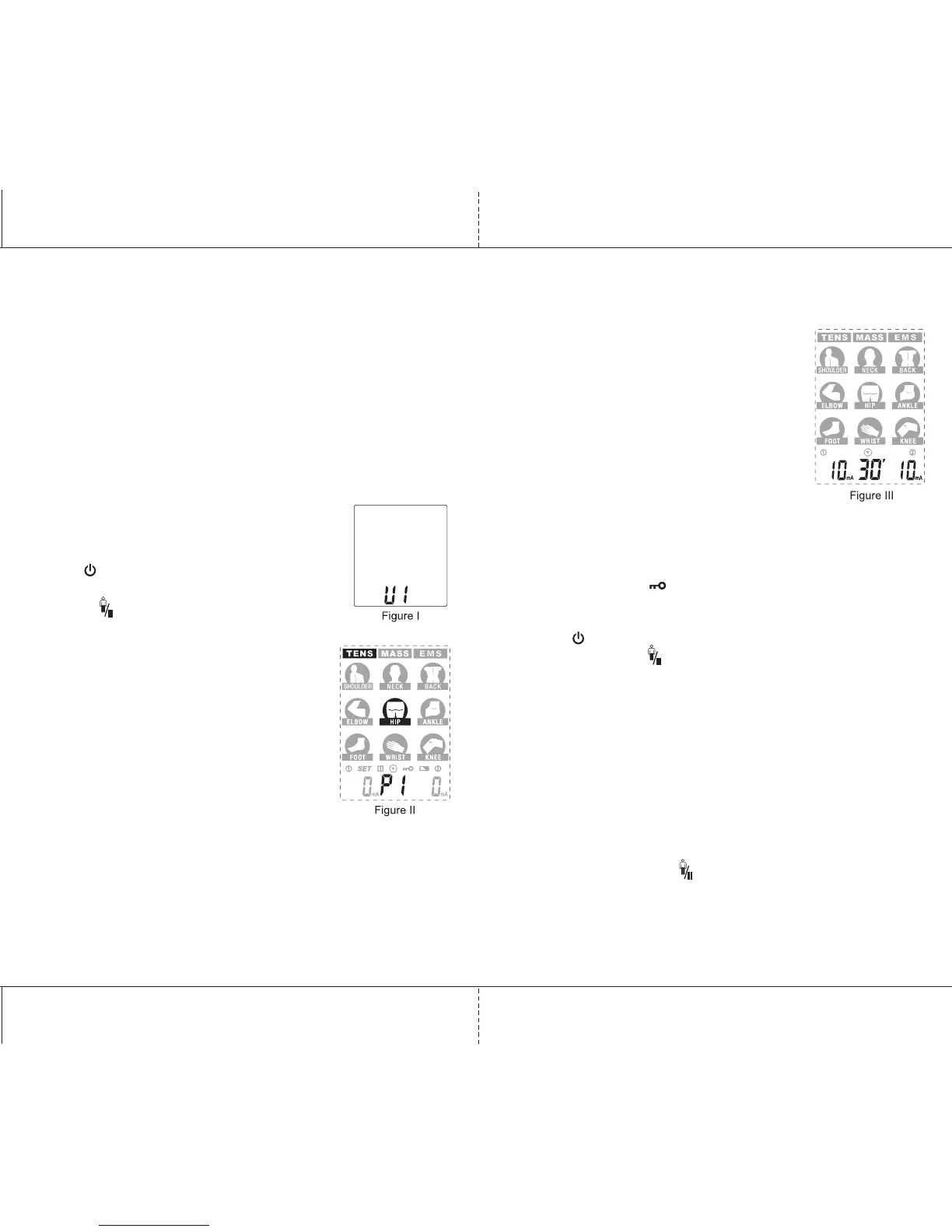
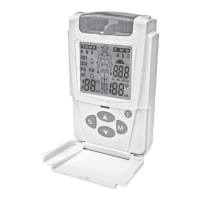
Press . The device will first go into user
select mode (see figure I). Select U1 or U2 by
pressing and press S to continue.
6. Select the therapy mode and site
Press M to select “TENS”, “MASSAGE” or “EMS”.
The selected mode will flash (see figure II).
Press S to select the therapy site (body part).
The therapy site will flash once selected
(see figure II).
7. Select the therapy program
Press P to select the therapy
program for the treatment site selected.
The LCD will display program numbers (see figure II).
See p.13 for details on preset and user-defined programs.
8. Adjust the intensity to start the treatment
Press CH1+ or CH2+ to increase the intensity
of the corresponding channel,which will begin
treatment. Use CH1- and CH2-to decrease
the intensity. The LCD will display the current
intensity (see figure III) and remaining
treatment time.
IMPORTANT
• The intensity of stimulation may be adjusted
as required to a maximum of 90 (1 level/step).
• Always turn the unit off before removing the electrodes.
• The safety lock feature automatically activates after 20 seconds
of button inactivity. You cannot increase the output intensity
while the indicator is displayed. Press CH1- or CH2- button
to unlock the device.
• The device stops automatically once treatment time reaches "0".
• Press to stop treatment at any time and put the device in
standby. Press the to simply pause treatment and press again
to resume. If the device is locked, press CH1- or Ch2- first to unlock
the device.
• If an open circuit is detected on either channel and the amplitude
level is 10mA or greater, the amplitude will be reset to 0mA.
9. Consulting the memory
The device will record the treatment parameters (e.g. recording
number, program, body part, the average intensity and treatment
time) after you finish your treatment. The maximum number
of records is 30, after which the oldest record will be deleted.
To check the memory, press and hold S for 3 seconds to enter
into memory mode. Press to read the memory parameter,
and press CH1 button to move to the next record number.


 To Next Page