EasyManua.ls Logo

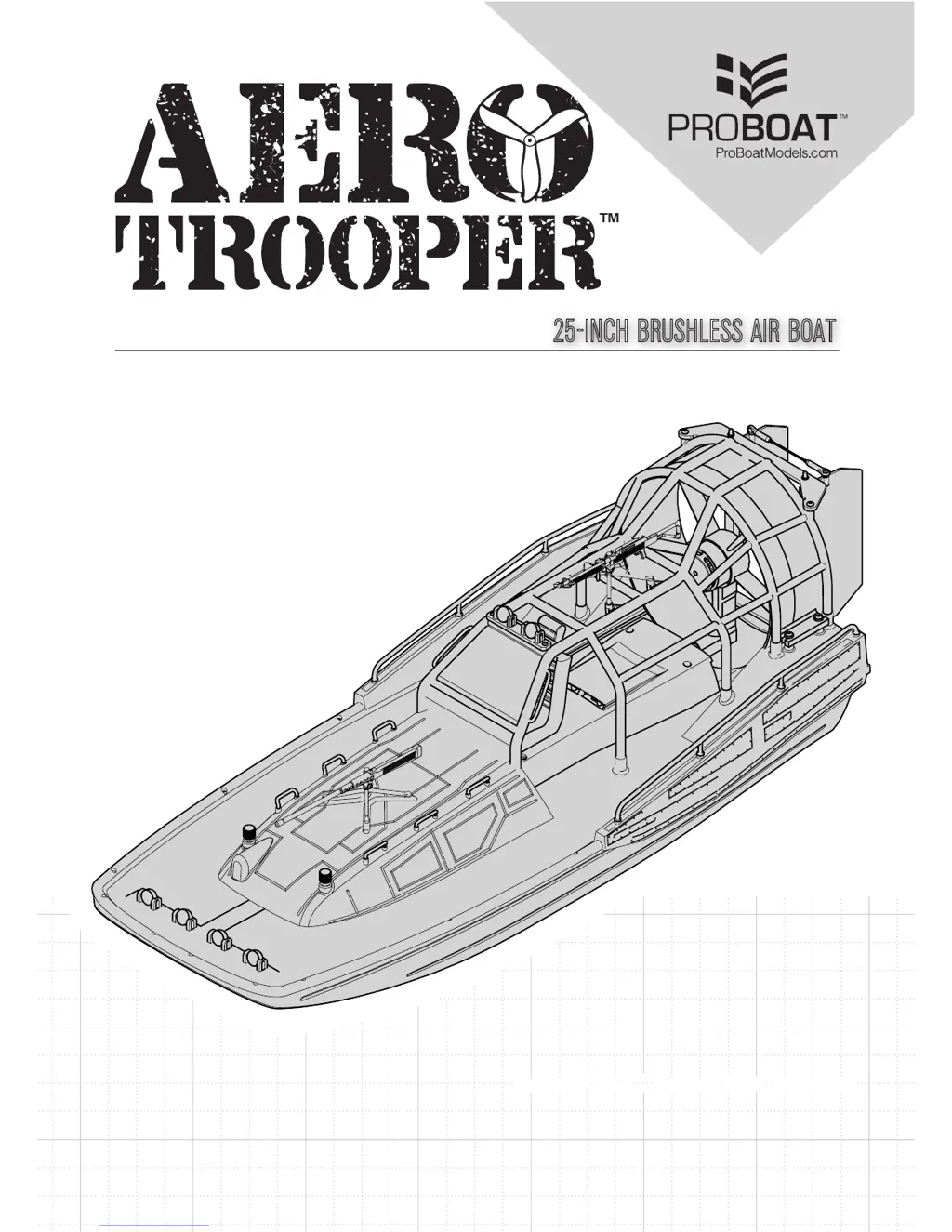
ProBoat AERO TROOPER - User Manual

ProBoat AERO TROOPER
15 pages
Print Icon
To Next Page IconTo Next Page
Loading...
PRB08034
25
-
INCH BRUSHLESS AIR BOAT
Box logo
Boat logo
Instruction Manual Bedienungsanleitung Manuel de l’utilisateur • Manuale dell’utente
Battery and Charger Not Included

Questions and Answers

  • D
    Devin SchultzJul 28, 2025
    What to do if the transmitter is too near the ProBoat AERO TROOPER during binding process?
    • D
      David WaltonJul 28, 2025
      If your ProBoat Toy's transmitter is too near the boat during the binding process, it may be due to several reasons: * The boat or transmitter might be too close to a large metal object, a wireless source, or another transmitter. Try moving the powered transmitter a few feet away from the boat and then disconnect and reconnect the battery to the boat. * Alternatively, the boat and transmitter may be in a bad location. Try moving them to another location and attempt binding again. * Ensure that all compatible transmitters except the one you are trying to bind are powered off. * The boat or transmitter battery charge could be too low, so replace or recharge the batteries. * Finally, make sure the ESC switch is powered on.
  • R
    richard12Aug 2, 2025
    What to do if the transmitter is too near ProBoat AERO TROOPER during connecting process?
    • J
      Jesus GomezAug 2, 2025
      If your ProBoat Toy's transmitter is too near the boat during the connecting process, it may be due to: * The boat or transmitter being too close to a large metal object, wireless source, or another transmitter. To resolve this, move the powered transmitter a few feet from the boat and then disconnect and reconnect the battery to the boat. * The boat or transmitter may be in a bad location. Try moving them to another location and attempt connecting again. * The boat or transmitter battery charge being too low. Replace or recharge the batteries. * The ESC switch being off. Power on the ESC switch.
  • M
    Ms. Amanda HarrellAug 8, 2025
    Why does the motor power pulse then lose power on my ProBoat Toy?
    • N
      Nathan GregoryAug 8, 2025
      If your ProBoat Toy's motor power pulses and then loses power, it could be due to a few reasons. The weather conditions might be too cold, in which case you should postpone use until the weather is warmer. Alternatively, the battery might be old, worn out, or damaged, so consider replacing it. Lastly, the battery C-rating could be too low, so you should replace the battery with one that has an adequate C-rating.
  • J
    Joseph RubioAug 15, 2025
    What to do if the ProBoat AERO TROOPER Toy boat battery charge is low?
    • A
      Anne NewtonAug 15, 2025
      If your ProBoat Toy boat battery charge is low, it might be due to a damaged battery. Try completely recharging the battery. If that doesn't work, replace the boat battery, making sure to follow the battery instructions. Also, ensure the battery is warm (above 10ºC [50ºF]) before use. If the issue persists, replace the battery or use a larger capacity battery.
  • K
    Kelly HoltAug 20, 2025
    Why is there extra noise or vibration in my ProBoat AERO TROOPER?
    • A
      Ashley ChambersAug 20, 2025
      Extra noise or vibration in your ProBoat Toy can be caused by a damaged propeller, shaft, or motor. To resolve this, replace the damaged parts.

Summary

Meaning of Special Language

Safety Precautions and Warnings

Water-Resistant Boat with Waterproof Electronics

Details the boat's design for water operation and the maintenance requirements for mechanical components.

General Precautions

Wet Conditions Maintenance

Provides procedures for draining water and maintaining the boat after use in wet conditions.

Specifications

Product Inspection

Box Contents

Recommended Tools and Materials

Placing the Decals

Battery and Charger

Installing the Battery Pack

Antenna Tube Installation

Transmitter Controls

Installing Transmitter Batteries

Low Voltage Cutoff (LVC)

Getting Started

Control Check

Testing Your Boat in the Water

Boating Tips

When You Are Finished

After Boating and Maintenance

Binding

Failsafe

Throttle Range Calibration

ESC Programming Procedure

Motor Care

Removing the Cage

Replacing the Propeller

Accessing the Electronics

Troubleshooting Guide

Limited Warranty

What this Warranty Covers

Specifies the types of defects in materials and workmanship covered by the warranty.

What is Not Covered

Lists exclusions from warranty coverage, including cosmetic damage and misuse.

Warranty Services

Details how to obtain warranty support and contact Horizon Hobby for assistance.

Inspection or Services

Explains the process for submitting the product for inspection or service, including RMA.

Warranty and Service Contact Information

FCC Information

IC Information

EU Compliance Statement

Replacement Parts

Optional Parts

ProBoat AERO TROOPER Specifications

General IconGeneral
BrandProBoat
ModelAERO TROOPER
CategoryToy
LanguageEnglish

Related product manuals