English | 9 of 92
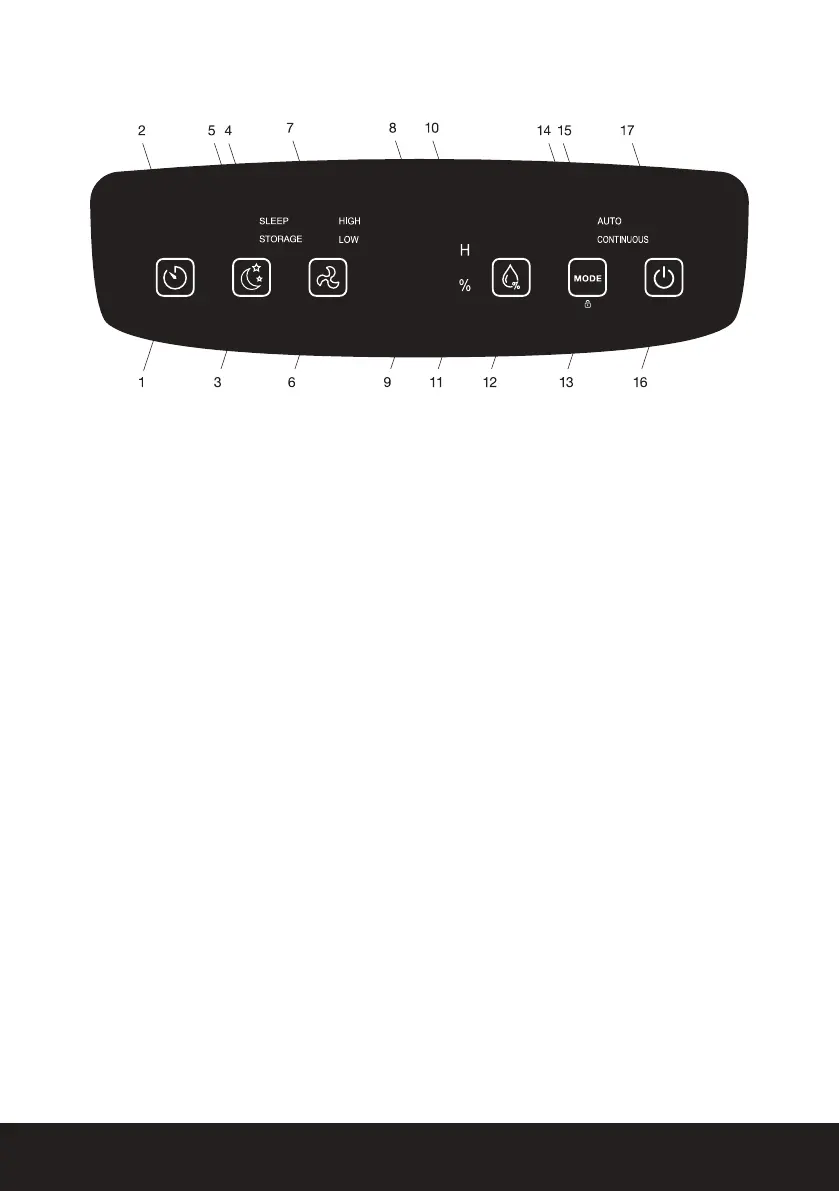
CONTROL PANEL
――
Indicator Lights
1. Timer button
2. Timer indicator light
3. Sleep Mode / Storage Cycle button
4. Sleep indicator light
5. Storage Cycle indicator light
6. Fan Speed button
7. Fan Speed indicator lights
8. Water tank full indicator light
9. Display panel
10. Hour indicator
11. Humidity indicator
12. Humidity set button
13. Mode / Child Lock button
14. Continuous mode indicator light
15. Auto mode indicator light
16. Power button
17. Power indicator light
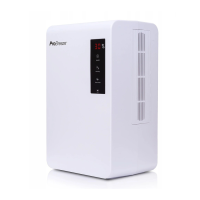
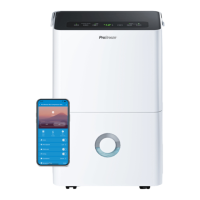
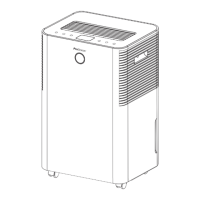
These images are for reference only, please refer to your product. If you nd you’re missing
any parts from your order, please contact our customer care team by emailing
help@probreeze.com for fast and friendly help.
CONTROLS
――
Timer Button: Set a Turn-On or Turn-Off timer, between 1-24 hours.
Setting a Turn-On timer:
1. Press the Power button to turn the dehumidier on.
2. Press the Timer button to activate the timer function.
3. Press Timer button to set the desired time (1-24 hours) untill Turn-On.
4. The time digits will blink ve times to conrm a timer has been set and show the remaining
time till Turn-On.
5. Select the desired settings prior to Turn-On.
Note: If no specic settings are selected the dehumidier will run in AUTO mode.







 To Next Page