54
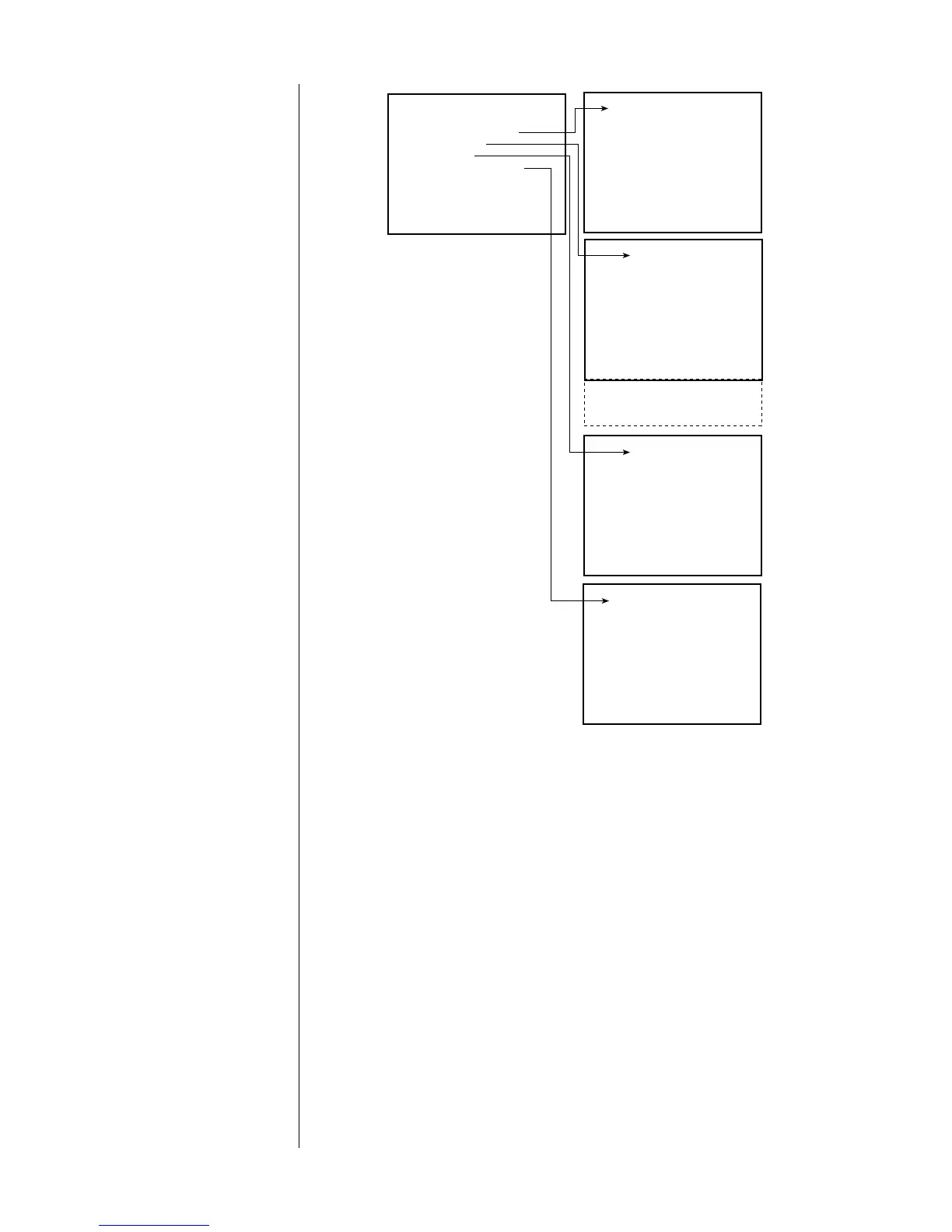
SET SPEAKERS
SET CONFIGURATION
SET DISTANCE
SET LEVELS
BASS LEVEL MANAGER
SET CONFIGURATION
FRONT L&R: 70Hz HPF
CENTER: 80Hz HPF
REAR L&R: 80Hz HPF
SUBS: LOW PASS
AUX1: RIGHT BACK
AUX2: LEFT BACK
RESET CONFIG FOR THX
SET DISTANCE
LEFT: 10.0 ft
CENTER: 10.0 ft
RIGHT: 10.0 ft
RIGHT BACK: 10.0 ft
R SURROUND: 10.0 ft
L SURROUND: 10.0 ft
LEFT BACK: 10.0 ft
SET LEVELS
LEFT: 0.0 dB
CENTER: 0.0 dB
RIGHT: 0.0 dB
RIGHT BACK: 0.0 dB
R SURROUND: 0.0 dB
L SURROUND: 0.0 dB
LEFT BACK: 0.0 dB
SUB: 0.0 dB
BASS LEVEL MANAGER
TEST SIGNAL: OFF
TEST/NEW LEVEL: 35.0
SAVED LEVEL: 65.0
SUBWOOFER: 10.0 ft
UNITS: ENGLISH
• set configuration: informs the system about important characteris-
tics of the speakers being used
• set distance: to time-align the different speakers, correcting for
their various distances from the listening position (so sounds that
are supposed to reach the listener at the same time actually do)
• set levels: to adjust the loudness of the speakers relative to each
other to correct for differences in sensitivity, placement, etc.
• bass level manager: provides a convenient way to limit the
amount of deep bass that might otherwise be sent to your
subwoofer at high volumes (discrete digital soundtracks can some-
times be quite extreme in their deep bass requirements)
Each of these areas will be addressed in more detail, in turn.



 To Next Page