EasyManua.ls Logo

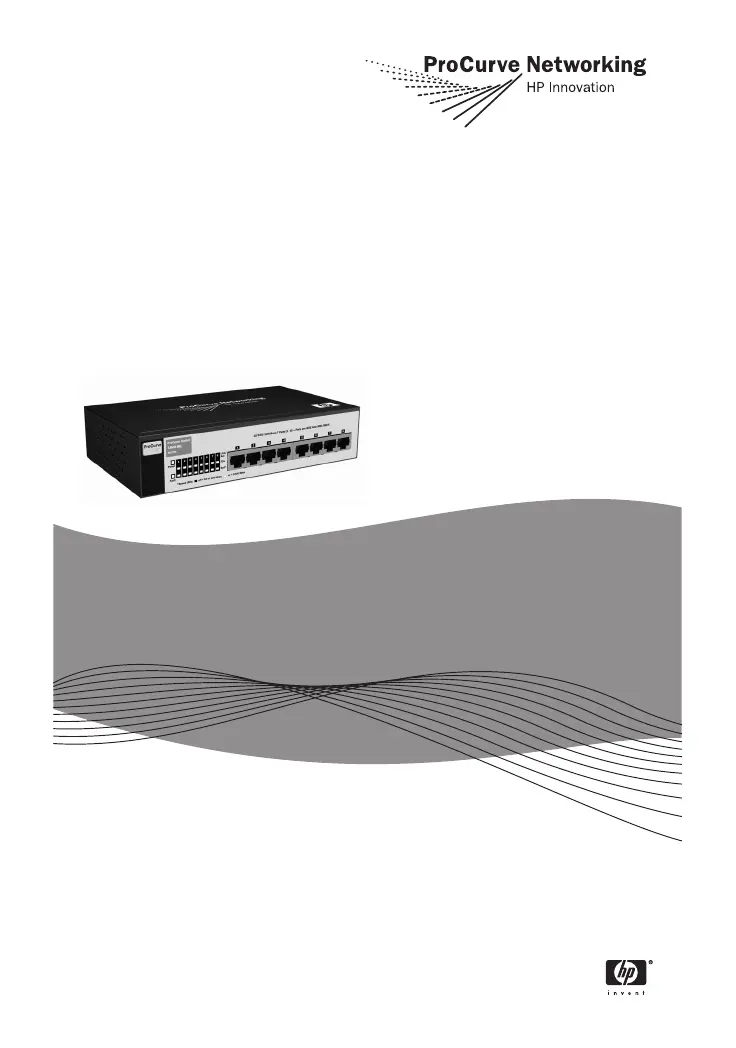
ProCurve 1800-8G - User Manual

ProCurve 1800-8G
62 pages
Print Icon
To Next Page IconTo Next Page
Loading...
Installation and Getting
Started Guide
www.procurve.com
ProCurve Switch 1800-8G

Other manuals for ProCurve 1800-8G

Questions and Answers

Summary

Switch Overview

Switch Hardware Features

Details the physical components and capabilities of the switch.

Installing the Switch

Installation Procedures

Outlines the steps for setting up the switch.

Installation Precautions

Lists essential safety and environmental precautions for installation.

Configuring the Switch

Initial Configuration

Guides through the initial setup and IP address configuration.

Troubleshooting

Basic Troubleshooting Tips

Offers common solutions for typical switch problems.

Diagnosing With the LEDs

Explains how to interpret LED patterns for problem identification.

Safety and EMC Regulatory Statements

Summary

Switch Overview

Switch Hardware Features

Details the physical components and capabilities of the switch.

Installing the Switch

Installation Procedures

Outlines the steps for setting up the switch.

Installation Precautions

Lists essential safety and environmental precautions for installation.

Configuring the Switch

Initial Configuration

Guides through the initial setup and IP address configuration.

Troubleshooting

Basic Troubleshooting Tips

Offers common solutions for typical switch problems.

Diagnosing With the LEDs

Explains how to interpret LED patterns for problem identification.

Safety and EMC Regulatory Statements

ProCurve 1800-8G Specifications

General IconGeneral
Switching Capacity16 Gbps
Forwarding Rate11.9 Mpps
MAC Address Table Size8000 entries
Jumbo Frame SupportYes
Ports8 x 10/100/1000
ManagementWeb-based
VLAN SupportYes
Power SupplyExternal
Jumbo Frame Size9216 bytes

Related product manuals