Prodys S.L. Tel: +34 91 6896880 Fax: +34 91 6943777 Email: sales@prodys.net Web: www.prodys.com
Page 27
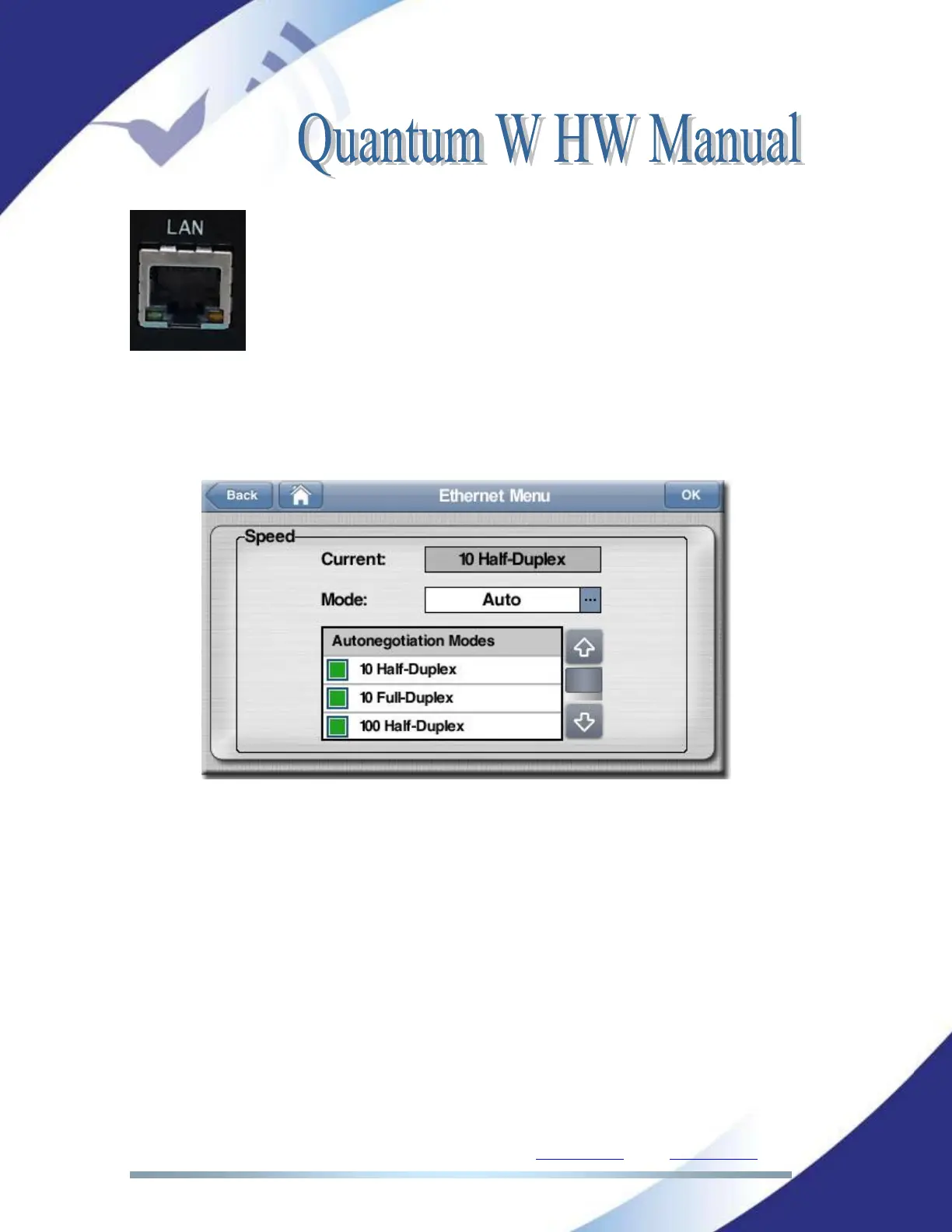
Green LED LINK STATUS: ON = Connected
Orange LED RECEIVE STATUS: On = Receiving Data.
From the web interface and the touch panel menu it is possible to set the speed
and duplex configuration to the following values: AUTO, 10HD, 10FD, 100HD,
100FD. Click on ‘Menu->‘Interfaces->LAN->Ethernet’.
II.6.5 USB Ports
There are four USB ports
USB1 and USB2: global purpose USB can be used to connect a memory
device or a USB Wi-Fi modem.
USB3 and USB4: Those optional USB ports are available when Quantum
W includes the optional expansion for 2 external USB modems. Those two
ports have been designed especially for this application and cannot be
used for inserting any other device.



 To Next Page