EasyManua.ls Logo

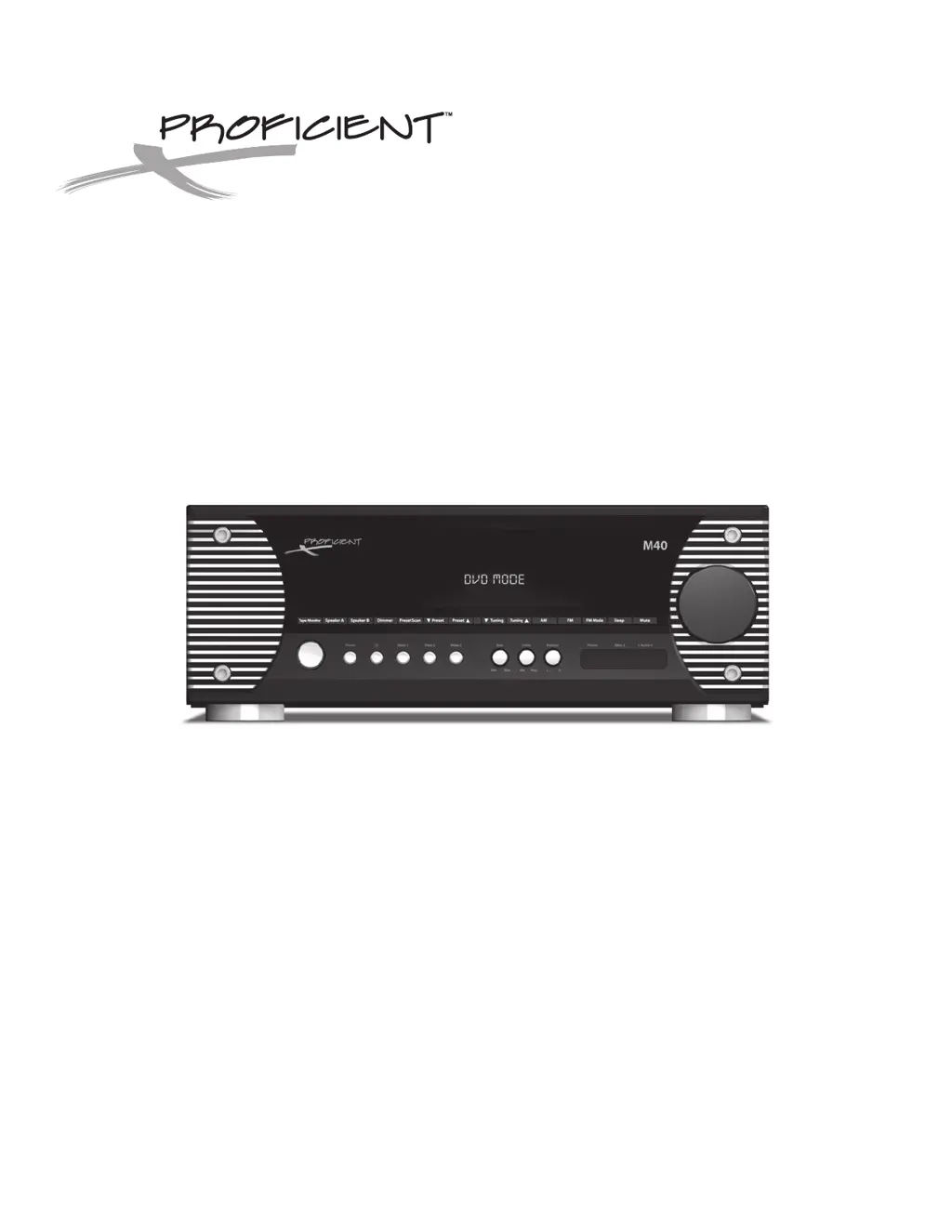
Proficient Audio Systems M40 - User Manual

Proficient Audio Systems M40
36 pages
Print Icon
To Next Page IconTo Next Page
Loading...
Audio Systems
Installation & User Guide
80W x 2 Channel Stereo Receiver
M40

Questions and Answers

  • F
    fkimJul 31, 2025
    What to do if there is no sound from speakers on Proficient Audio Systems Stereo Receiver?
    • J
      Jorge LopezJul 31, 2025
      If you're not getting any sound from your speakers or the subwoofer isn't turning on/off with the speakers, check the following: * Confirm source audio connections. * Verify speaker connections. * Ensure speakers are turned on. * Make sure the volume is turned up and not muted. * Confirm the source is selected, turned on, and playing. * Unplug headphones if connected. * Check Pre-Out/Main In Jumper connections. * Ensure Tape Monitor is OFF if it's not the desired source. * Set the Sub Out Link S/W Switch to ON. * Verify the Sub Out Trigger connection.
  • A
    Aaron GibbsAug 6, 2025
    Why isn't the remote controlling my Proficient Audio Systems Stereo Receiver M40?
    • B
      Brian FischerAug 6, 2025
      If the remote isn't controlling your M40, try these steps: * Replace the batteries in the remote. * Make sure there's a direct line of sight from the remote to the IR Sensor on the M40 front panel. * Block any bright or high ambient light that might be interfering with the IR Sensor.
  • T
    tmitchellAug 11, 2025
    How to fix Proficient Audio Systems M40 that does not power up?
    • D
      Dominique JonesAug 12, 2025
      If your unit isn't powering up and the ON/Standby button backlight isn't lit, take these steps: * Make sure the power cord is plugged into a working 110V AC outlet. * Check that the Main Power Switch on the M40 Rear Panel is in the ON position.
  • G
    gmooreAug 18, 2025
    What to do if there is no video signal on TV from Proficient Audio Systems M40?
    • S
      Stacy HawkinsAug 18, 2025
      If you're not seeing a video signal on your TV or video display, check these: * Confirm the source video connections. * Ensure the video connection from the M40 Monitor OUT to your TV/Video Display Composite Video IN is correct. * Verify the proper TV/Video Display Composite Video Input is selected. * Confirm the source is selected, turned on, and playing.
  • R
    Rebecca ThompsonAug 23, 2025
    How to improve bad reception on Proficient Audio Systems M40 Stereo Receiver?
    • D
      Dr. Regina ClarkAug 25, 2025
      To improve reception on your M40: * Confirm the AM/FM antenna connections to the M40. * Position the antenna(s) for the best possible reception. * Move the antenna away from potential interference sources like computers, microprocessors, fluorescent lights, and motors.

Summary

Important Safety Instructions

Explanation of Graphical Symbols

Clarifies the meaning of warning symbols used in the manual.

General Safety Precautions

Lists essential safety guidelines for operating the audio receiver.

M40 Features

M40 Front Panel Features

Front Panel Controls and Indicators

Explains the function of each button and display on the front panel.

M40 Rear Panel Features

Rear Panel Connectivity Ports

Details all input and output jacks on the rear of the receiver.

M40 Remote Features

Installation

Air Flow and Ventilation Requirements

Provides guidelines for proper airflow to prevent overheating.

Connections

Speaker and Subwoofer Connections

Guides on connecting speakers and subwoofers to the M40.

Operating the M40

Troubleshooting

Specifications

Proficient Audio Systems M40 Specifications

General IconGeneral
Power Output40W per channel @ 8 Ohms
Frequency Response20Hz - 20kHz
Inputs3.5mm
OutputsRCA
WirelessBluetooth