ELECTRONIC CONTROL PANEL
EN - English Page 14
SIMPLEX ECO:
1. Press the scroll
button and hold it for 5 sec until the
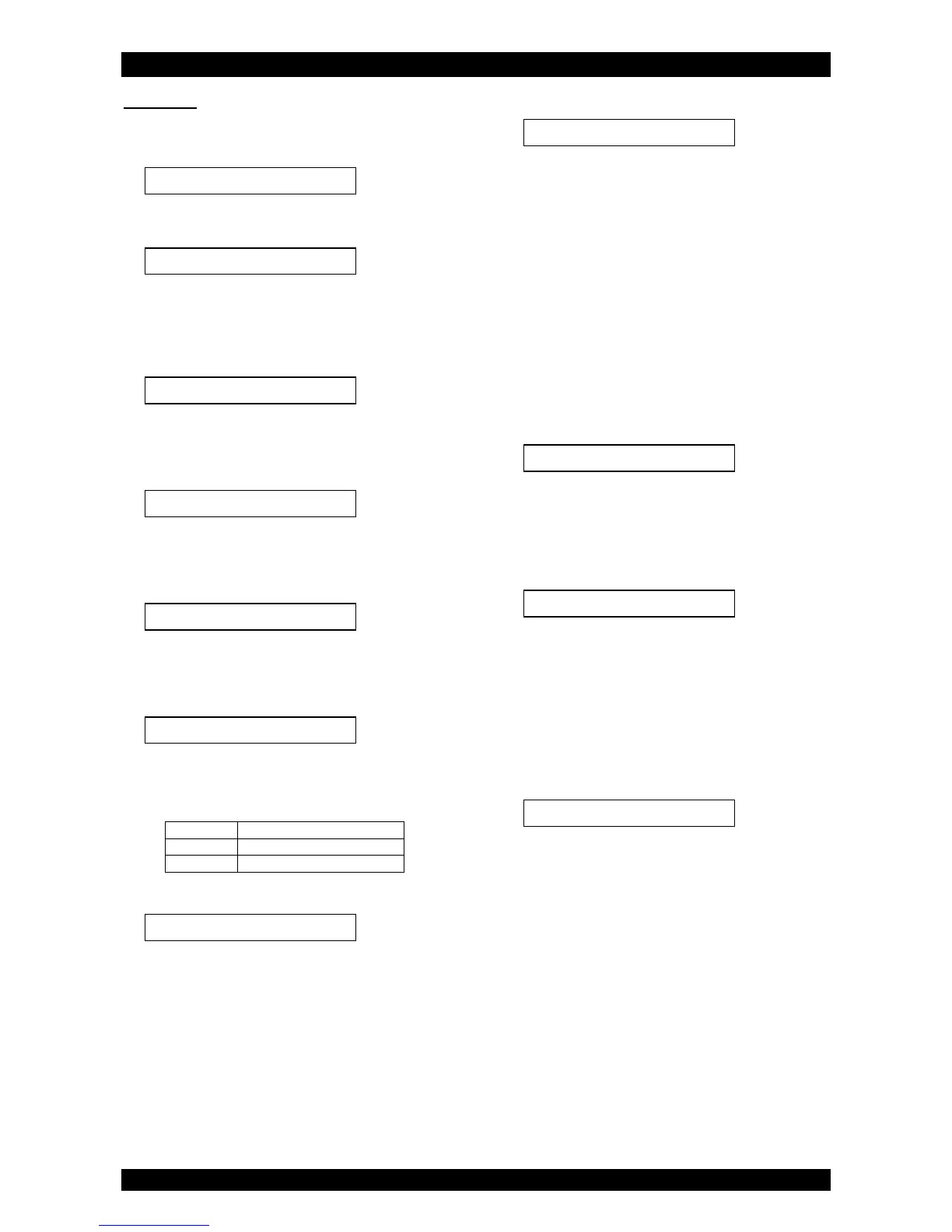
display shows:
2. Within 10 sec, press the up
button; the display will
show:
Press the up
or down
button to set the
hardness unit. Make sure to also adjust/convert the
exchange capacity!
3. Press the scroll
button again; the display will show:
Press the up
or down
button to set the
exchange capacity per litre of resin.
4. Press the scroll
button again; the display will show:
Press the up
or down
button to set the volume
of resin.
5. Press the scroll
button again; the display will show:
Press the up
or down
button to set the number
of days between regenerations.
6. Press the scroll
button again; the display will show:
Press the up
or down
button to set the length
of the regeneration cycle.
Press the scroll
button again to advance to the
next regeneration cycle.
7. Press the scroll
button again; the display will show:
Press the up
or down
button to set the type of
water meter sensor.
8. Press the scroll
button again; the display will show:
Press the up
or down
button to set the
regeneration mode:
Dlyd/Immd: when the remaining capacity equals
the reserve capacity, a delayed regeneration at
the programmed time of regeneration is started;
however when the remaining capacity equals 0
before the programmed time of regeneration is
reached, an immediate regeneration is started.
Immediate: when the remaining capacity equals
0, an immediate regeneration is started.
Delayed: when the remaining capacity equals
the reserve capacity, a delayed regeneration at
the programmed time of regeneration is started.
9. Press the scroll
button again; the display will show
(only when the regeneration mode is set to 'Delayed' or
'Dlyd/Immd'):
Press the up
or down
button to set the time of
regeneration.
10. Press the scroll
button again; the display will show
(only when the regeneration mode is set to 'Dlyd' or
'Dlyd/Immd'):
Press the up
or down
button to set the reserve
capacity:
Variable: the reserve capacity is calculated
automatically, based on the registered daily
water usage.
Fxd: press the scroll
button again and press
the up
or down
button to set the reserve
capacity to a fixed amount.
11. Press the scroll
button again; the display will show:
Press the up
or down
button to save the
program into the NOVRAM® and exit the
programming level.


 To Next Page
 Loading...