EasyManua.ls Logo

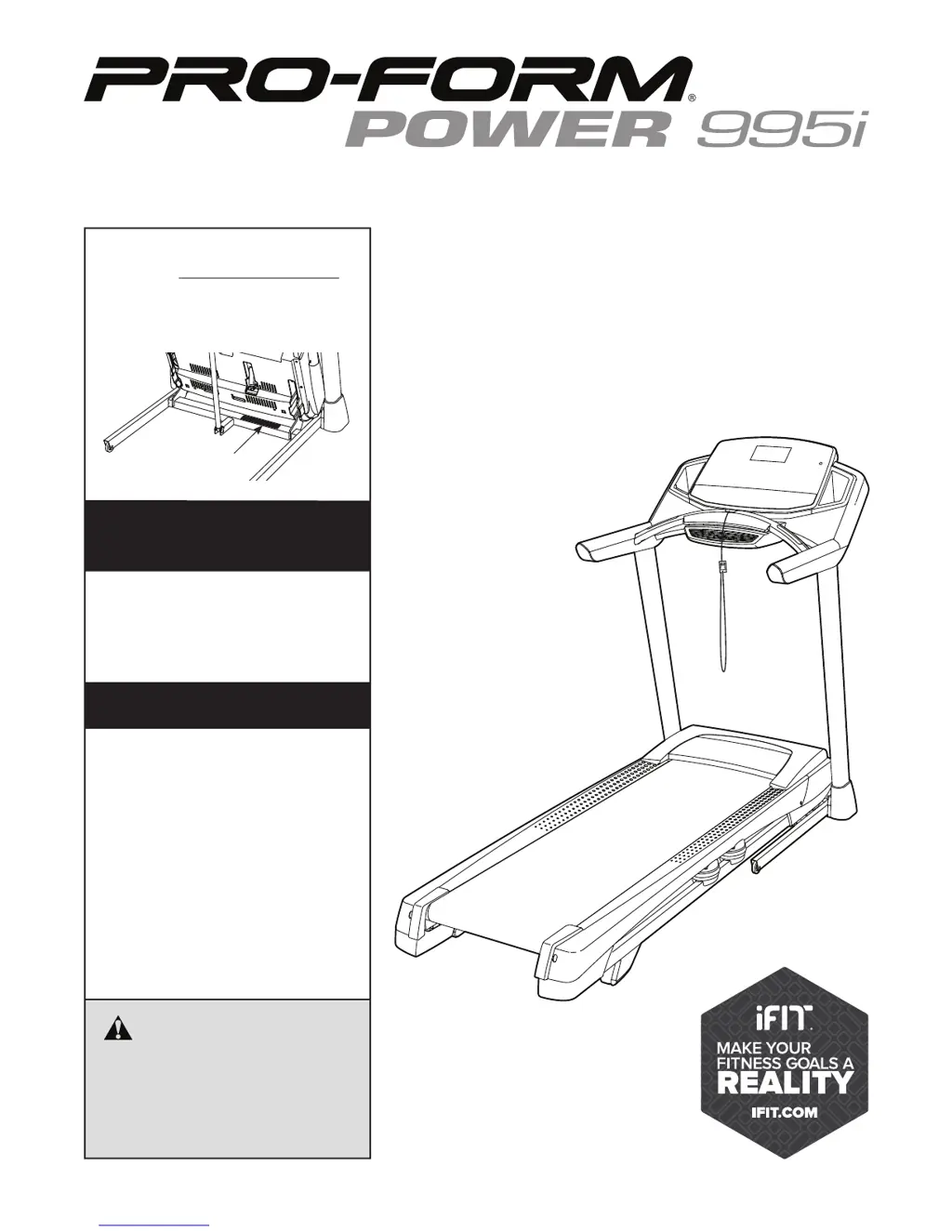
ProForm Power 995i PFTL99513.0 - User Manual

ProForm Power 995i PFTL99513.0
40 pages
Print Icon
To Next Page IconTo Next Page
Loading...
Serial Number
Decal
Model No. PFTL99513.0
Serial No.
Write the serial number in the space
above for reference.
CAUTION
Read all precautions and instruc-
tions in this manual before using
this equipment. Save this manual
for future reference.
USER’S MANUAL
www.proform.com
ACTIVATE YOUR
WARRANTY
To register your product and
activate your warranty today,
go to www.proformservice.com/
registration.
CUSTOMER CARE
For service at any time, go to
www.proformservice.com.
Or call 1-888-533-1333
Mon.–Fri. 6 a.m.–6 p.m. MT
Sat. 8 a.m.–12 p.m. MT
Please do not contact the store.

Questions and Answers

  • A
    Anne WoodwardAug 1, 2025
    How to fix ProForm Power 995i PFTL99513.0 Treadmill when the power does not turn on?
    • C
      Charles RayAug 1, 2025
      First, ensure the power cord is properly plugged into a surge suppressor, and that the surge suppressor is connected to a grounded outlet. Next, verify that the key is correctly inserted into the console. Finally, check the power switch on the treadmill frame near the power cord. If the switch is tripped (protruding), wait five minutes, then press it back in to reset it.
  • M
    Monique BrownAug 9, 2025
    What to do if ProForm Power 995i PFTL99513.0 walking belt slows down when walking?
    • J
      Jennifer HernandezAug 9, 2025
      Remove the key and unplug the power cord. Using the hex key, turn both idler roller screws counterclockwise, 1/4 of a turn. When the walking belt is properly tightened, you should be able to lift each edge of the walking belt 2 to 3 in. off the walking platform.
  • J
    Jason WoodardAug 16, 2025
    What to do if ProForm Power 995i PFTL99513.0 walking belt is off-center or slips?
    • K
      Kelly FosterAug 16, 2025
      If the walking belt has shifted to the left, use the hex key to turn the left idler roller screw clockwise 1/2 of a turn. If the walking belt has shifted to the right, turn the left idler roller screw counterclockwise 1/2 of a turn. If the walking belt slips when walked on, first remove the key and unplug the power cord. Using the hex key, turn both idler roller screws clockwise, 1/4 of a turn. When the walking belt is correctly tightened, you should be able to lift each edge of the walking belt 2 to 3 in. off the walking platform.
  • K
    Karen PopeAug 23, 2025
    How to turn off demo mode on ProForm Treadmill?
    • S
      Stephanie ReynoldsAug 23, 2025
      To turn off the demo mode, hold down the Stop button for a few seconds.

Summary

IMPORTANT PRECAUTIONS

General Safety Precautions

Covers user responsibility, health consultation, proper usage, environment, children, pets, weight limits, etc.

ASSEMBLY

OPERATION AND ADJUSTMENT

Powering On and Manual Mode

Steps to turn on the treadmill power and use the manual operation mode.

CONSOLE DIAGRAM

FOLDING AND MOVING THE TREADMILL

TROUBLESHOOTING

Power and Display Issues

Solutions for power-related problems and console display malfunctions.

EXERCISE GUIDELINES

ProForm Power 995i PFTL99513.0 Specifications

General IconGeneral
BrandProForm
ModelPower 995i PFTL99513.0
CategoryTreadmill
LanguageEnglish

Related product manuals