17
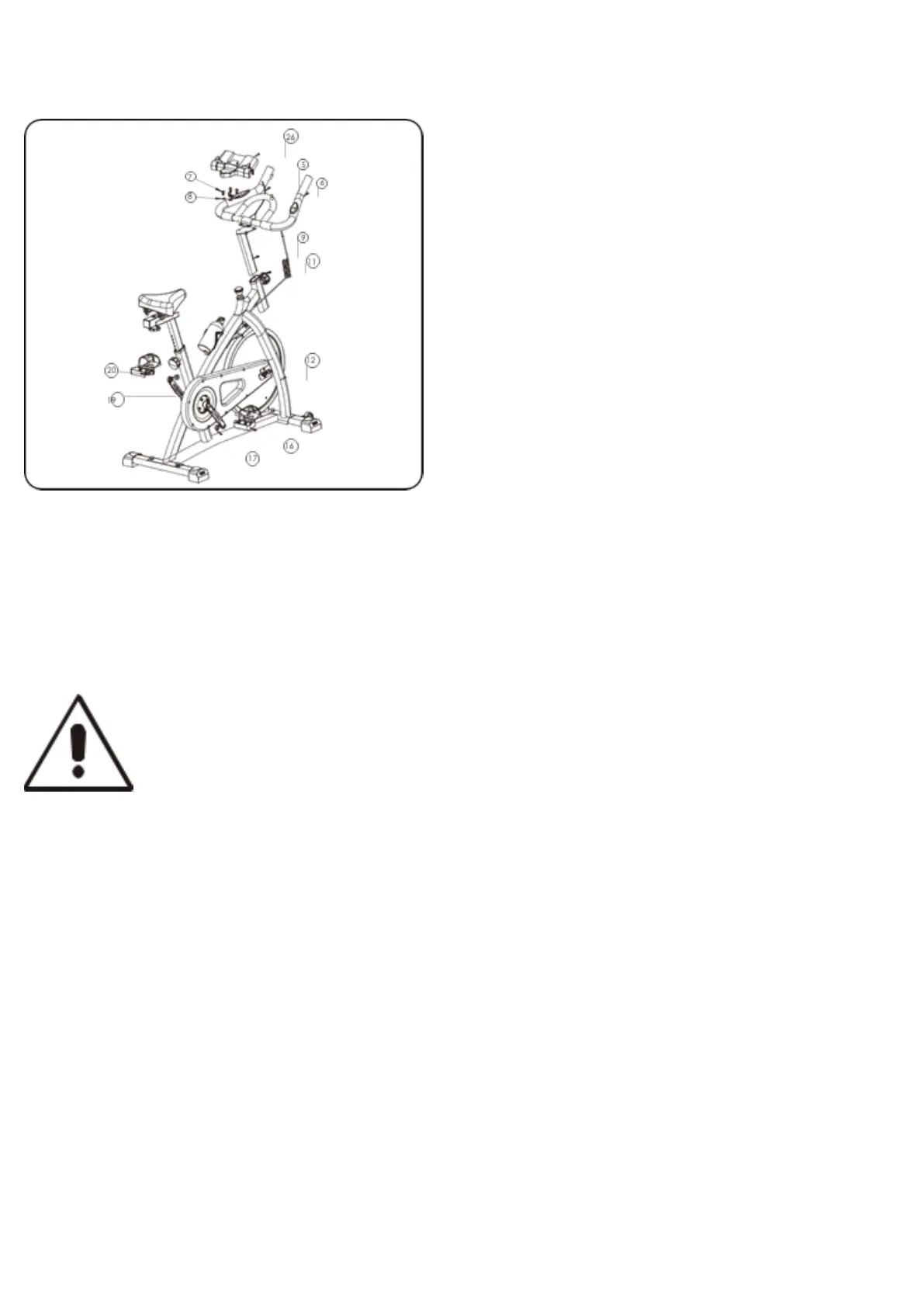
STEP 10 :Remove the Nut(17) on the Right Pedal(16) then attach the Right Pedal(16) to the Crank by Turning
clockwise.Lock the removed Nut(17) using the Wrench, tighten.
SAVE THESE INSTRUCTIONS.
STEP 11: Remove the Nut(19) on the Left Pedal(20) then attach the Left Pedal(20) to the Crank by Turning
counter-clockwise.Lock the removed Nut(19) usingthe wrench,tighten.
STEP 12: Clip the iPad holder(26) on the handlebar.
NOTE: The Right Pedal(16) should be threaded clockwise and the Left Pedal(20)
should be threaded counter-clockwise.



 To Next Page