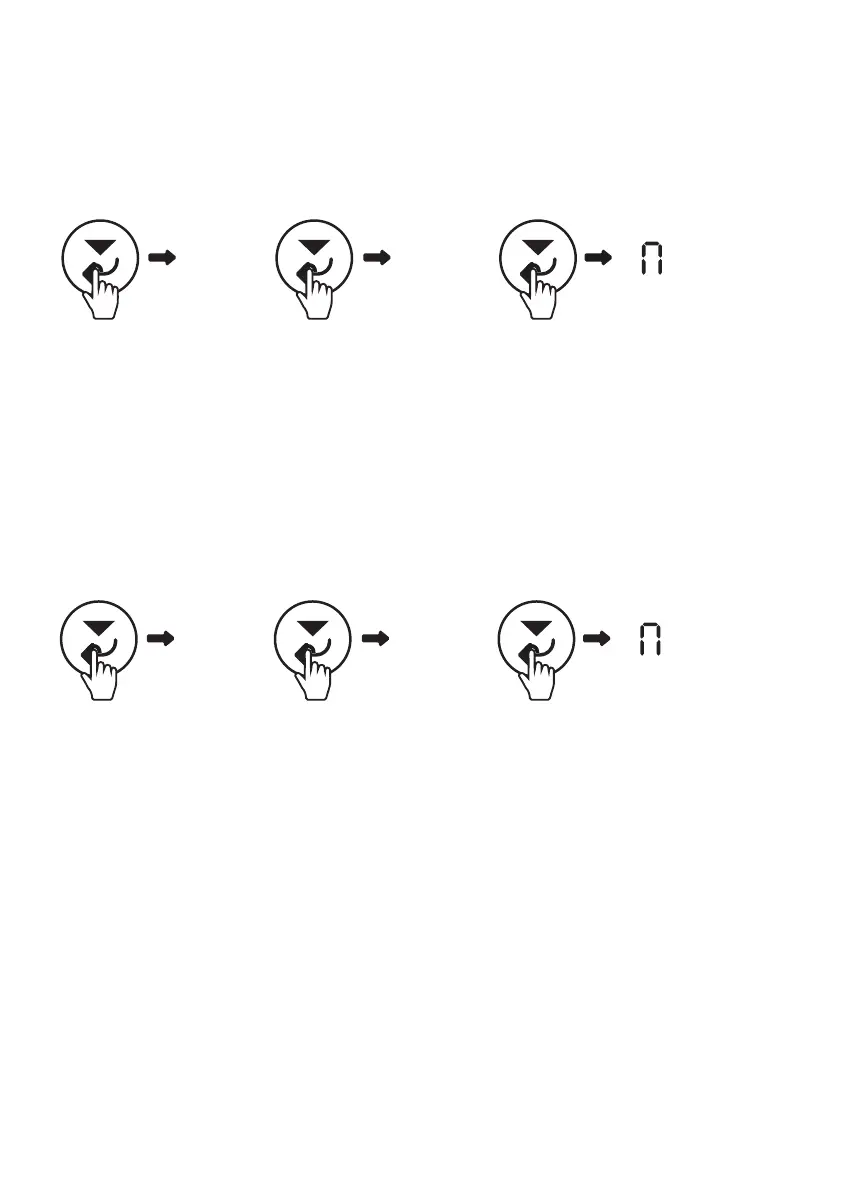
11
(2 sec) (2x)
-
F01 C01
(2 sec)
-
O
This can be applied after installing a new battery of the same specifications as
the previous one. This menu can be accessed using the following sequence:
C01 - RESET BATTERY
Select On and Press the Scroll down button (Confirm button) for 2 seconds to
confirm the selection.
C02 - BUZZER ALARM SETTING
(2 sec) (x3)
-
F01 C02
(2 sec)
-
O
The user can turn ON/OFF the buzzer alarm by setting this menu. This menu can be
accessed by using the following sequence:
The user can select ON or OFF in this setting:
• ON: Enable alarm
• OFF: Disable alarm
Press the Scroll down button (Confirm button) for 2 seconds to confirm the selection.
Alternatively the user can press the mute button on the display
Note: ON is the default setting



 To Next Page