9
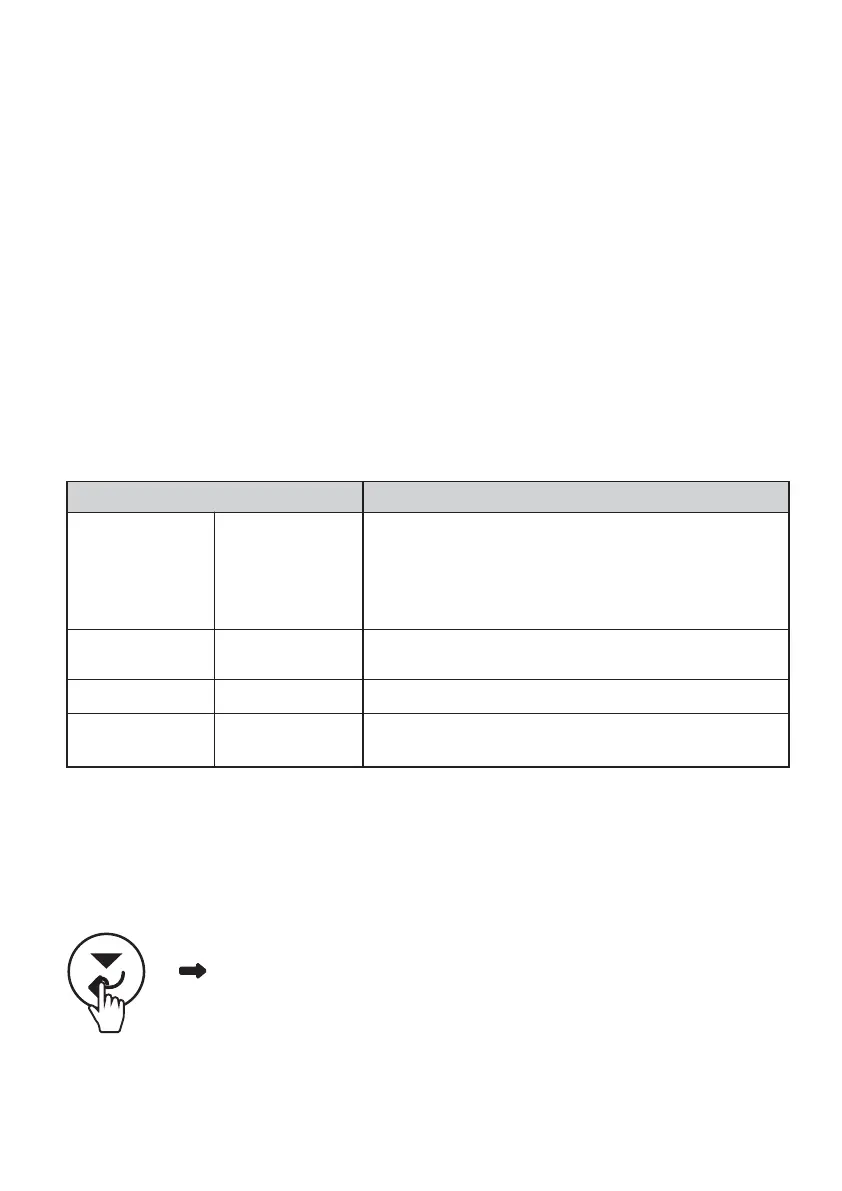
Press the Scroll down button (Confirm button) for 2 seconds, to enter into setting
page. This menu can be accessed using the following sequence:
There are four items in setting page to be selected:
(1) F01 (2) F02 (3) C01 (4) C02
The user can press the Scroll up (Return button) or Scroll down (Confirm button) button to cycle
through the above four selections. By pressing the Scroll up button (Return button) for 2 seconds,
it will quit from the settings page and return to the main operation page.
(2 sec)
CONFIGURING BM500-BT VIA MONITOR
F01
BM500-BT – BLUETOOTH™ BATTERY MONITOR OPERATION
The
BM500-BT – Bluetooth
™
Battery Monitor
can show a wide range of important battery parameters.
The monitor will cycle through the following items; Time to go, Voltage, Current for the auxiliary
battery. Users can alternatively press the scroll up/down button to cycle through the screen.
The screen will automatically turn off after 150 seconds and will turn on again
if any button is pressed.
Display Value Description
Time to go
Voltage
V
Voltage of the auxiliary battery
Current A
Current flowing in or out of the auxiliary battery
Blank Percentage
Percentage value of the auxiliary battery state of charge
Mins
Time left under the present load, before the auxiliary
battery is empty. Or time left under the charge current,
before the auxiliary battery is full charged
Note: 999 is the highest value
Table 6: Display Values
NOTE: It is essential to configure BM500-BT to ensure the display and the app
provide accurate information.
• Set the battery type and capacity as per the battery connected to the BM500-BT
(can be set either in monitor or app)
• Before connecting the auxiliary battery to the BM500-BT ensure it is charged to 100%;
as the BM500-BT will calibrate the state of charge upon auxiliary battery connection.


 To Next Page