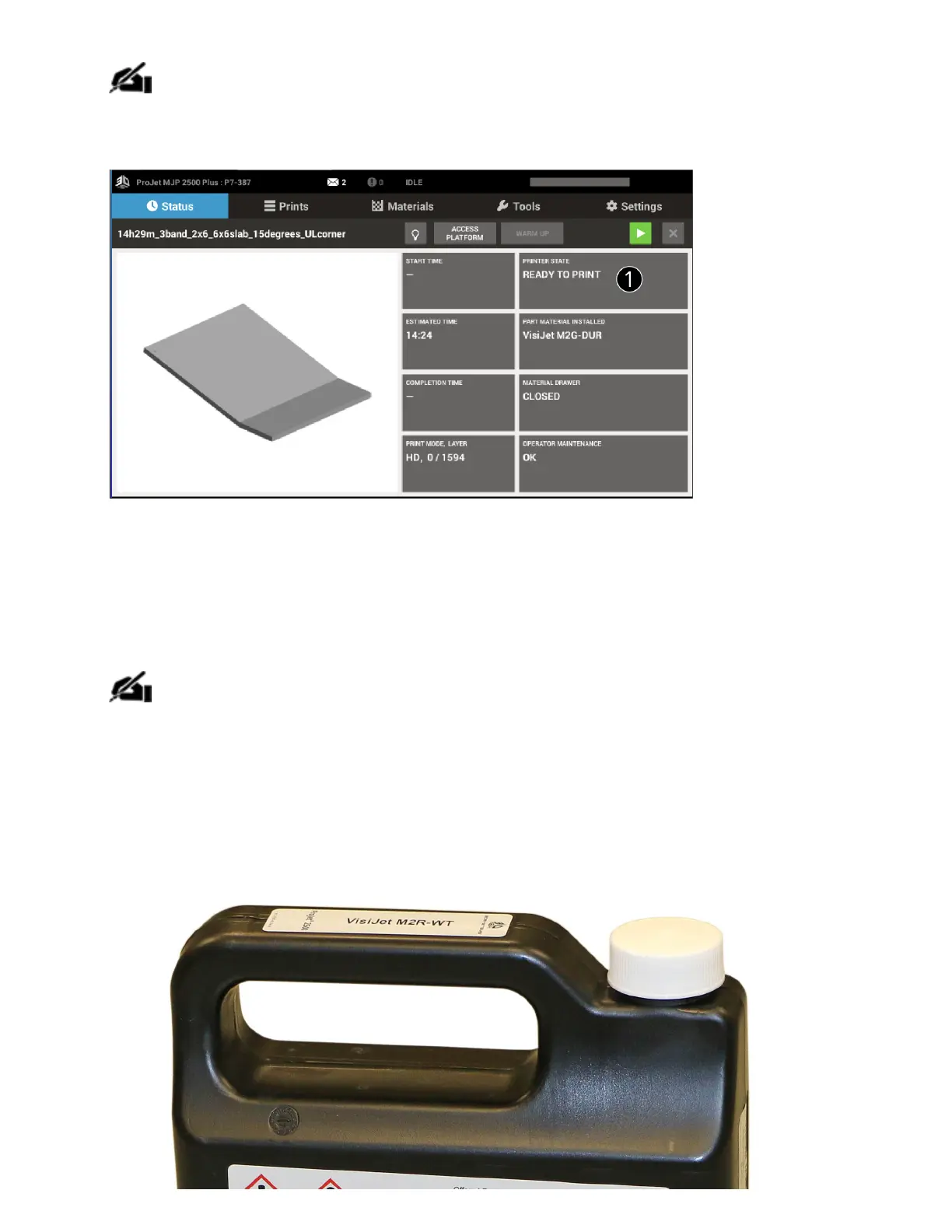
NOTE: Build les can be submitted but will not start printing until printer is warm and
ready.
Installing New Material Cartridge
NOTE: Cartridges cannot be installed into a cold printer. The printer must be warm
before drawer will open and cartridges can be installed.
To place a material cartridge into the MDM, perform the following steps:
1. Obtain a new material cartridge ensuring that it is the same material as currently installed in
the MDM.



 To Next Page