REMOVING MATERIAL CARTRIDGES
When a material cartridge is empty and needs to be replaced, or if a partially lled container
needs to be replaced with a full container, perform the following procedure.
NOTE: It is important to verify the type of material currently in the MDM before
proceeding with these steps.
NOTE: Cartridges cannot be removed from a cold printer. The printer must be warm
before drawer will open and cartridges can be removed.
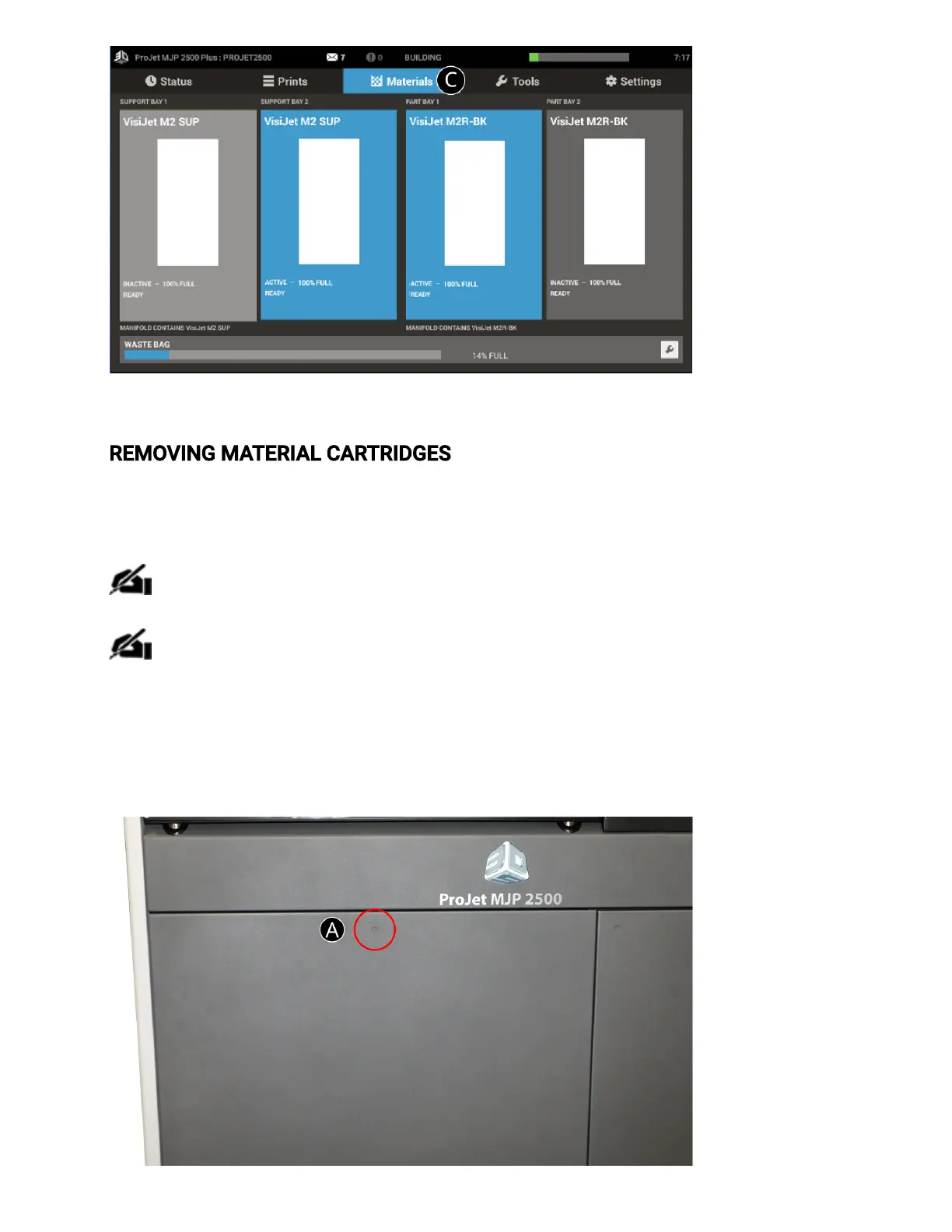
The MDM drawer (A) is a push/push mechanism. Push to open drawer, push to lock drawer.
1. Open the MDM drawer by pushing in at the recessed dimple.



 To Next Page