4. Wearing protective Nitrile gloves, open the MDM drawer.
5. Remove waste bag and dispose of bag according to local regulations.
. Inspect the waste bin for any remaining waste. If necessary, wipe out any waste that exists
with the lint free cloth and isopropyl alcohol.
NOTE: If the waste bag is stuck to the liner when you attempt toremove it, replace
the entire liner and bag to prevent the bagfrom tearing and causing material to leak
into the receptacle.Waste bags can be ordered using part number 310248-00.With
each order you will receive 30 bags and 1 liner.
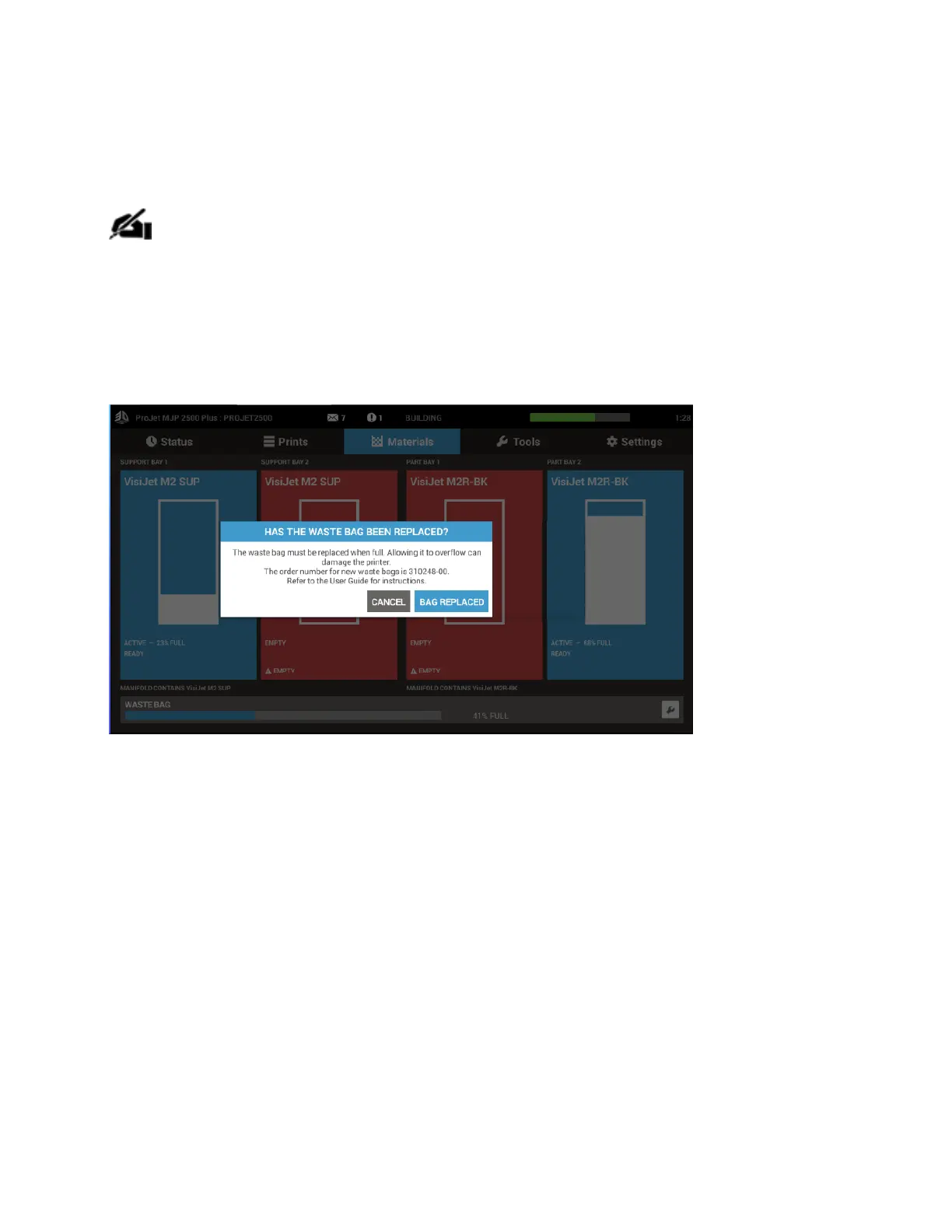
7. Conrm on the printer UI when you have completed replacing the waste bag.
The Waste Bag routine can also be accessed from the Operator Maintenance window.
Select Tools>Operator Maintenance



 To Next Page