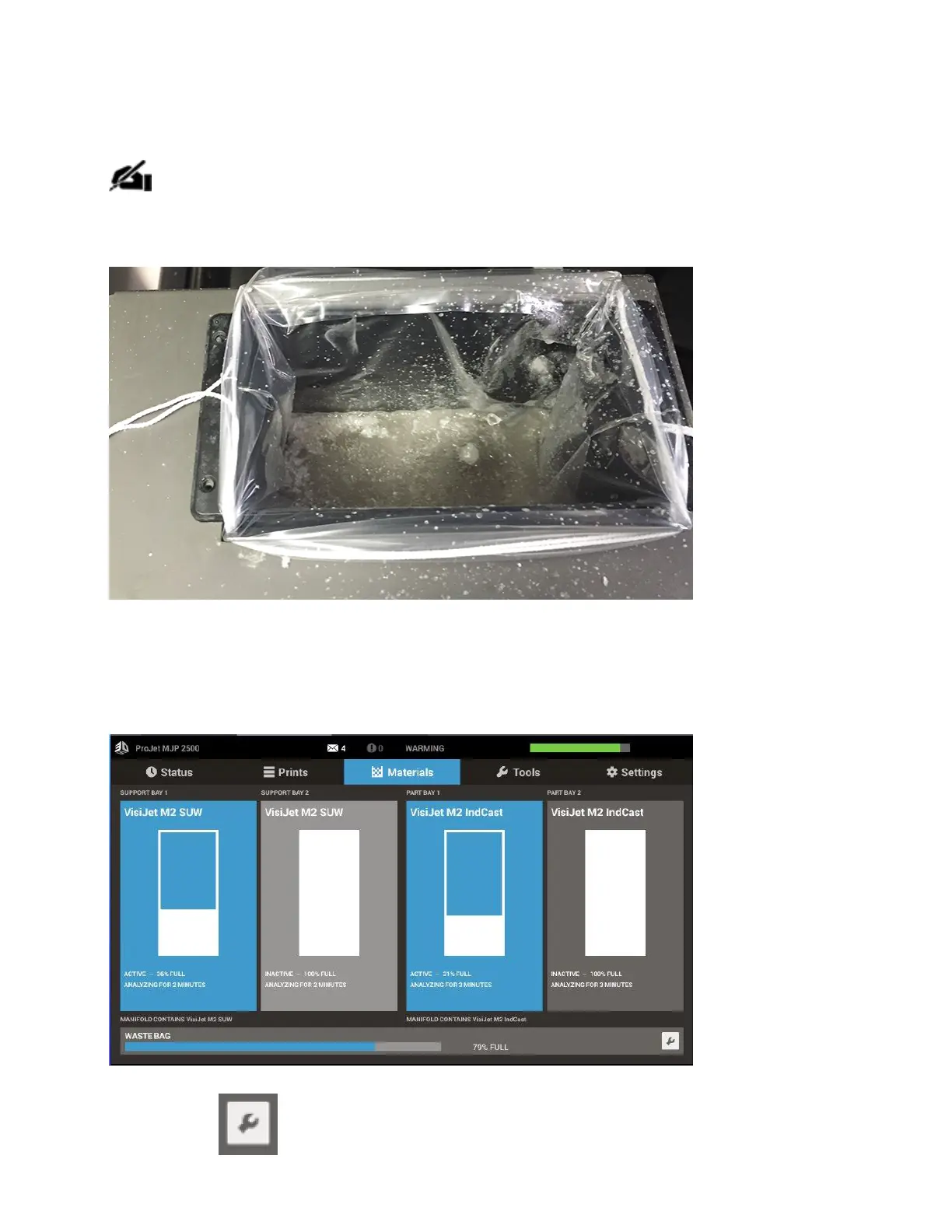
The UI will instruct the user when it is time to change the Waste Bag. Follow these steps to
change the waste bag.
NOTE: Even though the waste bag may not appear full when the user is notied to
change it, it is highly recommended to replace the waste bag when prompted to avoid
unnecessary overow and mess. When waste bag has been changed ensure
youconrm the level has been reset to zero.
1. Verify that the printer is inREADY.
2. Select Materials tab.
3. Select the next to the Waste Bag status bar.



 To Next Page