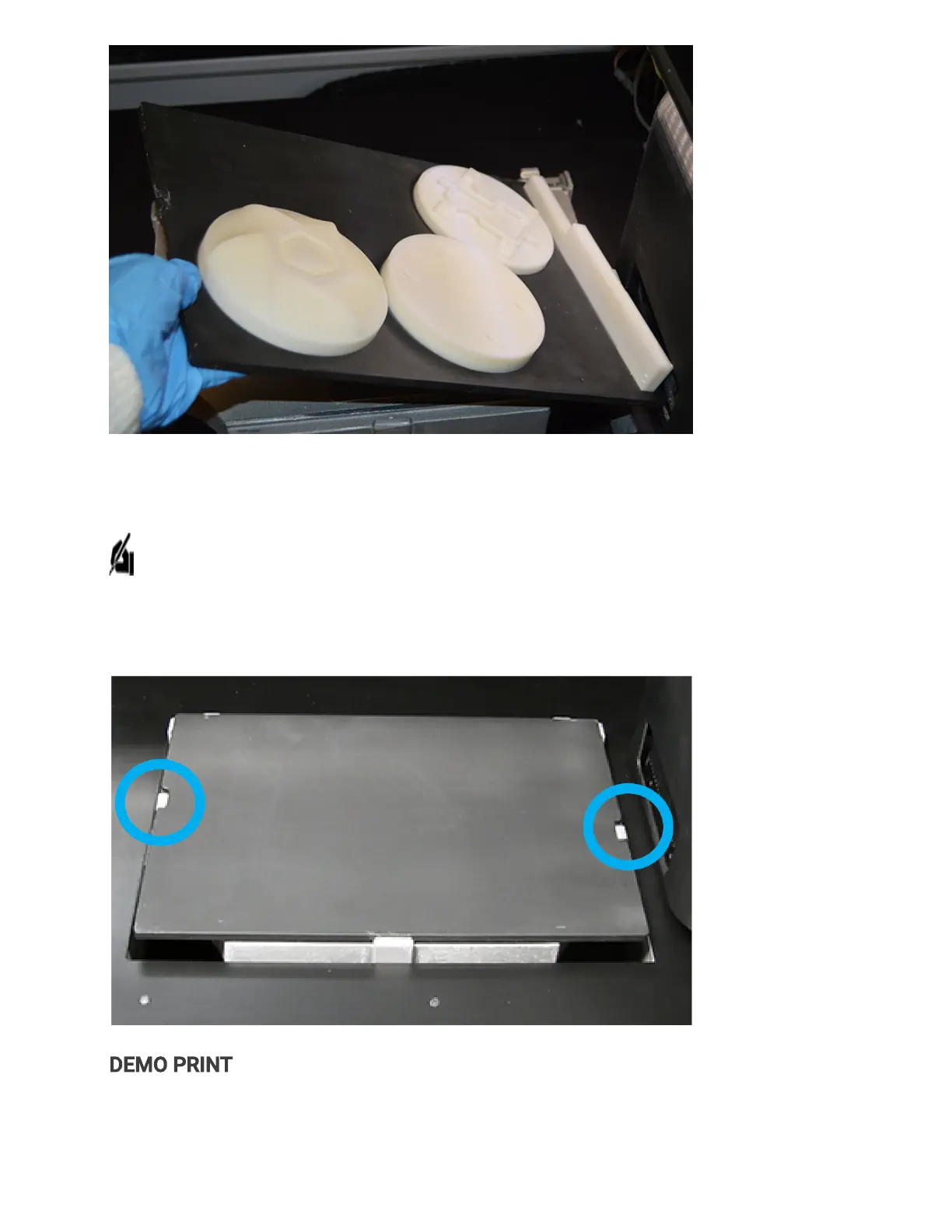
5. Place clean print platform into build chamber.
NOTE: It is important to inspect the platform to ensure it is free of debris and damage.
Inserting a dirty or damaged platform into the printer can cause severe damage to the
printer.
. After closing the top door, the print platform will clamp into place and lower into position.
DEMO PRINT
To downloada demoprint, click ConnectorRCL(zip) and open 3D Sprint software. Refer
tohttp://infocenter.3dsystems.com/projetmjp2500/user-guide/steps-printing



 To Next Page