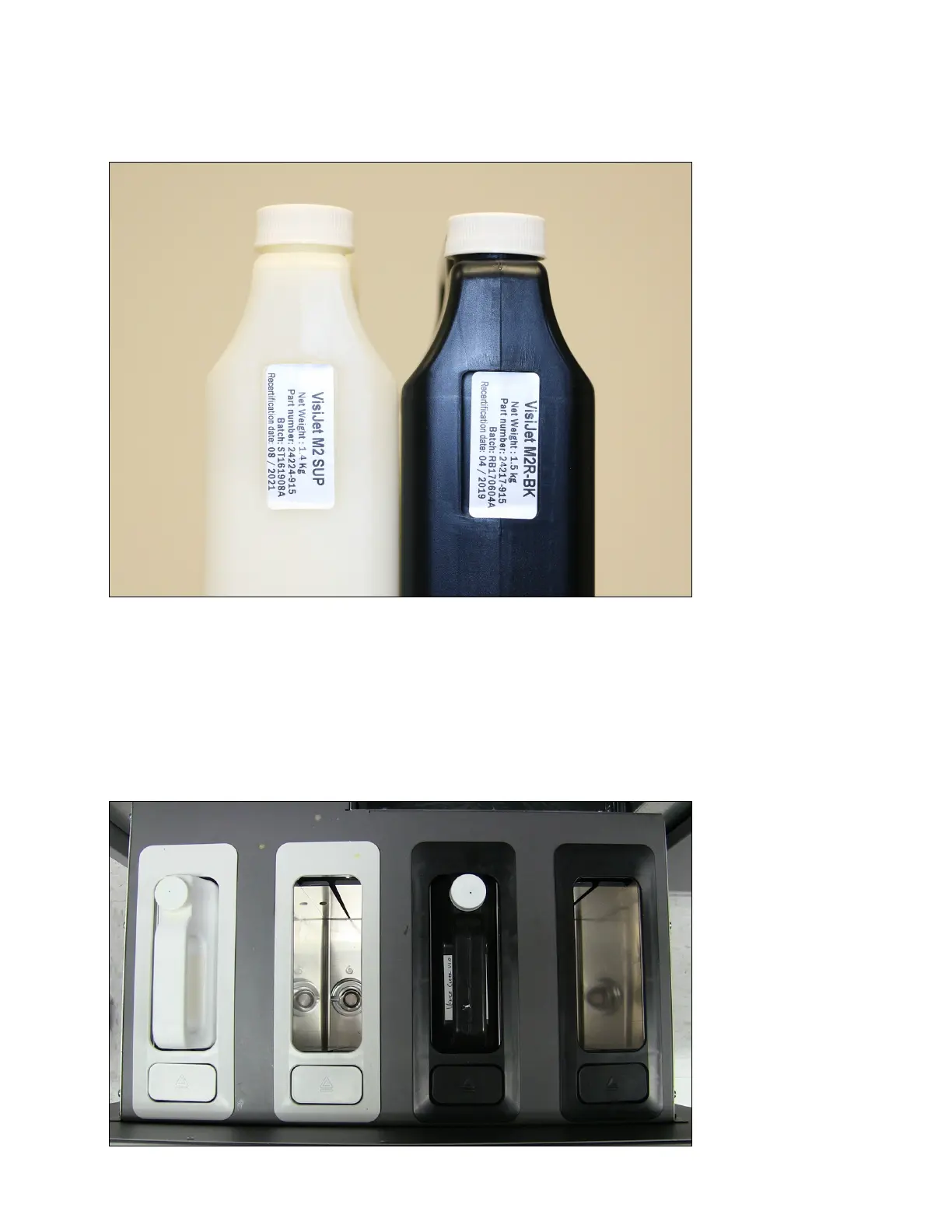
Always check material "Recertication Date" before use. If the cartridge has reached its
Recertication Date, your 3D Systems certied Partners or 3D Systems Technical Support
can assist with questions on materialrequiringrecertication.
Support (white) material must be loaded in the left side of material drawer. Part (black)
material cartridges must be loaded in the right side of material drawer. Before loading
cartridges into 3D printer system, inspect the cartridges for signs of damage or leakage. Do
not load a damaged or leaking cartridge. Dispose of material cartridge according to local
regulations.



 To Next Page