102
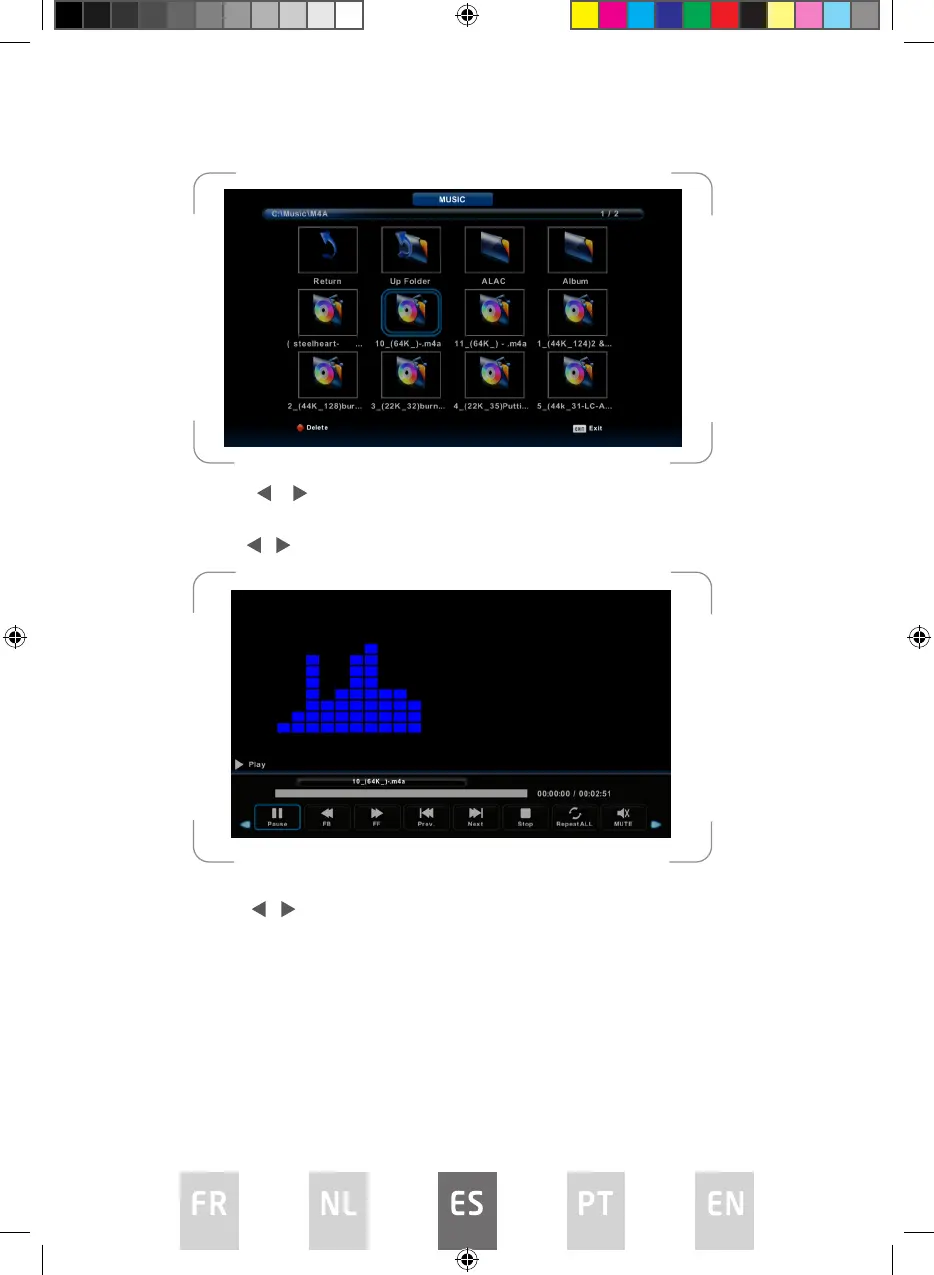
Pulse el botón / para seleccionar la unidad de disco que desee ver y, a
continuación, pulse el botón ENTER para acceder.
Pulse el botón / para seleccionar la opción de retorno al menú anterior.
Menú de películas
Pulse el botón / para seleccionar MOVIE (PELÍCULAS) en el menú principal y,
a continuación, pulse el botón ENTER para acceder.
Pulse el botón EXIT para volver al menú anterior.
L5020UHD LED IB.indd 102L5020UHD LED IB.indd 102 29/5/2023 9:46 AM29/5/2023 9:46 AM



 To Next Page