102
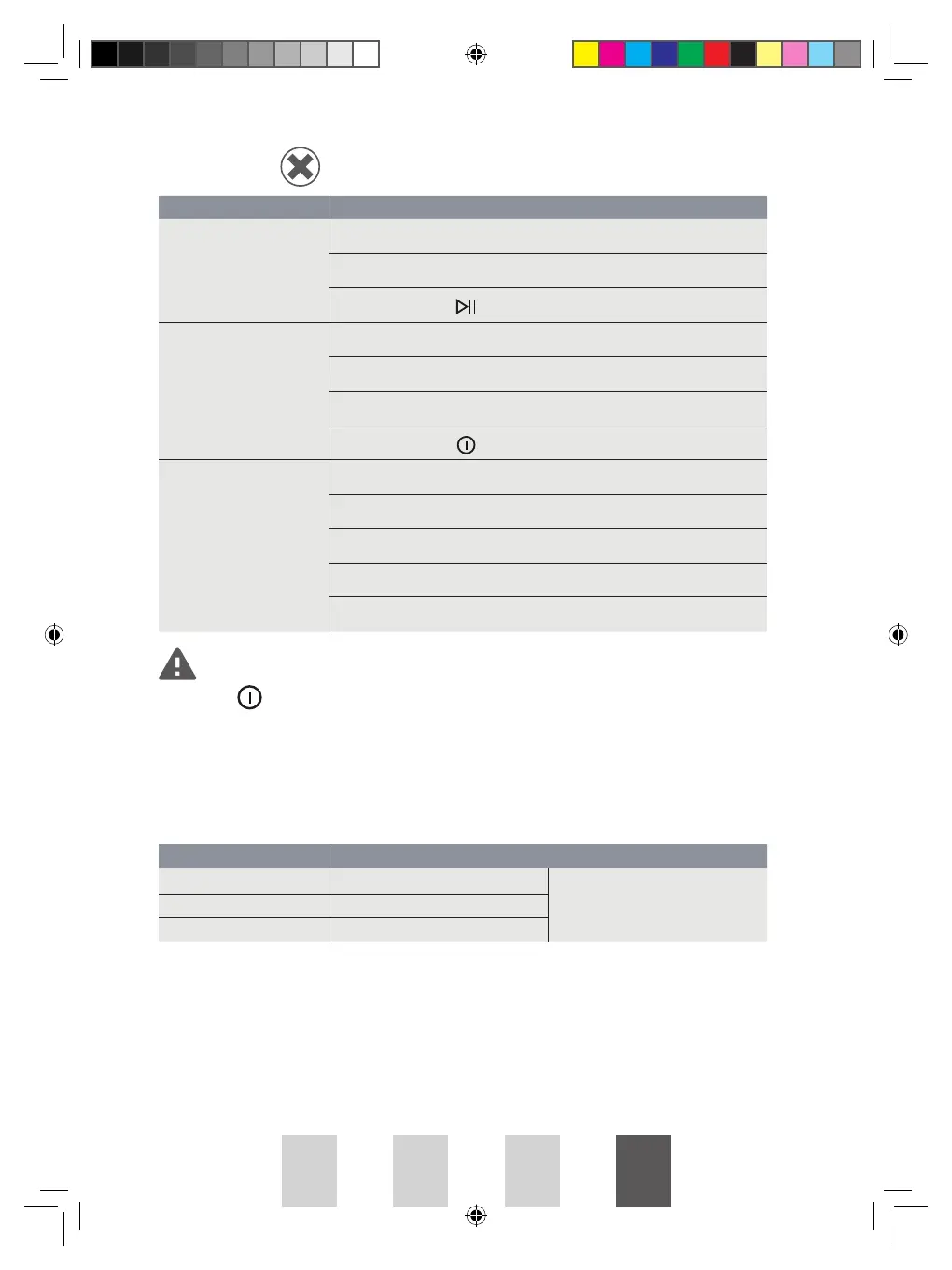
TROUBLESHOOTING
If you cannot deal with problems by yourself and need help,
• press
to turn o the appliance and unplug it.
• Contact the after-sales service.
Error Codes
Display Cause Solution
E32
Humidity sensor error
Please contact your local after-sales
service if the error occurs.
E33
Temperature sensor error
E82
Communication error
Problems Possible Solutions
Dryer does not start.
Check the door has closed properly.
Check the program has set.
CCheck the start button is pressed.
Display is not on.
Check if the power supply works.
Check if the mains plug is inserted.
Check the program has set.
Check the power button
is pressed.
Degree of dryness is not
reached.
Clean lint filter and heat exchanger.
Empty container.
Check drain hose.
Dryer installation place is too restricted.
Use higher drying level program.
PROHP82 IB JAN2024.indd 102PROHP82 IB JAN2024.indd 102 9/1/2024 2:52 PM9/1/2024 2:52 PM




 To Next Page