PRC2402M FAQ
v1.0_150920
Page 1 / 7
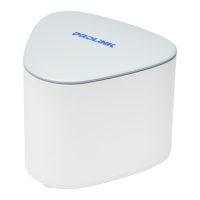
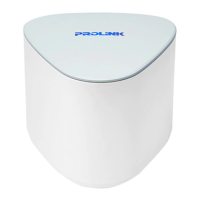
Which unit from Twin Pack is recommended to be used as the main router?
Ans. It is recommended to use Blue-Top casing as the main router
What if the LED shows Blue Solid, but not able to surf internet when
connected through its Wi-Fi or LAN cable?
Ans. Follow below steps;
Step 1. Disconnect and manually reconnect (through Wired LAN / WiFi) to the PRC2402M
router
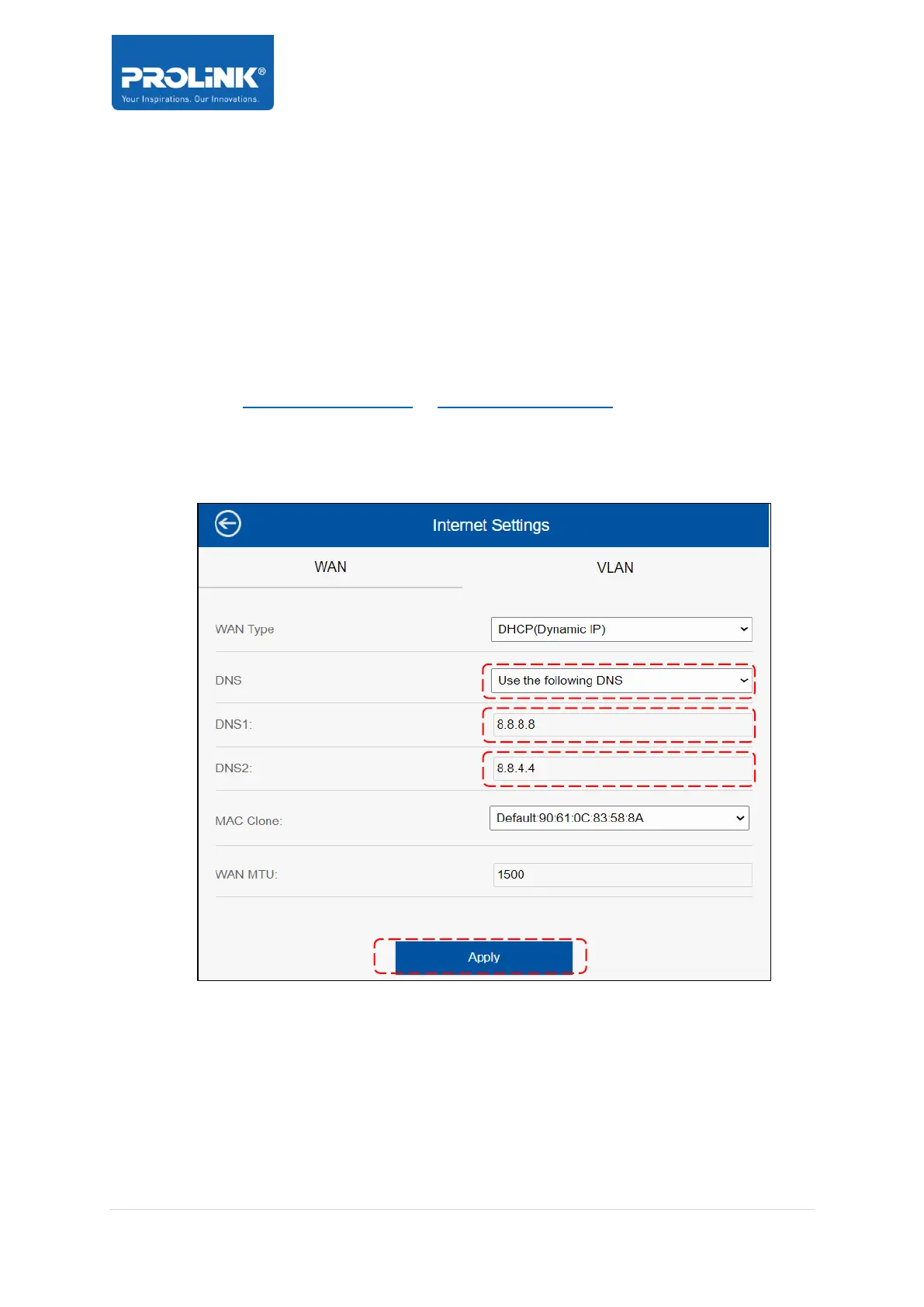
Step 2. Set Fix DNS Server IP Address
a. Go to http://prc2402m.setup/ or http://192.168.123.254/ and login
b. Click Setup > Internet > change DNS drop down menu to Use the following
DNS
c. Fill in as 8.8.8.8 and 8.8.4.4 respectively for DNS 1 and DNS 2
d. Click Apply
Step 3. Disconnect and Reconnect WiFi and Wired clients.
How to recover Internet access after ISP downtime and recovered
Ans. By default, the PRC2402M will recover itself. Follow below steps if it did not manage to
recover itself;
Step 1. Power-Off all PRC2402M units (router and node units)


 To Next Page