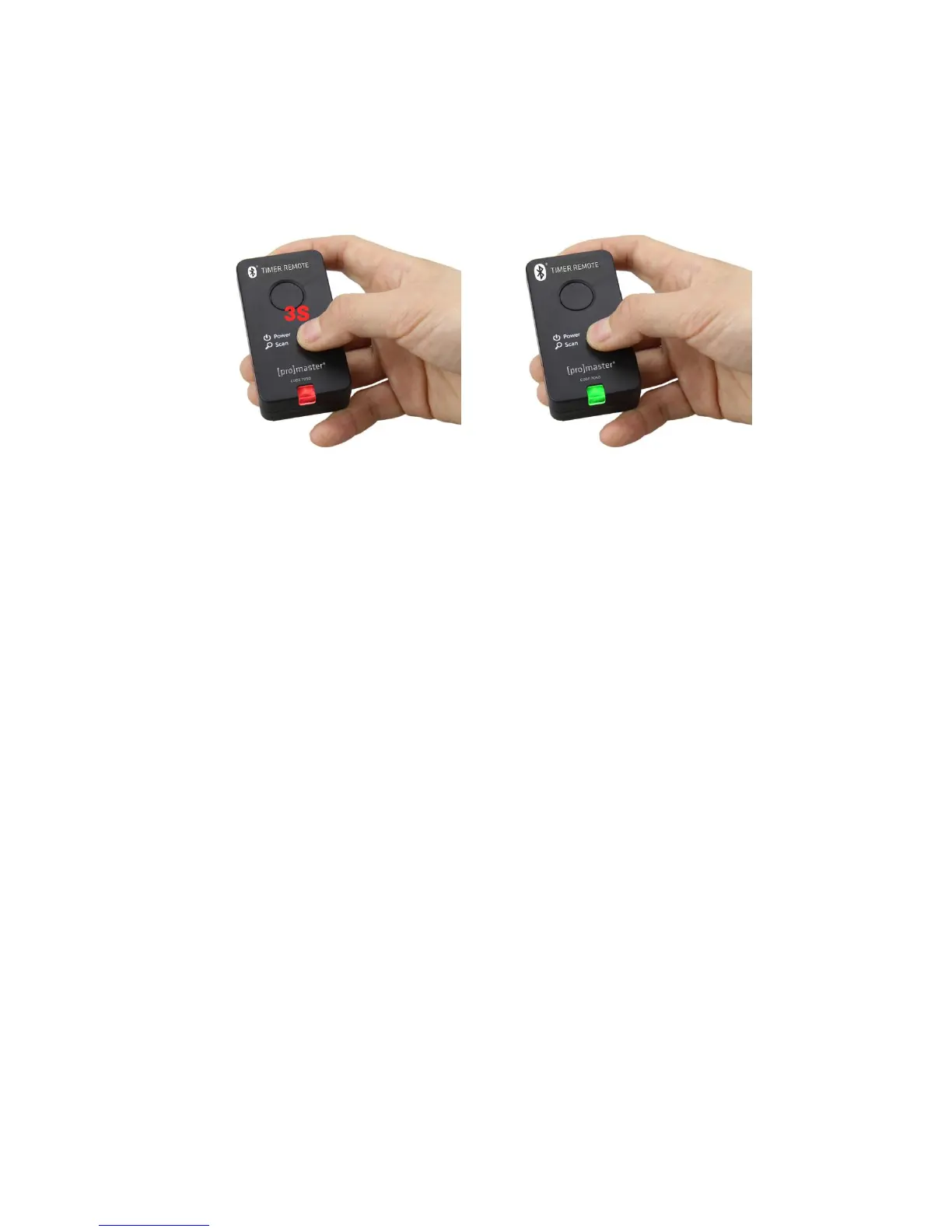
Connect your “i” device to the receiver
Controller
Press Power/Scan button on the receiver for 3 seconds. The indicator will slowly flash red
and the receiver is now powered on. Press Power/Scan button again and the indicator will
flash green and be ready to connect with your “i” device.
To turn off the receiver, press Power/Scan button for 3s, the indicator will rapidly flash red
three times and then power off.


 To Next Page