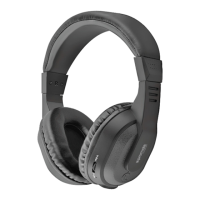
You are required to pair the headset with your mobile phone once before using it.
1. Press and hold the MF-button for 4 seconds until the indicator light flashes blue
and red alternately. This activates the pairing mode.
2. Then Activate Bluetooth™ on your mobile phone.
3. Set your phone to discover ‘Atom’ and follow the instruction.
4. If your phone asks for passkey or PIN-code, confirm with 0000.
5. Your Atom Headset will confirm when pairing is completed by showing a blue
indicator light flashes once every 6 seconds.
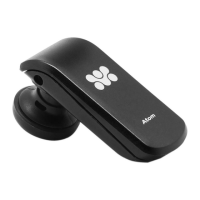
Pairing the Atom.
Note: If your headset is not in pairing mode, your mobile phone won’t find it via
Bluetooth™. Please set the headset into pairing mode before making your mobile
phone search for ‘Atom’. If no pairing is possible for a period of time (approximately
3 minutes), the headset will automatically leave pairing mode and go to the idle
mode. If there is no more action for a period of time (approximately 8-9 minutes),
the headset will be automatically off.
You may need to start over again.
4


 To Next Page