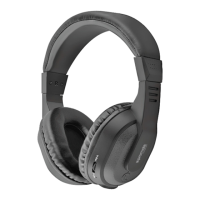
For first time use, please charge the headset fully before using.
1. Plug the USB charger into the Atom.
2. Plug the other end of the USB charger into your PC USB or USB power devices.
3. The red indicator on the headset will be on.
4. When the battery is fully charged, the red indicator will turn off and the blue
indicator will turn on.
Charging the Battery
1. To turn the headset on: Press and hold the MF-button for 3 seconds.
2. The blue indicator of the headset flashes 2 times. The headset is now turned on.
3. To turn the headset off: Press and hold the MF-button for 3 seconds.
4. The red indicator of the headset flashes 2 times. The headset is now turned off.
Using the Multifunction Button of Atom
3



 To Next Page