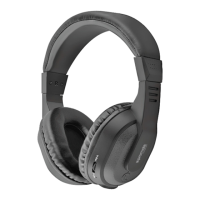
Atom Headset supports multipoint pairing. This means the Atom can be paired and
connected with 2 mobile phones at the same time.
1. Pair and connect the headset with the first mobile phone. (Please refer to the
‘PAIRING THE HEADSET’.)
2. Turn off the headset.
3. Press and hold the MF-button to go to the pairing mode.
4. Double click the MF-button and you will hear the ‘beep’, this is to activate the
multipoint feature.
5. Pair and connect the headset with the second mobile phone. (Please refer to the
‘PAIRING THE HEADSET’.)
6. Connect the headset with the first mobile phone manually.
Multipoint pairing
5


 To Next Page