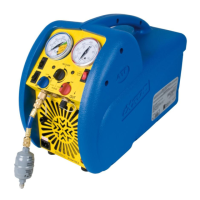
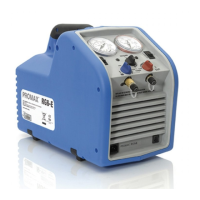
Advanced Test Products Europe RG5410A-E
- 14 -
.SAFETY PRESSURE SWITCH (WITH
MANUAL RESET FUNCTION)
The RG5410A-E is equipped with an internal Safety Pressure Switch. If the pressure
inside the system exceeds 38,5 bar, the system is switched off automatically.
If the Safety Pressure Switch is activated automatically whilst filling a bottle, it could be
caused by the bottle becoming overfilled.
This is a very dangerous situation! You should take steps immediately to reduce the
overpressure and/or to eliminate the overfilling of the bottle.
If the Safety Pressure Switch switches the unit off...
The following precautions should be taken if the Safety Pressure Switch is activated:
a) Suspected overfilling of the recovery bottle
Connect the recovery bottle to another bottle with spare capacity so that the pressure
is reduced to a safe level. This action should also reduce the pressure in the output line
from the RG5410A-E. Proceed as normal after resetting the Safety Pressure Switch
(see below).
b) Cause of activation of Safety Pressure Switch unknown
1) Check that the recovery bottle is not overfilled.
2) Close the system valves, recovery bottle valves and RG5410A-E valves.
3) Disconnect RG5410A-E from flexible pipes.
4) Disconnect RG5410A-E from the power supply.
5) Open the input and output valves very slowly.
6) Investigate the reason for the failure.
Once activated the Safety Pressure Switch has to be reset manually as follows:
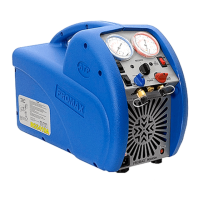
I) Remove the black protection cover to reveal the reset button (see picture below).
II) Reset by pushing the reset button with a tool such as a screwdriver.
III) Replace the cover.


 To Next Page