10 ActivTable Quick Start Guide
Updating the ActivTable software
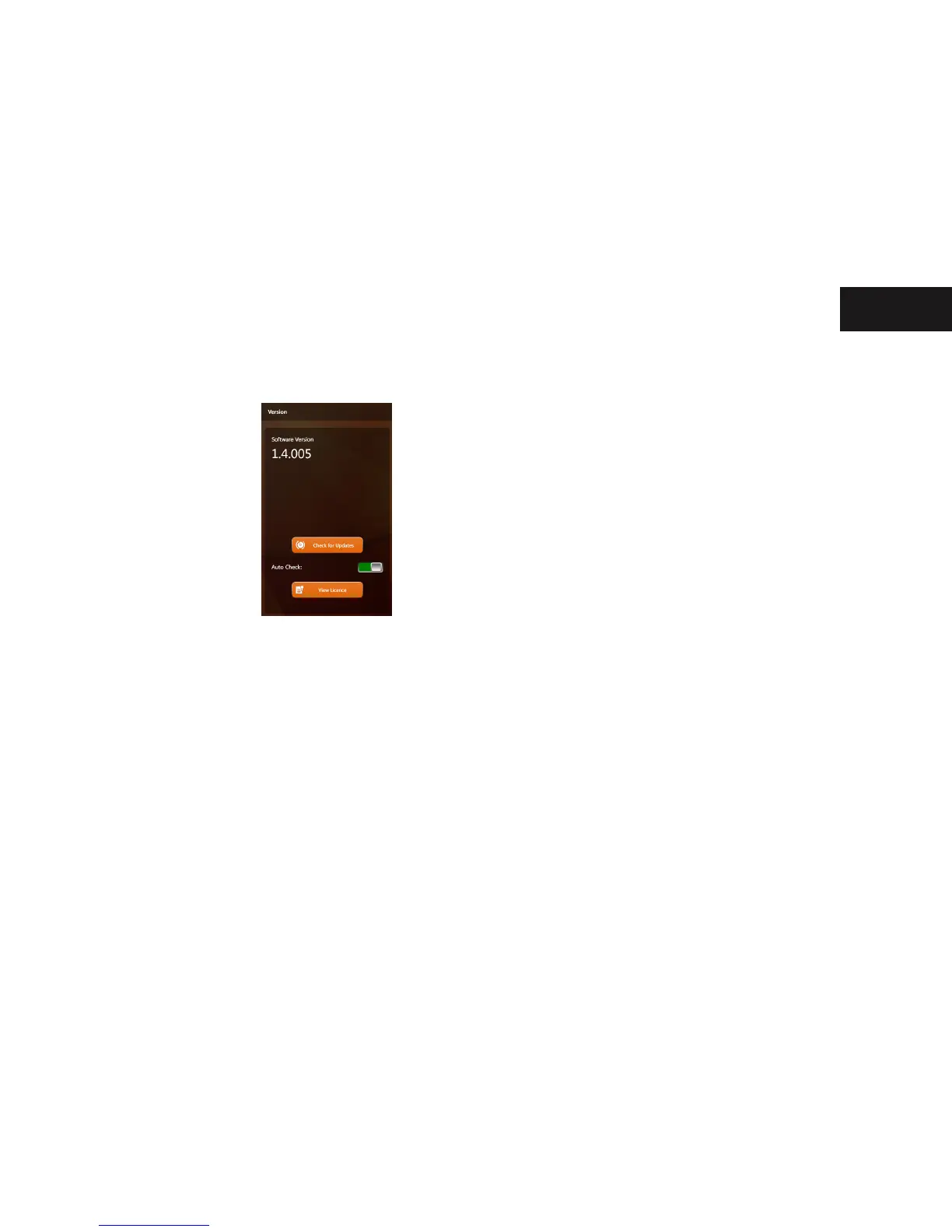
Your ActivTable may not have the latest software installed.
To check your ActivTable software version touch the Settings button on the Main Menu screen
then the Software and Security tab.
To Check for Updates and for Auto Check to function, your ActivTable must be connected to
the internet. If you experience any problems updating, please visit support.prometheanworld.
com or www.prometheankb.com where you can nd specic articles on updating the
software.
Start Up


 To Next Page