11 ActivTable Quick Start Guide
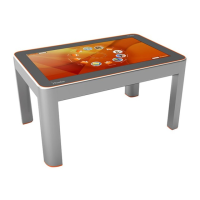
The ActivTable is a touch sensitive device. You control the position of buttons and the position and size of tools with a
number of gestures as shown below.
A large number of tools are available for use in activities or when creating users or user groups, such as the keyboard.
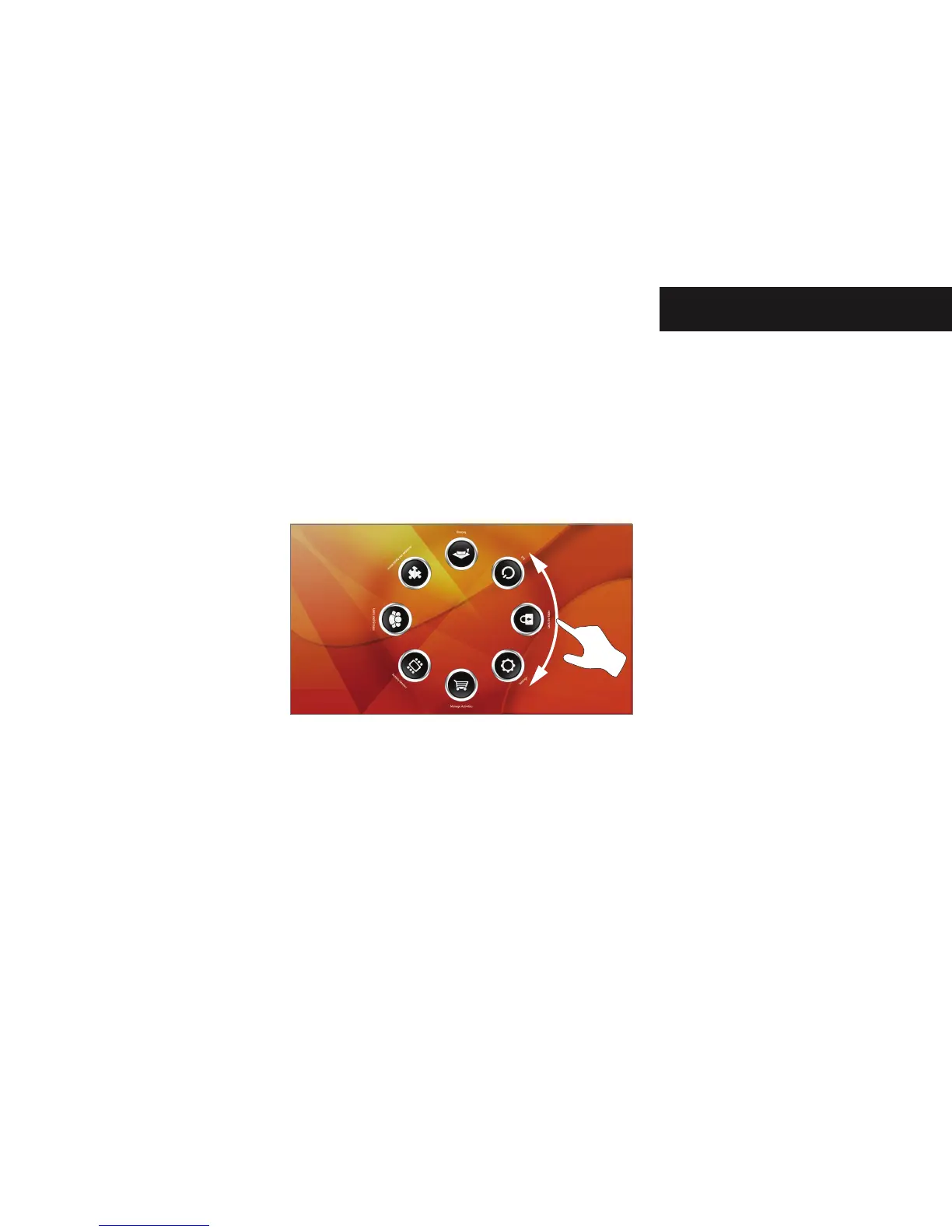
Rotating the Buttons
The ring of buttons on the Main Menu and Activities and Applications screens can be rotated around the centre of the
screen. Touch the screen and drag in a circular motion to rotate the buttons
Controlling the ActivTable


 To Next Page