6 ActivTable Quick Start Guide
Start Up
Switching on the ActivTable
The ActivTable On button is located on the main connectivity panel.
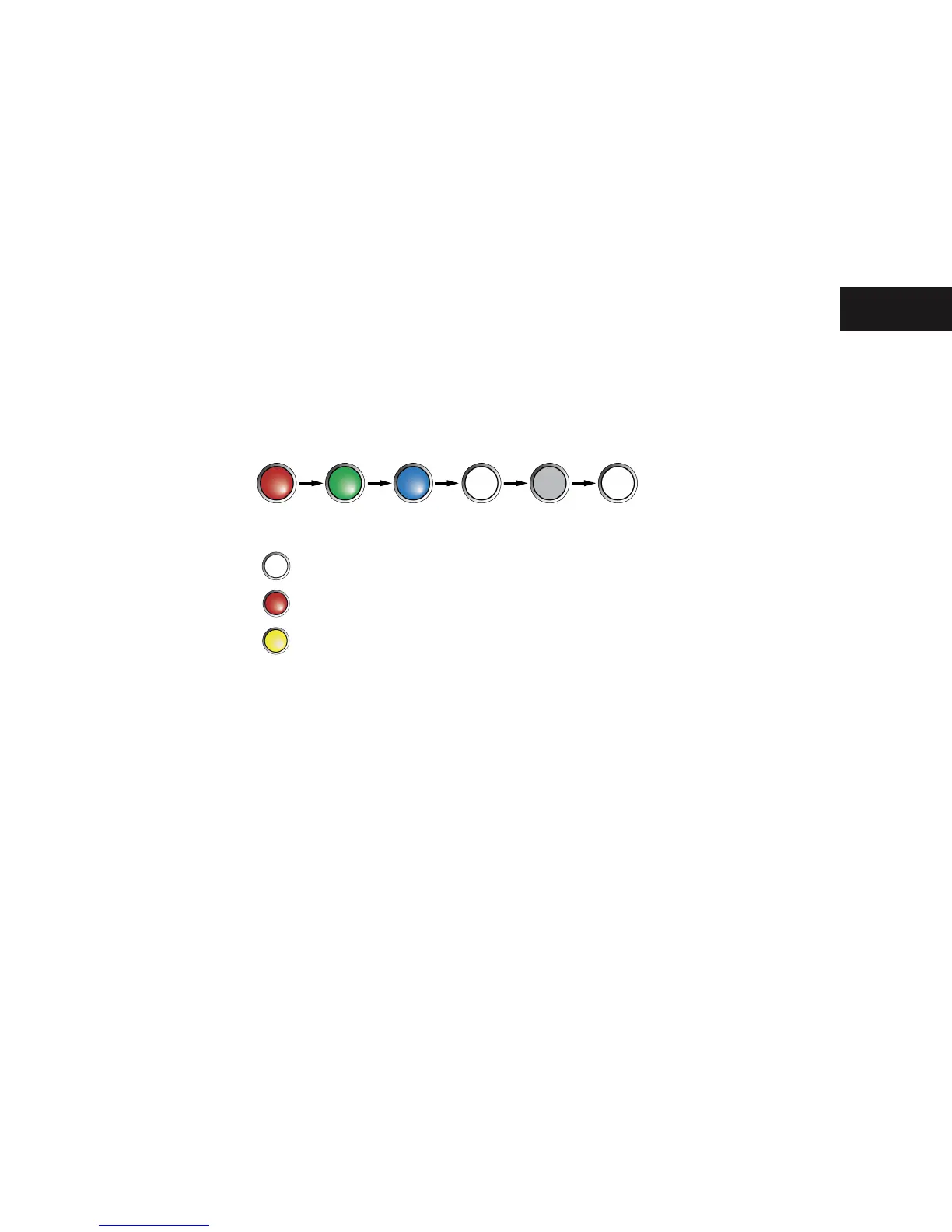
Press and hold the On button for 2-3 seconds. The On button changes to Red, then Green, then Blue, then White. The
light will then go off briey before changing to White.
The red, green, blue, white light sequence indicates a normal start up of the ActivTable. The button colour after the
light goes off indicates the following:
- Normal
- Battery Fault
- Battery Charging


 To Next Page