Setup menu operation
! ii!!!!!!iiiil,I iliiiiii:i ,iiiiiii,ii!iiii,ii!i :ii!ii iii ii! i iiiii!ii!!!!! ii i i!i!!iii i ii !i!i!i!i!iiiiii!iiiiiii !!i ! i
b. Press "_'iJ,"to choose the items, then enter the desired item with ENTER button. It has been set
already when the desired item becomes red.
Note: Press Left button to get back the previous menu.
c. Press SETUP to exit the menu.
d. The items of the menu as below:
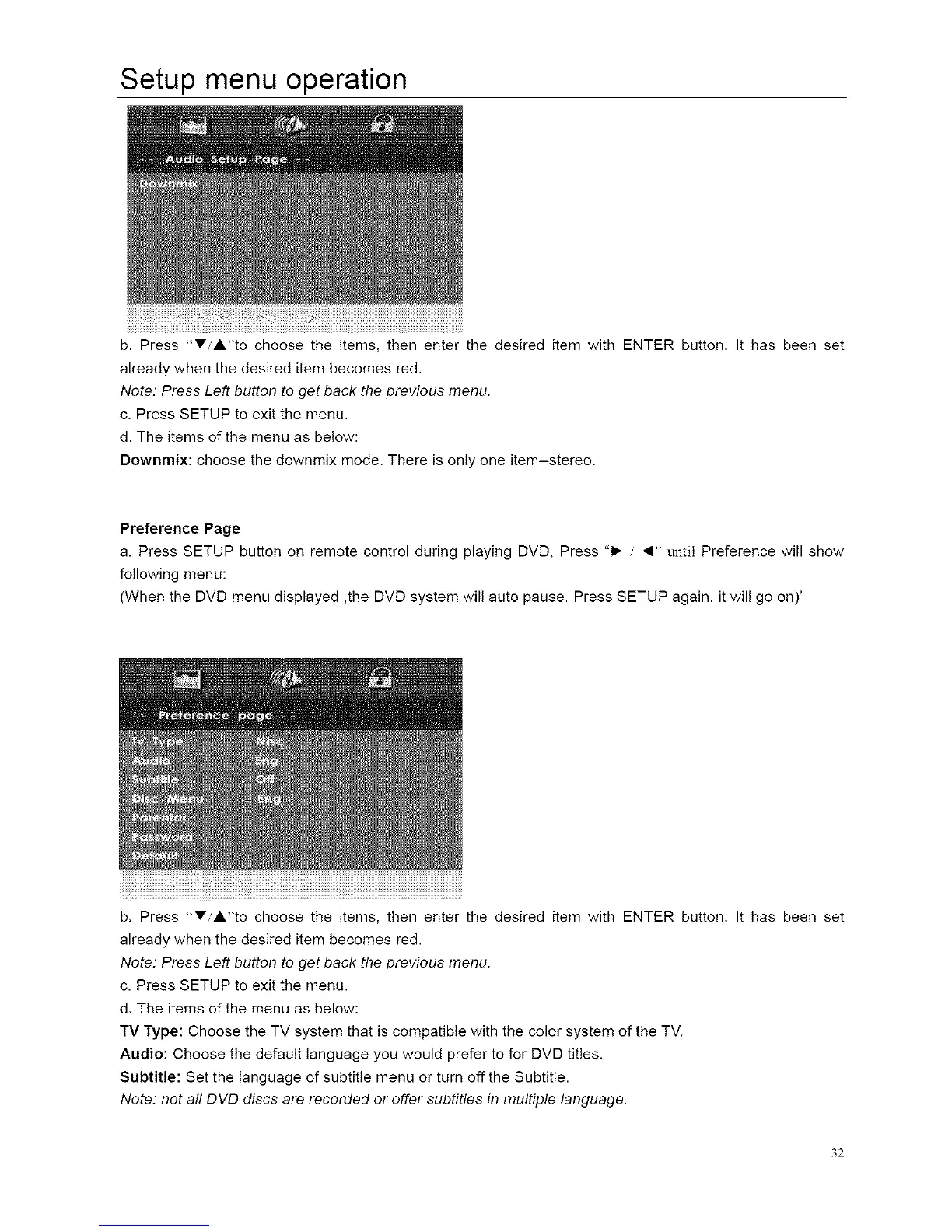
Downmix: choose the downmix mode. There is only one item--stereo.
Preference Page
a. Press SETUP button on remote control during playing DVD, Press "1_ _1" until Preference will show
following menu:
(When the DVD menu displayed ,the DVD system will auto pause. Press SETUP again, it will go on)'
b. Press "_'iJ,"to choose the items, then enter the desired item with ENTER button. It has been set
already when the desired item becomes red.
Note: Press Left button to get back the previous menu.
c. Press SETUP to exit the menu.
d. The items of the menu as below:
TV Type: Choose the TV system that is compatible with the color system of the TV.
Audio: Choose the default language you would prefer to for DVD titles.
Subtitle: Set the language of subtitle menu or turn off the Subtitle.
Note: not aft DVD discs are recorded or offer subtitles in multiple language.
32














 To Next Page