EasyManua.ls Logo

ProScan PLCD3271A-B - User Manual

ProScan PLCD3271A-B
22 pages
Print Icon
To Next Page IconTo Next Page
Loading...
PROS CAN
PROSCAN
MODEL: PLCD3271A-B
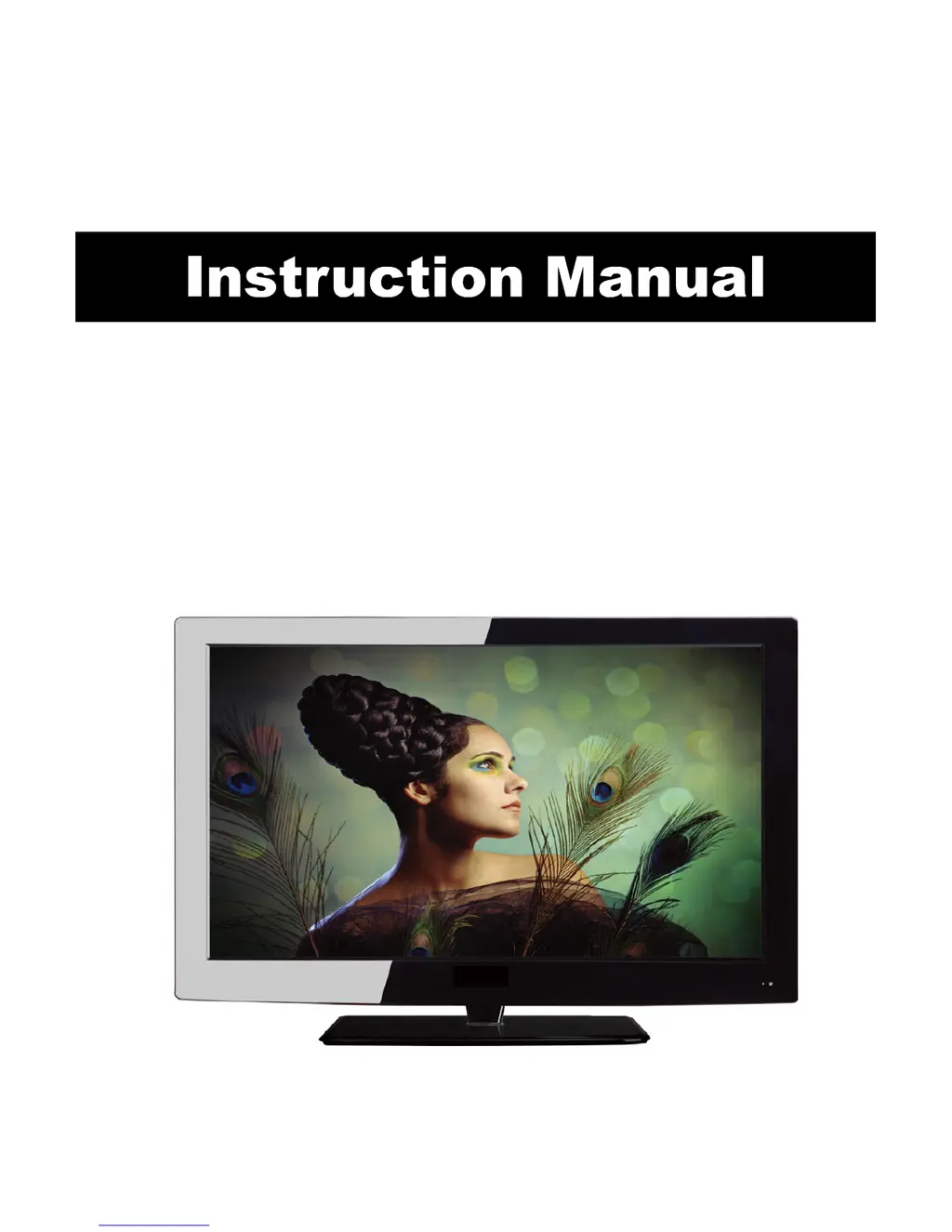
32” LCD Television TV with DVD

Questions and Answers

  • D
    David ConleyJul 27, 2025
    Why is my ProScan LCD TV remote not working?
    • A
      Alisha WarrenJul 27, 2025
      If your ProScan LCD TV isn't responding to the remote control, ensure there are no obstacles blocking the path between the remote and the TV. Also, make sure you are within the remote's operational range. Finally, check the remote's batteries to be certain they aren't weak or dead.
  • D
    Danielle JacksonAug 2, 2025
    What to do if my ProScan PLCD3271A-B LCD TV has no picture or sound?
    • H
      Hannah OrtizAug 2, 2025
      If your ProScan LCD TV shows no picture or sound, first, make sure the TV is properly plugged in and turned on. Next, verify that the aerial is correctly connected. As a final step, try switching to a different program to rule out a broadcast issue.
  • K
    Keith LewisAug 8, 2025
    How to improve poor picture quality on ProScan PLCD3271A-B LCD TV?
    • E
      Erin ForbesAug 8, 2025
      If your ProScan LCD TV has poor picture quality, start by checking the aerial connections. Then, ensure the channel is properly tuned. Adjust the picture settings (brightness, colour, sharpness, contrast, hue). Finally, make sure the TV is not near any electrical devices that might cause radio frequency interference.
  • K
    Kristina WilliamsonAug 13, 2025
    ProScan PLCD3271A-B LCD TV won't turn on, what should I do?
    • B
      Brandon MartinezAug 13, 2025
      If your ProScan LCD TV has no power, check all the connections to the TV. Also, try pressing either the power button or the Standby button on the remote control.
  • W
    Wanda WebsterSep 10, 2025
    Why is there no color on my ProScan PLCD3271A-B?
    • K
      kennethdeckerSep 12, 2025
      If your ProScan LCD TV has no color, first adjust the color setting. Then, check to ensure the program you are watching is broadcast in color. Finally, verify that the channel is properly tuned.

Summary

Caution

Safety Information

Electrical Safety Precautions

Essential rules for safe electrical usage to prevent shocks and damage.

Physical Handling and Care

Guidelines for safe physical handling of the TV and remote to prevent damage or injury.

OSD Menu

Lock and Parental Controls

Manages system lock, password changes, and TV/movie rating restrictions.

Simple Troubleshooting

Troubleshooting Common Issues

Provides solutions for problems like no power, no picture/sound, poor quality, and remote control issues.

Technical Specifications

LCD and TV Specifications

Lists detailed technical data for the LCD panel and TV system, including dimensions and resolutions.

Terminal and Other Specifications

Details the available terminals, input power, power consumption, and audio output power.

ProScan PLCD3271A-B Specifications

General IconGeneral
BrandProScan
ModelPLCD3271A-B
CategoryLCD TV
LanguageEnglish

Related product manuals