EasyManua.ls Logo

ProScan PLCD5085A - User Manual

ProScan PLCD5085A
24 pages
Print Icon
To Next Page IconTo Next Page
Loading...
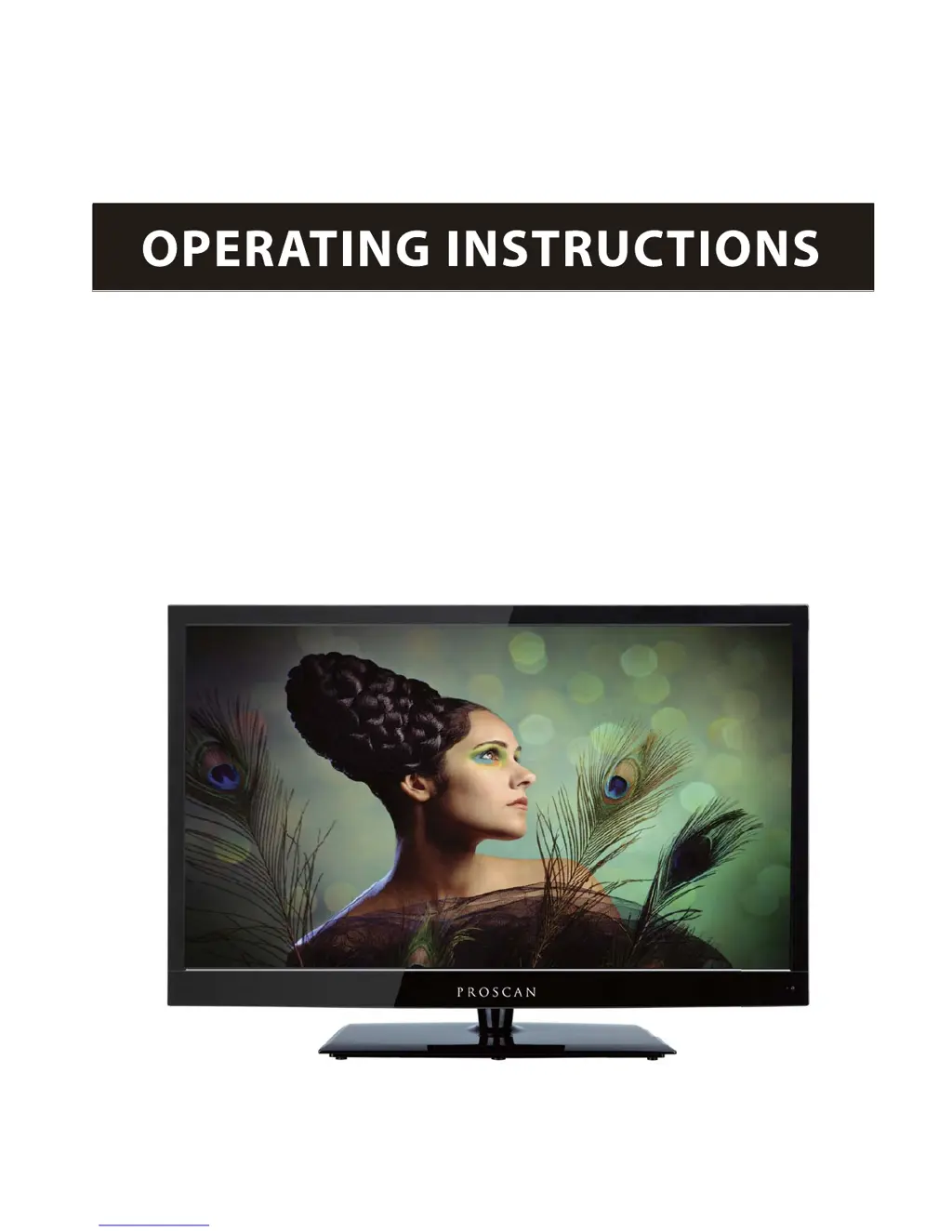
50" 1080p LCD Television
PLCD5085A
PROSCAN

Questions and Answers

  • M
    Michele HarrisonJul 26, 2025
    What to do if ProScan LCD TV remote control not working?
    • C
      carsonkatherineJul 26, 2025
      If your ProScan LCD TV isn't responding to the remote, make sure there are no obstructions between the remote and the TV. Also, verify that the remote is within its operational range and that the batteries aren't weak or exhausted.
  • M
    Madison ToddAug 5, 2025
    How to improve poor picture quality on ProScan PLCD5085A?
    • M
      Mary TaylorAug 5, 2025
      To improve poor picture quality on your ProScan LCD TV, check the antenna connections and ensure the channel is properly tuned. You can also adjust the picture settings like brightness, color, sharpness, contrast, or hue. Also, make sure that the TV is not near electrical appliances that may emit radio frequency interference.
  • E
    Elizabeth HarrisAug 15, 2025
    How to restore color on ProScan PLCD5085A LCD TV?
    • C
      carlosbellAug 15, 2025
      If your ProScan LCD TV has no color, first adjust the color setting. If that doesn't work, check if the program itself is in color and that the channel is properly tuned.

Summary

Caution and Safety Information

General Safety Precautions

Electrical Safety Guidelines

Details on safe electrical usage to prevent hazards and damage.

Physical Handling and Placement

Guidelines for safe handling and placement of the TV to prevent physical damage.

Product Introduction

Remote Control Operation

Explains the operation and buttons of the TV remote control.

Basic TV Operation

Powering the TV On and Off

Instructions for turning the TV on and putting it into standby mode.

Selecting Input Sources

How to switch between different input sources like TV, HDMI, PC.

Troubleshooting Common Issues

ProScan PLCD5085A Specifications

General IconGeneral
Screen Size50 inches
Display TypeLCD
HDMI Ports3
USB Ports1
Aspect Ratio16:9
Refresh Rate60Hz
Resolution1920 x 1080
InputsHDMI, Composite, VGA
Sound Output20 Watts

Related product manuals