16
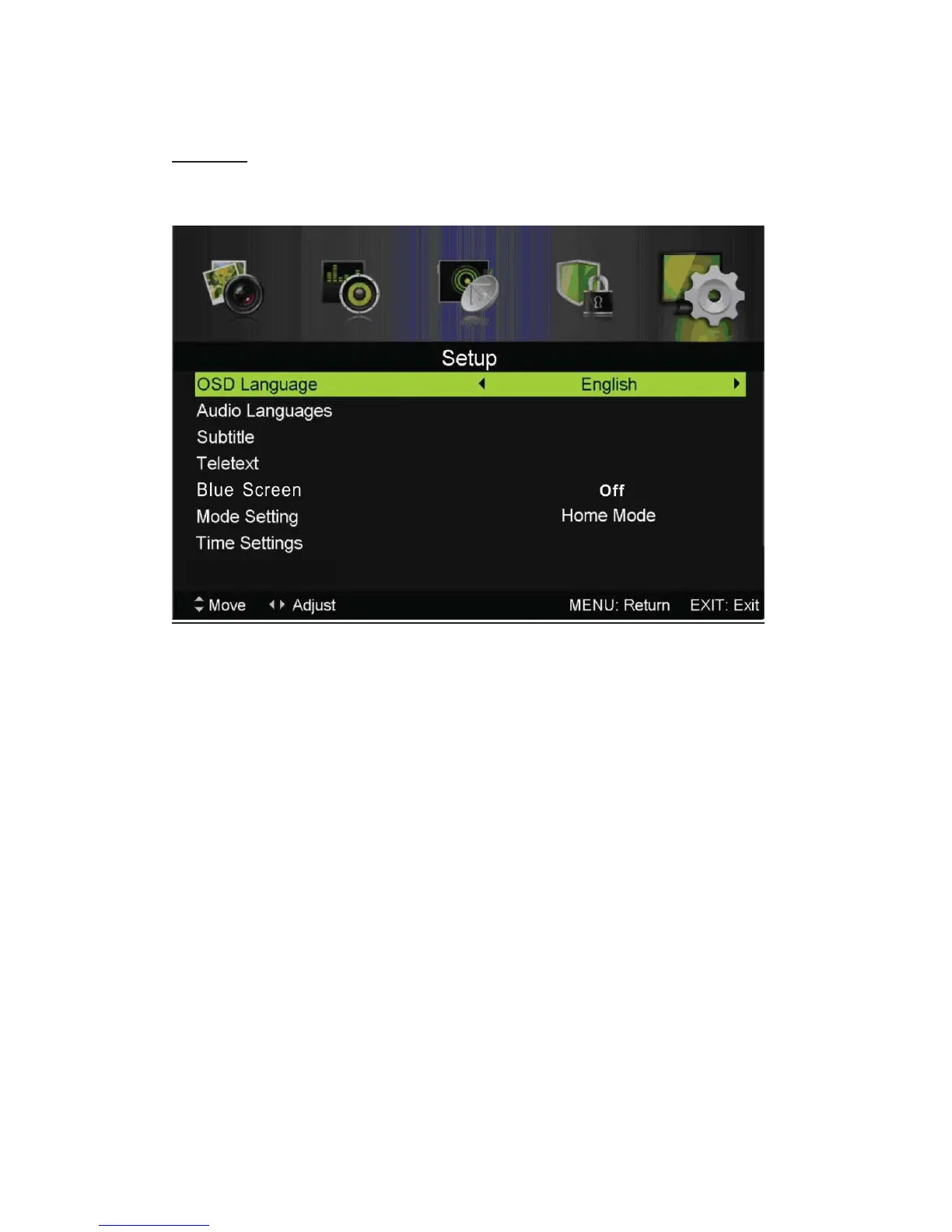
SETUP
Press the “MENU” button to enter the OSD menu. Then press“e/f” button to select the “SETUP”
menu.
1. Press “c/d” button to select “OSD Language” and press the “e/f” button to select the OSD
language which you desire.
2. Press “c/d/” button to select “Audio Language” and press the “f” button to enter the Audio
language adjustment menu to select the Audio language which you desire.
3. Press “c/d” button to select “Subtitle” and press the “f” button to select “On” or “Off”.
Note: This function is only used for DTV source.
4. Press “c/d” button to select “Teletext” menu and press the “f” button to enter sub-menu.
8. Press “c/d” button to select “HDMI CEC Control” menu and press the “f” button to enter sub-menu.
5. Press “c/d” button to select “Blue Screen” and press the “e/f’’ button to select ĀOn” or
“Off”.
6. Press “c/d /e/f ”button to select Mode Setting.
7. Press “c/d/e/f” button to select “Time Setting”.
9. Press “c/d/e/f” button to select “PVR Settings”.
10. Press “c/d” button to select “First Time Installation”, then press “ENTER” button to set
relevant options including OSD language, country and tuning.
11. Press “c/d” button to select “Reset”, then press “ENTER” a dialogue. Press “e” button
selecting “Yes” to restore all setting to default setting.
12. Press “c/d” button to select “Software Update (USB)”, then press “ENTER” button to
update software using USB.
HDMI CEC Control



 To Next Page