23
PVR Operation
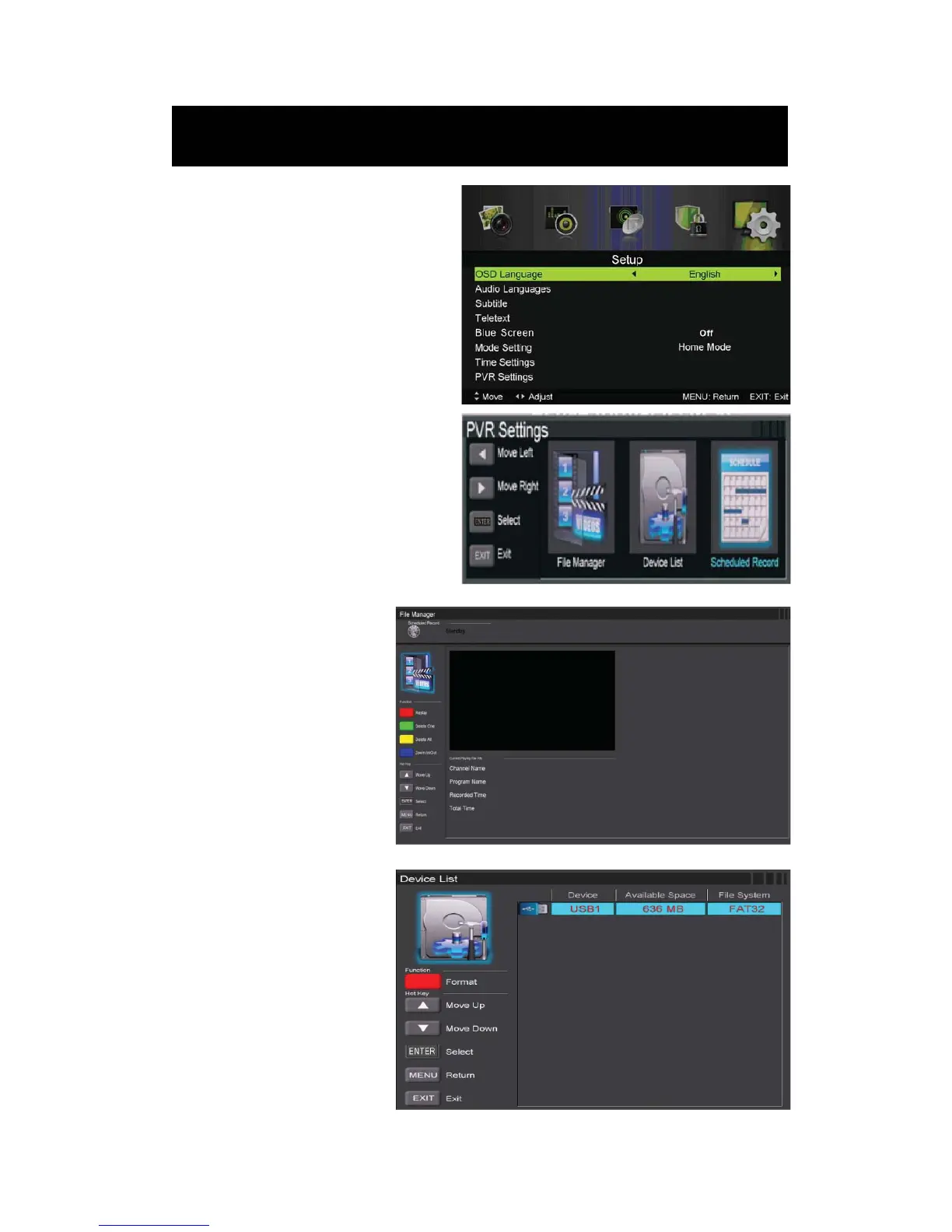
In DTV source, press the “MENU” button
to enter the OSD menu. Then press“Ż / Ź”
button to select the “Setup” menu.
1. Press “c/d” button to select “PVR
Settings” and press the “ENTER”or “Ź´
button to enter.
a) Press “Ż / Ź” button to
select “File Manager” and press
the “ENTER” button to check
PVR file system.
b) Press “Ż / Ź” button to
select “Device List” and press
the “ENTER” button to the sub
menu.



 To Next Page