24
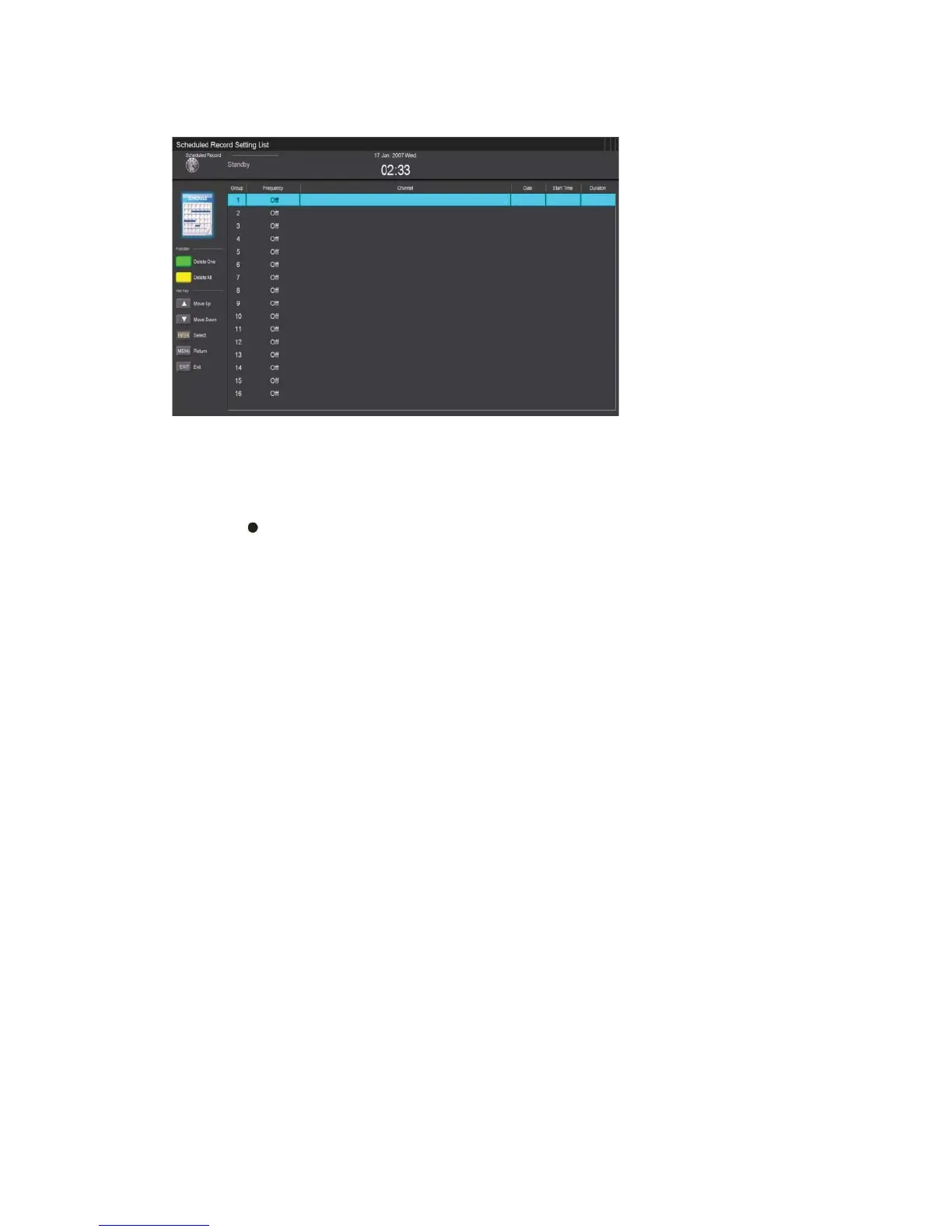
c ) Press “c/d” button to select “Scheduled Record” and press the “ENTER” button to set.
Note:
1. The U disk will be formatted when in format, please do not store important files in the U
disk.
2. Press “
” button for the first time to start recording, for the second time, the sign of
recorder will be slimmed down, but it's still under recording.



 To Next Page