29
DVD SYSTEM SETUP(CONTINUED)
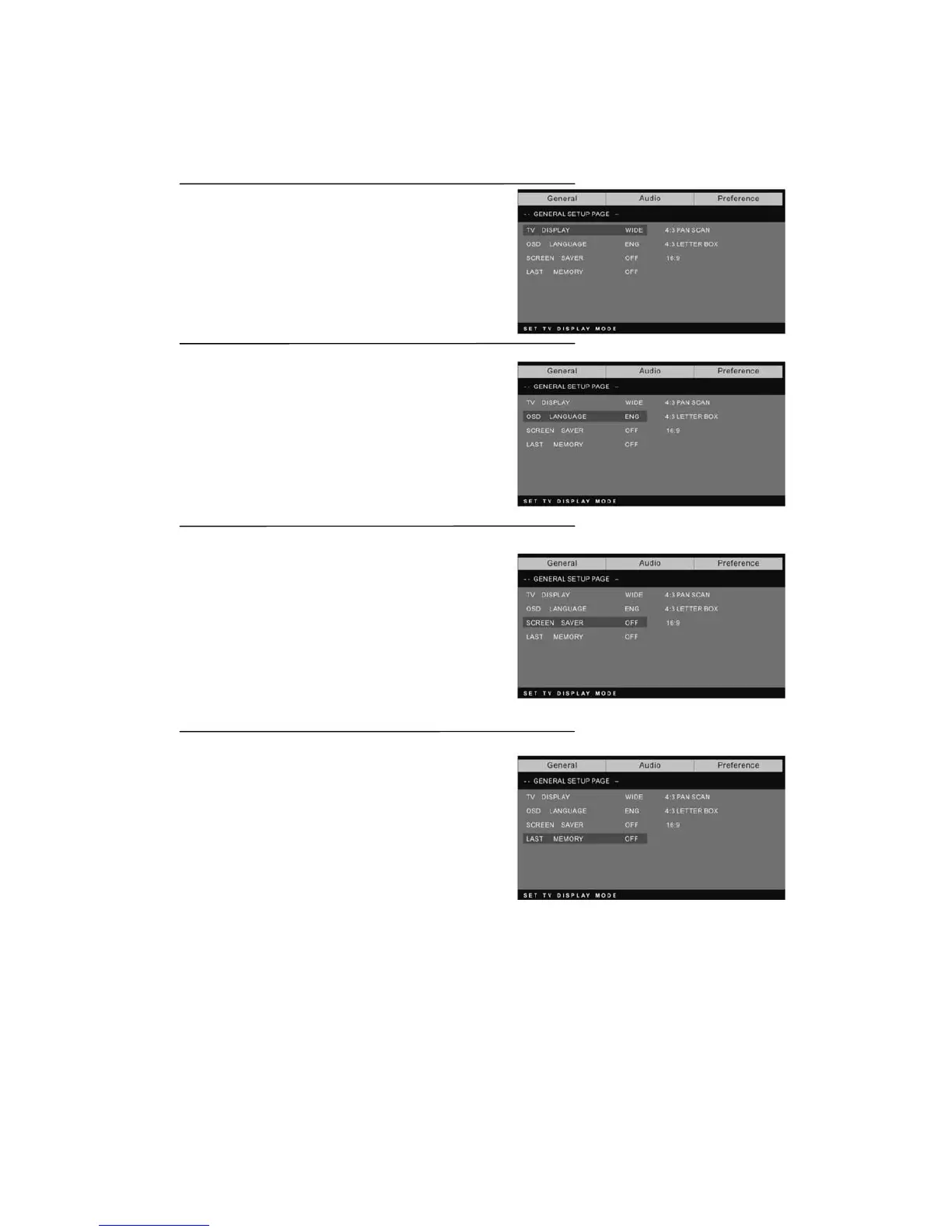
General Setup Page
TV Display: user can select different display wide
model such as 4:3 PS, 4:3 LB, 16:9 WIDE.
On Screen Display (OSD) Language:
Users can select on-screen display
Language.
Screen Saver: if the screen saver is on, then there
will be an animated picture of DVD on the screen
whenever the DVD player is idle for more than 3
minutes.
Last memory: memorize the chapter you have
just watched. When last memory is on , if you turn
on the DVD again after off it will display from the
chapter you watched when you turn off the DVD.



 To Next Page