Part 1. How to connect the Proscenic 850T to WLAN (IOS)
1. Log in to the "Proscenic Home" app
Download "Proscenic Home" from the App Store
Register with your email address for a "Proscenic Home" account. Select " United
States of America +1". (skip this step if you already have a "Proscenic Home"
account)
Enter your username and password. Log in to your "Proscenic Home" account.
2. Add the Proscenic 850T
Remarks: Make sure that your iPhone/iPad is already connected to 2.4GHz
WLAN
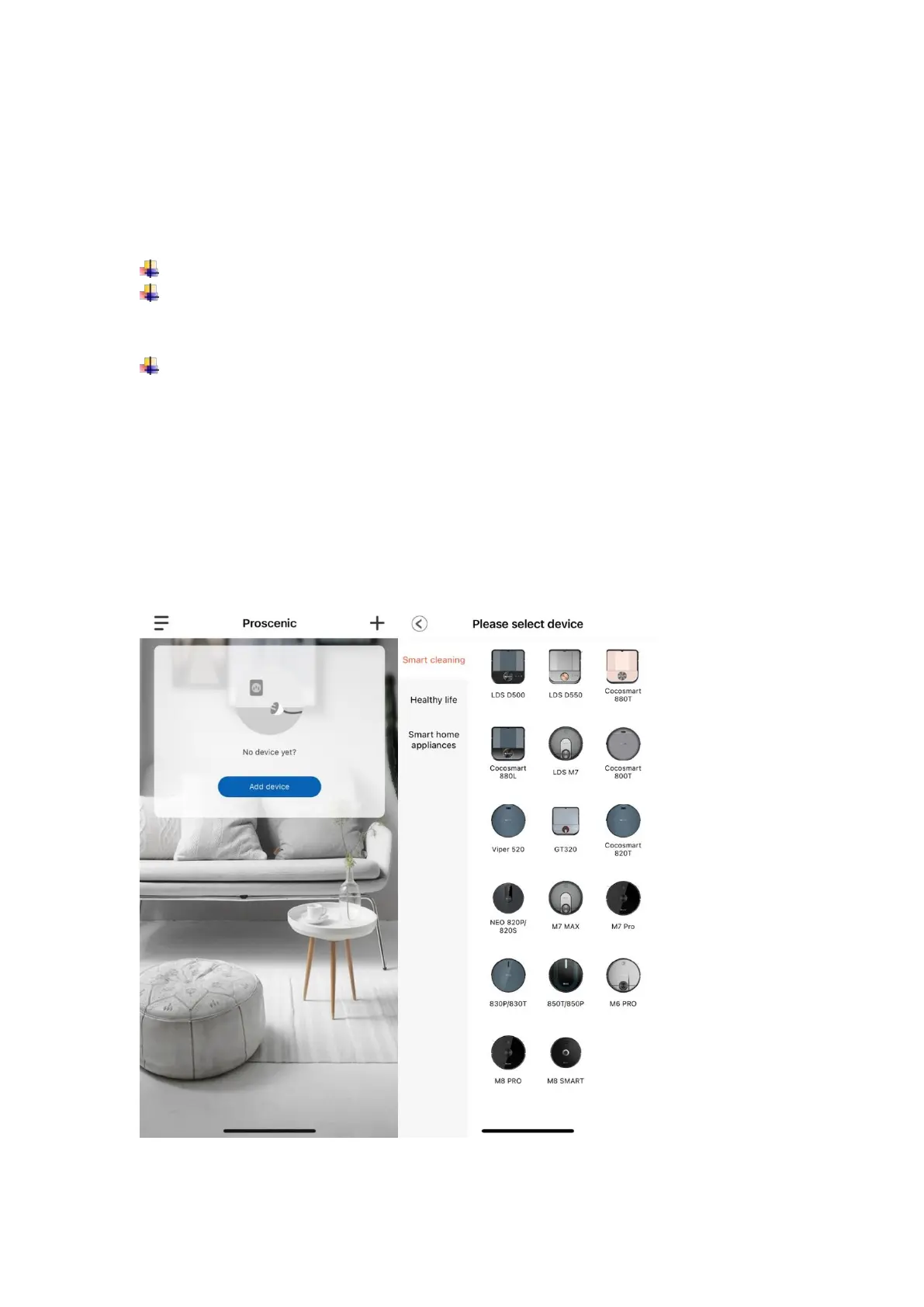
2.1 Click the "Add device" option to add a device
2.2 Select 850T from the category "Smart cleaning".


 To Next Page