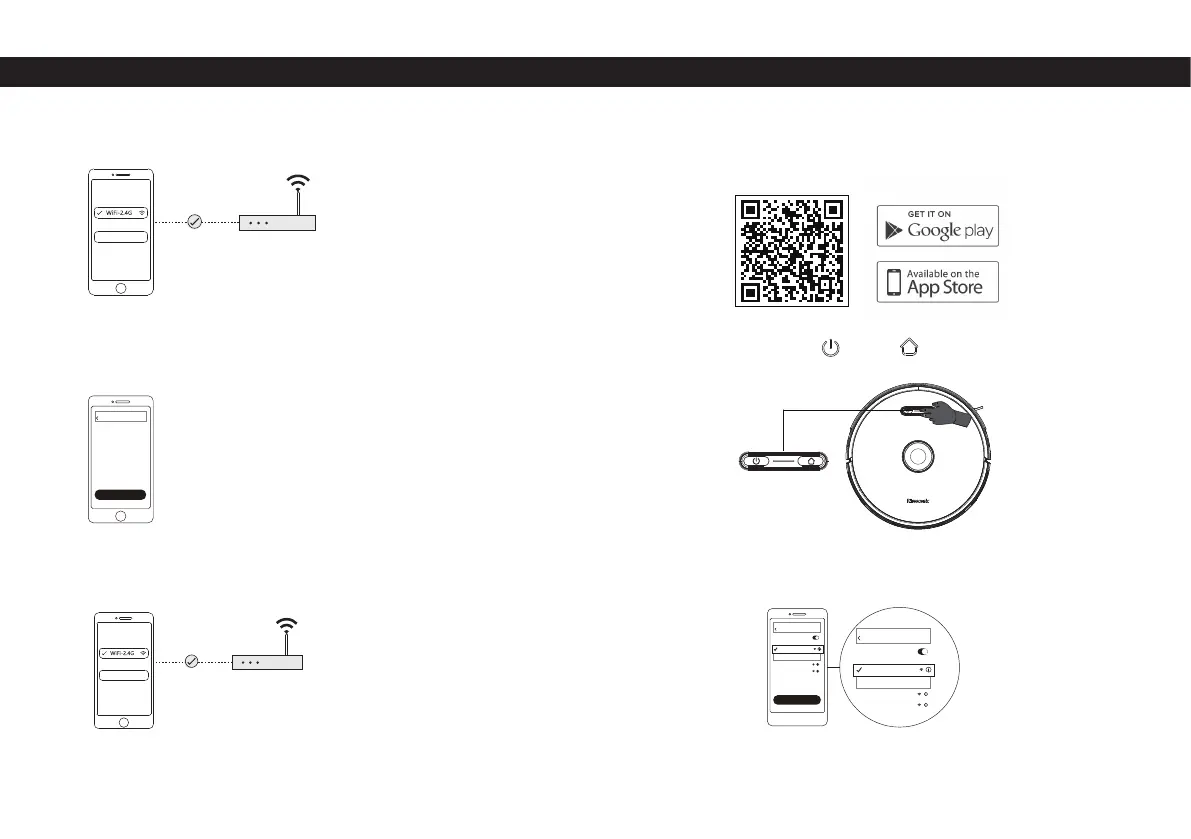
Connect to the mobile client
② Scan the QR code below, or search for “Proscenic”
in the mobile app store to download the app, register
and login to the account.
① The phone is connected to WiFi.
④ Press and hold the “ ” and “ ” keys for 5 seconds to
enter the network configuration.
⑤ Select the connected WiFi of the phone
and enter the WiFi password.
⑦ Return to the APP and wait for the distribution
network to complete.
⑥ Go to the mobile phone WLAN list and select and connect
the “Proscenic-XXXX" device hotspot.
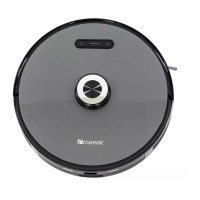
③ Choose the sweeping robot “M8 PRO’’
on the home page to add a device.
Add device
Add device
Set up
Select WiFi...
Configure network
WLAN
WLAN
Proscenic-XXXX
Proscenic-XXXX
XXXXXXXX
XXXXXXXX
Set up
Select WiFi...
WLAN
WLAN
XXXXXXXX
XXXXXXXX
Password
Password


 To Next Page