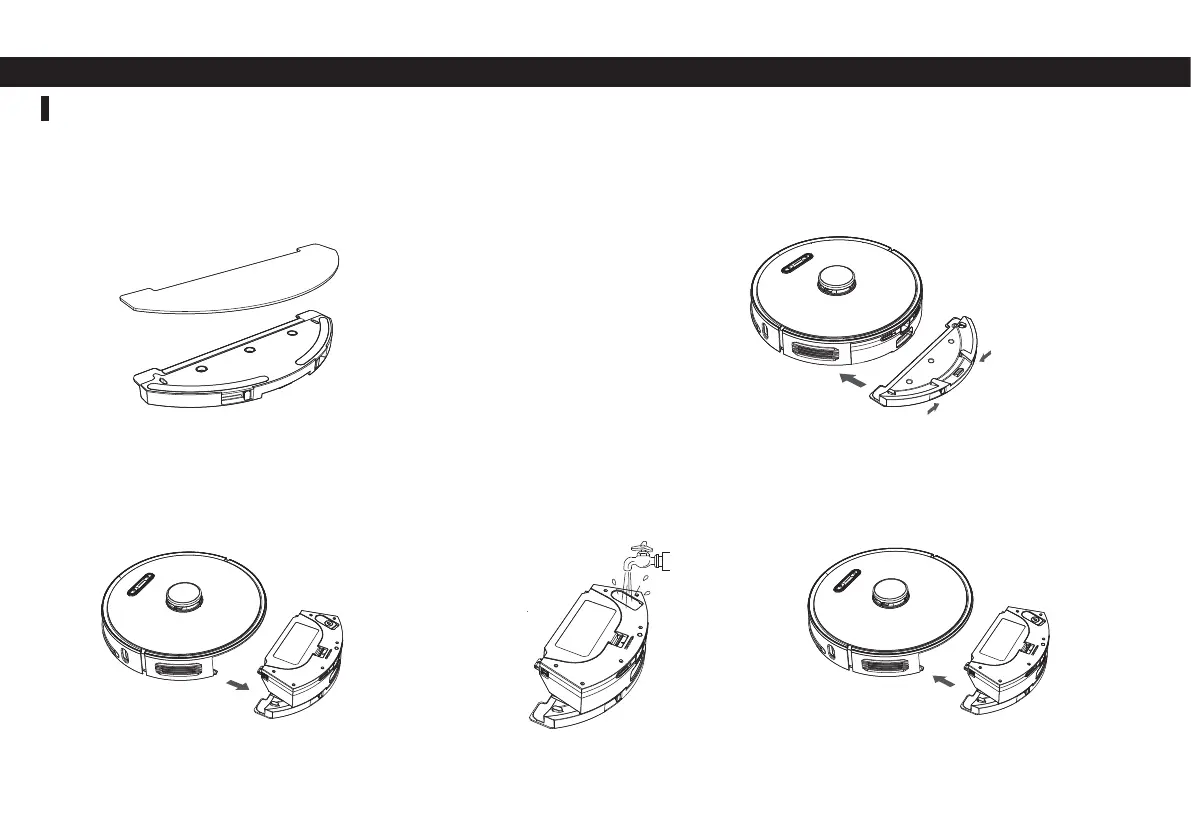
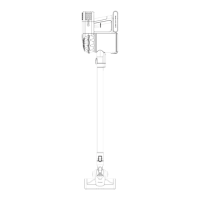
Install the 2-in-1 Dust bin & water tank
① Place the mop pad onto the mop attachment and secure it to
the Velcro strips. Slip corners of the mop pad over the plastic
tabs at the rear of the mop attachment.
② Slide the mop attachment into the dustbin as shown in the
fi gure below until you hear a click confi rming that it is locked in
place.
⑤ Install the dustbin with the mop attachment
still installed into the machine according to the
fi gure below.
④ Open the water fi ll cap on the dustbin and
fi ll with water,close the cap.
Please Note:
1. To avoid carpet while mopping, set up virtual boundaries on the Proscenic APP.
2. To avoid leakage, install the mop attachment on the dustbin before fi lling with water.
3. Make sure to empty any leftover water from the tank after mopping.
③ Remove the dustbin from the machine with
the mop attachment still installed.


 To Next Page