• Press and hold the“
"button for 5 seconds during the
power-on process
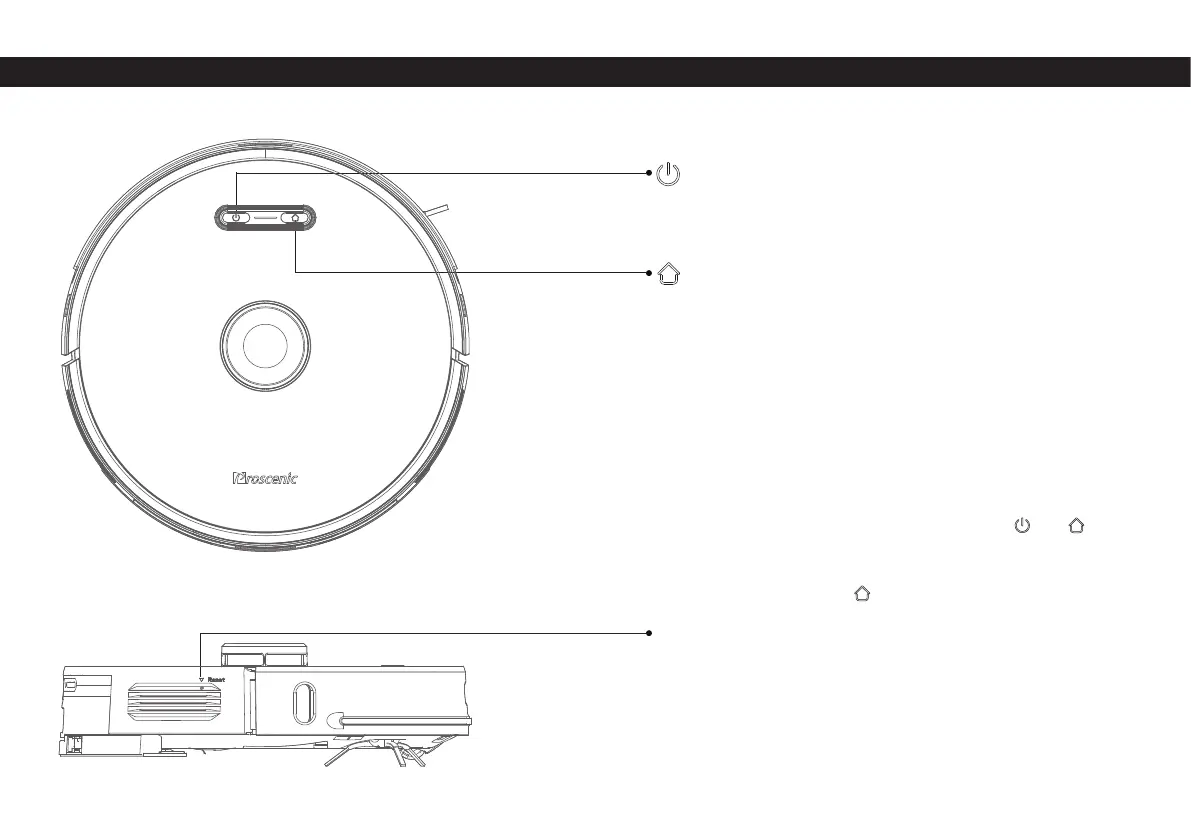
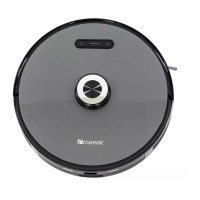
Robot
Start/Stop Button
Recharge button
Network Confi guration
Force-shutdown button
Dust collector pairing mode
• Long press to turn on / off
• Short press to start / pause cleaning
• Short press to start/pause recharging
• Solid blue light: Working normally/pause/standby
• Flashing blue light: Is powering on/confi guring network/
upgrading fi rmware
• Flashing yellow light: Low battery/recharging
• Flashing green light: Charging
• Solid green light: Fully charged
• Quick fl ashing red light: Abnormal/Error
• Light off : Off /sleep
• While the power is on, press and hold the and keys
simultaneously for 5 seconds
• Short press to turn off


 To Next Page