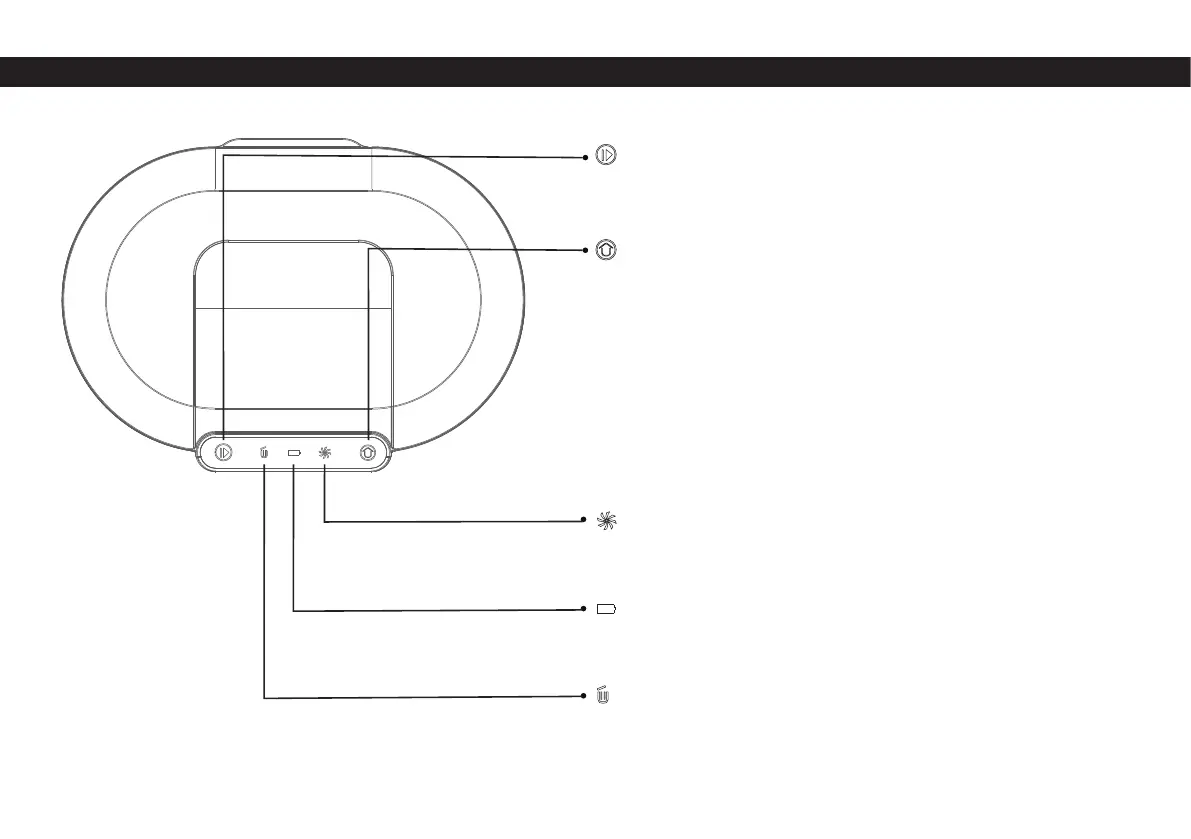
Dust collector unit
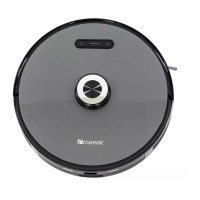
Start/Stop Button
Home button
Fan indicator
Charging indicator
Dust bag indicator
• Short press: Start auto cleaning / pause cleaning
• Press and hold for 3s: Start spot cleaning
• Short press: Return to collect dust and charge
• Press and hold for 3 seconds: Return to collect dust and then
continue to clean from the place where it left off last time
• Solid green light: Collecting dust
• Red light fl ashes quickly: Fan overheating / fan error / The dust
collector is not covered
• Green light breathing and fl ashing: Charging
• Solid green light: Fully charged / Powered on
• Solid green light: The dust bag is full / the dust duct is blocked
• Red light flashes quickly: The dust bag is not installed / not
installed in place


 To Next Page