PRESS
LED
dBm
2KHz
nW
nm
ID
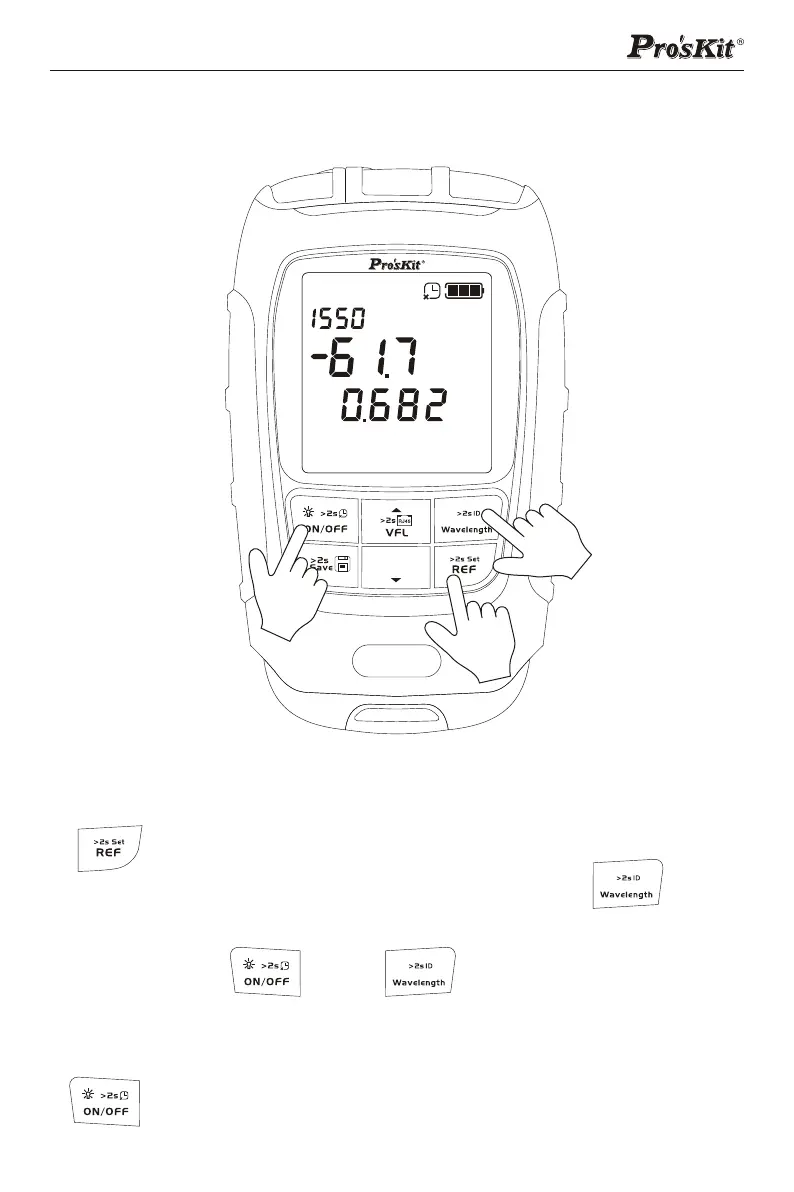
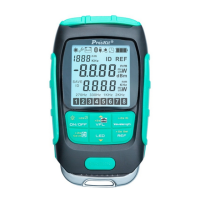
Optical power meter and Offset(self-calibration)Setting
Turn on the device and enter OPM interface, short press
" " key to switch unit and check REF value; long press
to set current value as new REF value. Press " " key to
select the wavelength; long press to open WAVE ID function.
Long press " " and " " key at the same time to
turn on the device and enter the Offset setting interface;
press up/down key to set,the range is [-5,+5]; then press
" " key to confirm the setting.
4


 To Next Page