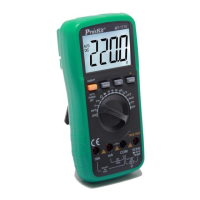
What to do if my ProsKit Multimeter has no display?
- LLynn FloydJul 30, 2025
If your ProsKit Multimeter's display is not working, try turning the power off and then back on. If the display still doesn't appear, replace the battery.
What to do if my ProsKit Multimeter has no display?
If your ProsKit Multimeter's display is not working, try turning the power off and then back on. If the display still doesn't appear, replace the battery.
What to do if my ProsKit MT-1710 Multimeter has no current input?
If your ProsKit Multimeter has no current input, replace the fuse.
Displays safety symbols used for warnings and precautions on the multimeter.
Provides an overview of the multimeter's general technical specifications and features.
Details the electrical parameters and performance specifications for various measurement functions.
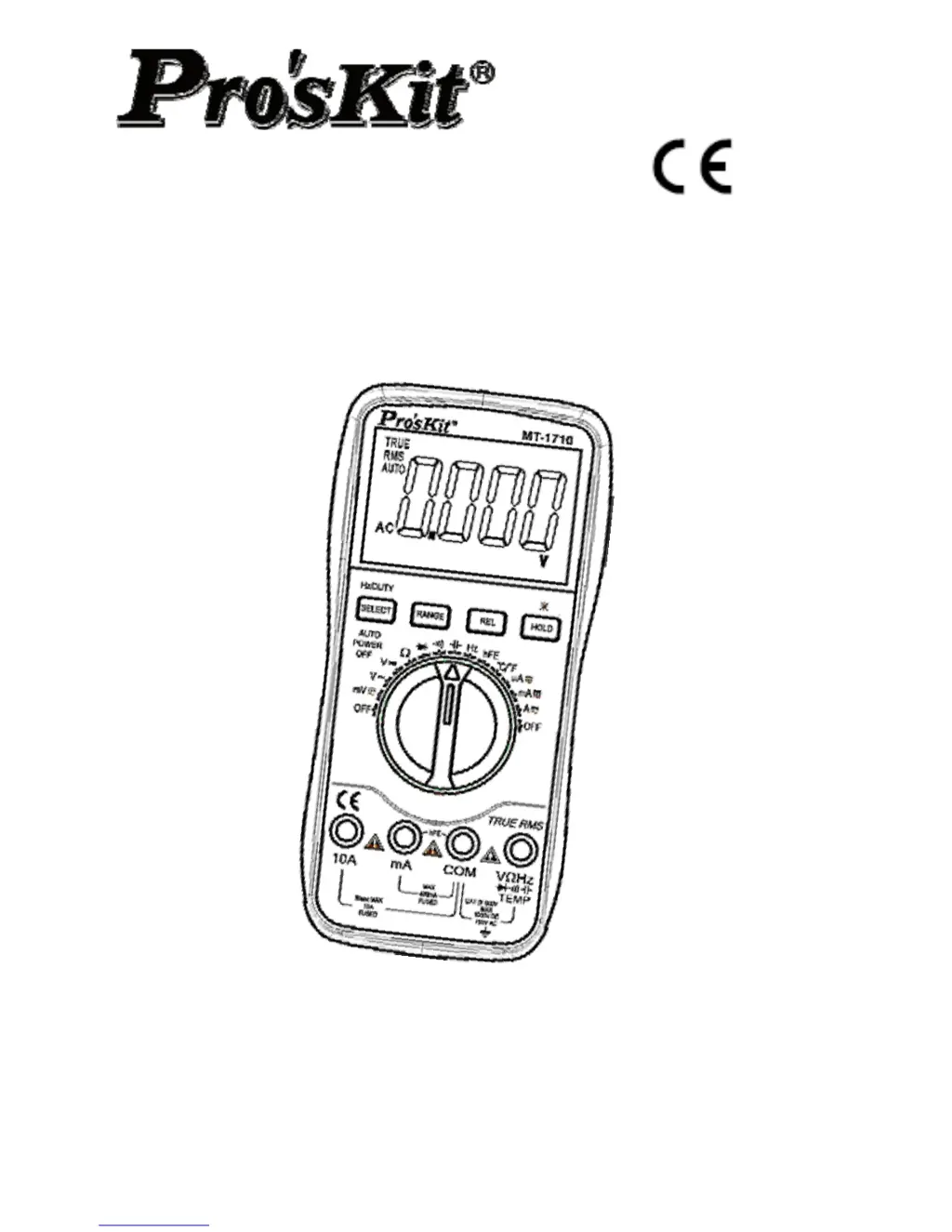
Identifies and describes the functions of the multimeter's front panel controls and displays.
Provides step-by-step instructions for measuring DC voltage.
Displays safety symbols used for warnings and precautions on the multimeter.
Provides an overview of the multimeter's general technical specifications and features.
Details the electrical parameters and performance specifications for various measurement functions.
Identifies and describes the functions of the multimeter's front panel controls and displays.
Provides step-by-step instructions for measuring DC voltage.
| Type | Digital Multimeter |
|---|---|
| Diode Test | Yes |
| Continuity Buzzer | Yes |
| Display | LCD |
| DC Current Range | 10A |
| AC Current Range | 10A |
| Temperature | -40°C~1000°C / -40°F~1832°F |
| Display Count | 6000 |
| Dimensions | 45mm |