6 When LCD displays “ ”, the battery should be replaced.
a. Ensure that the instrument is not connected to any external circuit. Set
the selector switch to OFF position and remove the test leads from
terminals.
b. Remove the screw on the back of cover and take battery cover away.
c. Remove the 9V bad battery and replace it with a new battery of the same
type. For the long-term usage, it is recommended to choose alkaline
battery.
d. Install the batter cover, and turn the screws tightly.
7 Replace the fuse with same type and steps are as above replacements.
NOTE:
1. Do not input over 1000V DC/AC voltage peak value.
2. Do not measure voltage at current range, resistance range, diode and
buzzer range.
3. Do not use the meter if the battery is not replaced completely or the
battery cover is not fixed.
4. Before replacing battery or fuse, remove the test leads from the test point
and turn power off.
7. TROUBLE SHOOTING
If the instrument does not work properly, the below methods can help you to
solve the problems quickly. If the fault still can’t be eliminated, please contact
the maintenance center or the distributors:
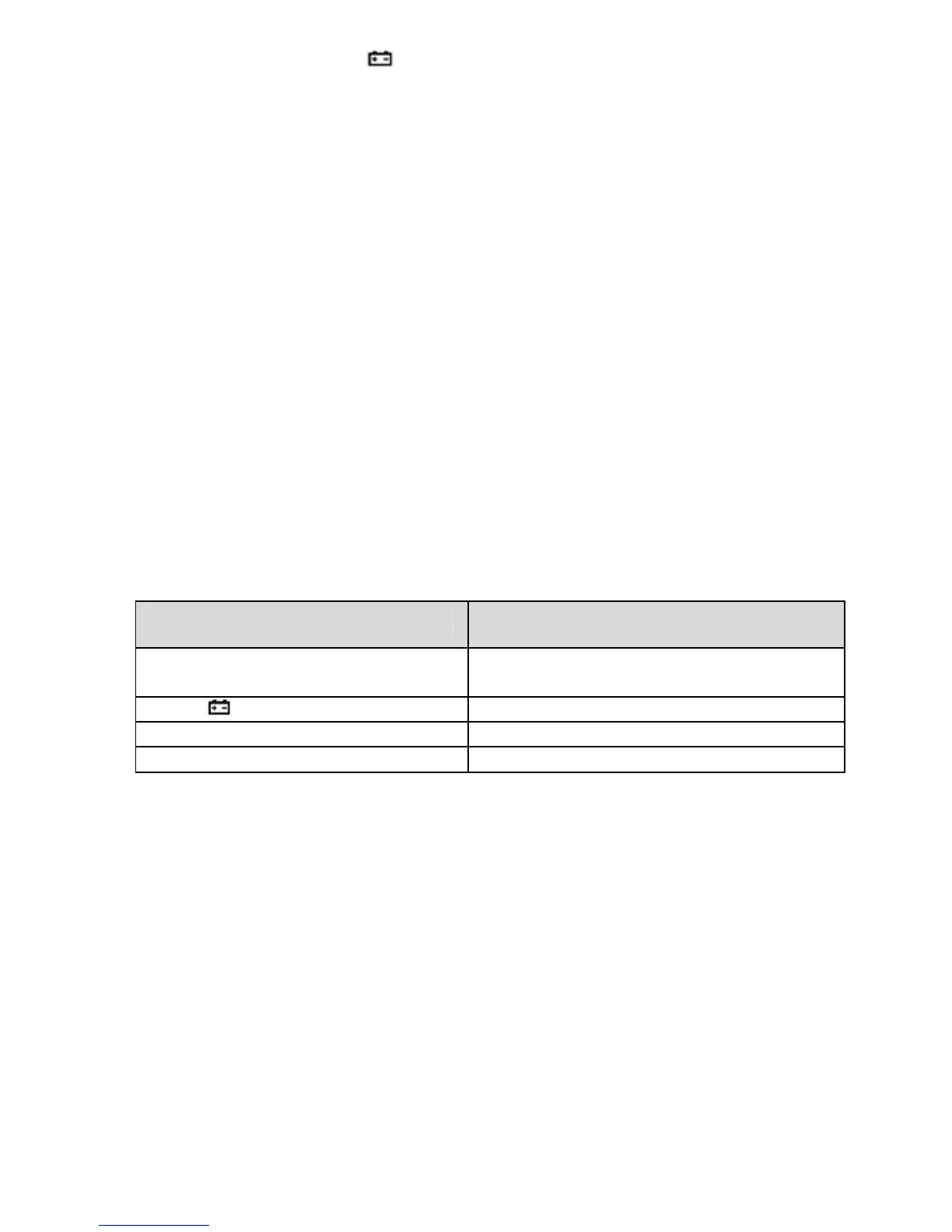
Fault Solution
No display
Power off , then turn on the power
Replace battery
symbol appearance Replace battery
No current input Replace fuse
Error value Replace battery
Note:
The instruction manual is subject to change without notice.
The contents in the instruction manual are considered to be correct, if the users find
any errors or omission, etc., please contact the manufacturer.
The manufacturer hereby will not be responsible for any accident and damage
caused by the incorrect operation.
Except the above instructions, please Do Not use the meter for unusual purpose.
11


 To Next Page